









DOWNLOAD IS NOT SUPPORTED IN WEB STORE!
Use the latest version of 9Apps to download APK&OBB file of games in one click!
DOWNLOAD 9APPS
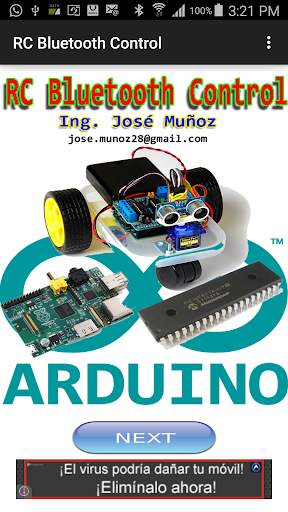
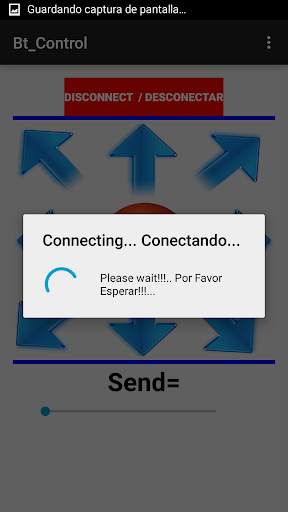
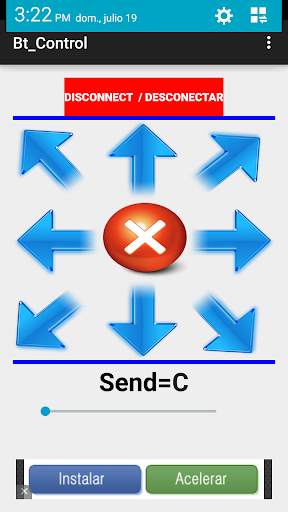
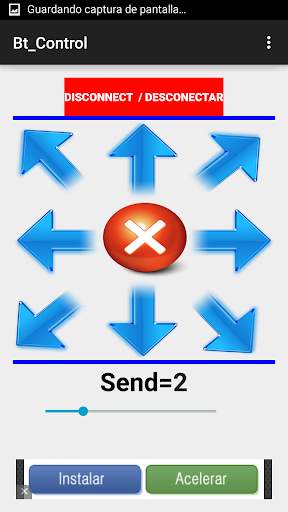
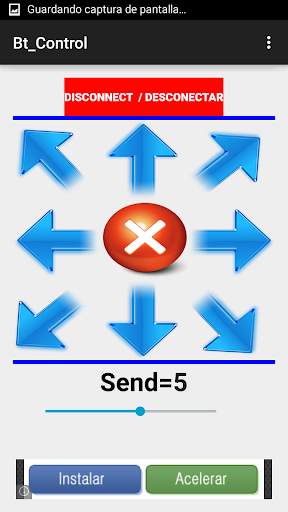
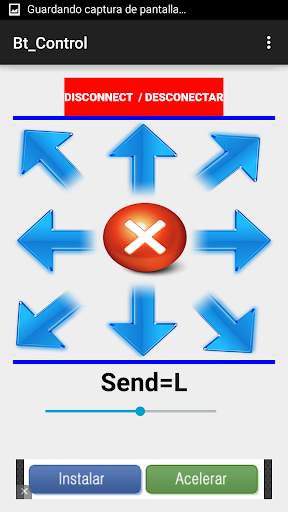
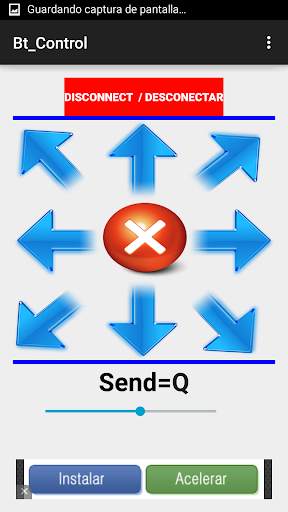
RC Bluetooth Control enables high-speed connections of data between Arduino, PIC and Rasberry Pi devices via Bluetooth connection
The connection to remote devices is immediate, without delay and reliable.
RC Bluetooth connection system
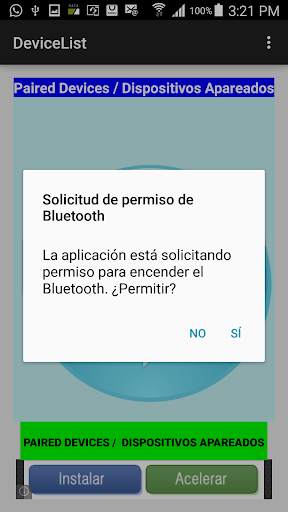
1- The RC Bluetooth Control application automatically connects to the Bluetooth device on your phone or tablet.
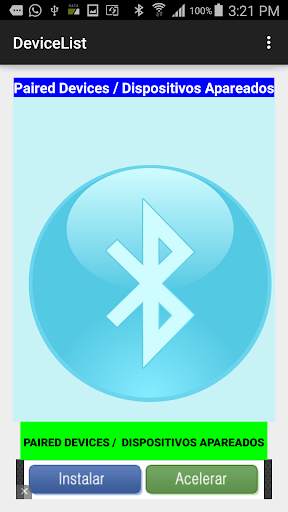
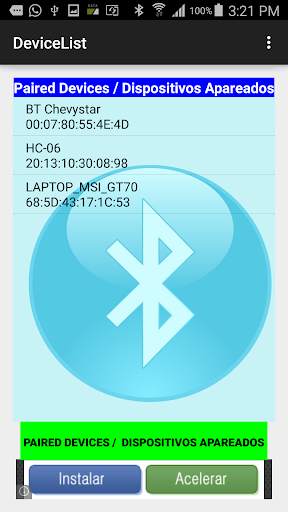
2- Once connected press the button PAIRED DEVICES / paired devices to display all devices paired with your phone or tablet via Bluetooth.
3- Select from the list the device you want to connect
4- The application automatically connects to the selected device.
5- To switch should click to DISCONNECT ON / OFF
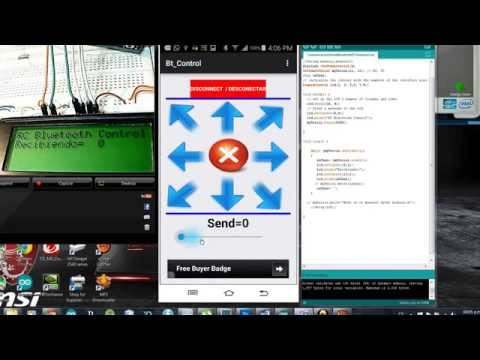
6- Once'presionar may either arrow.
7- Pressing the Up arrow character is sent U.
8- Pressing Down arrow character is sent D
9. Pressing Right Arrow character character is sent R.
10- Pressing the left arrow character L. character is sent
11- Pressing the center circle the X character is sent.
12 When you press Up Arrow Right E is sent.
12. Pressing the Up Arrow Left Q is sent.
13. Pressing Right Down Arrow C is sent.
14 - Pressing Down Left flechar Z is sent.
You can visit the website: http://profjmunoz.blogspot.com/ to watch the tutorial Arduino remote connection to the system via the Bluetooth Control application.


