











DOWNLOAD IS NOT SUPPORTED IN WEB STORE!
Use the latest version of 9Apps to download APK&OBB file of games in one click!
DOWNLOAD 9APPS

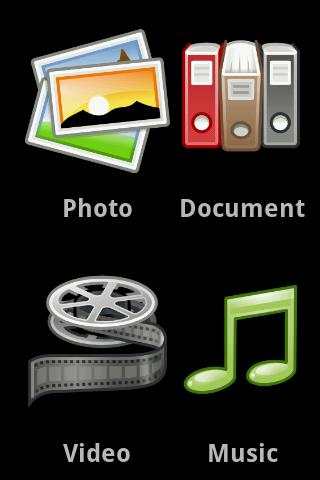
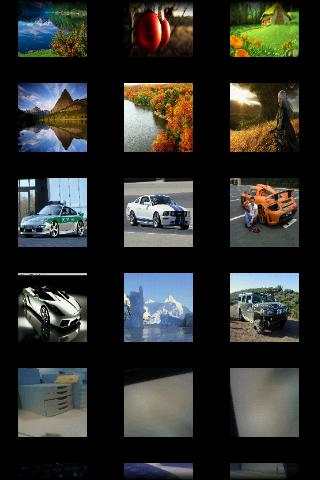
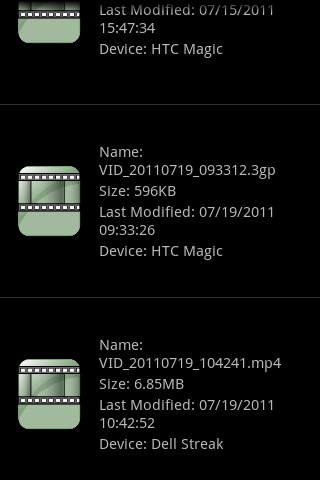
Thanks to My Files Everywhere you can you can now view all the files you have stored in different locations personal android devices or facebook from any of the devices you used.In this version you can browse video, music, documents and images Also, for you to enjoy them whenever without having to resynchronise, the images are autosaved on the device you view them if they are stored remotelyHave you ever thought of viewing your files on your Android devices from one device only just by a scanning a QR code? Have you ever thought of sharing files with your friends again by scanning a single QR code? What you need to do is to follow these 4 simple steps: 1. Launch the application on the devices that you want to pair. 2. On the device that is sharing its files, in the main page click on the menu button and click on quot;Generatequot;. 3. On the device that you want to view the files, in the main page click on the menu button and click on quot;Scanquot;.4. After you scanned the code you are done. You can now view the files on the scanned device as they are stored locally.


