DOWNLOAD IS NOT SUPPORTED IN WEB STORE!
Use the latest version of 9Apps to download APK&OBB file of games in one click!
DOWNLOAD 9APPS
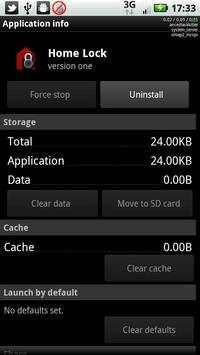
Disable the car and/or multimedia dock home screens.
Quick app, literally does nothing except launch the launcher and exit.
Installs itself as an available option for car and home dock.
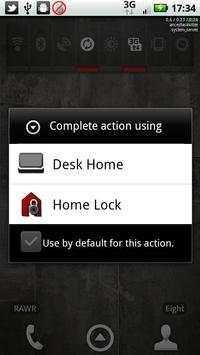
Next time you place the phone in either of these, you should see the "choose activity" screen noted in the screenshots.
Check the box to save the default and pick "Home Lock", and you won't be bothered by the normal dock home screen anymore.
The home button will take you to the normal (non-docked) home screen.
To undo, you will have to go in to settings->applications and clear the defaults set for Home Lock.
Probably won't add any new features to this app.
Super quick-and-dirty was the goal here.
DO NOT ACTIVATE THIS APP for car home unless your normal launcher screen is suitable for use in the car.