













DOWNLOAD IS NOT SUPPORTED IN WEB STORE!
Use the latest version of 9Apps to download APK&OBB file of games in one click!
DOWNLOAD 9APPS
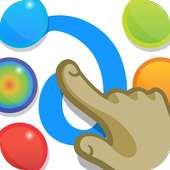
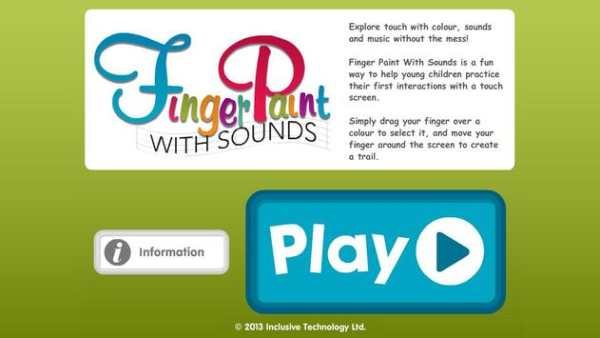

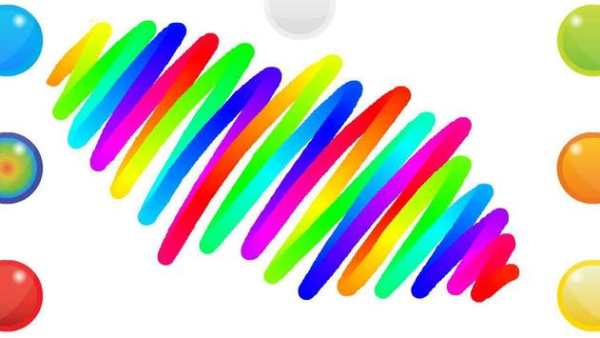
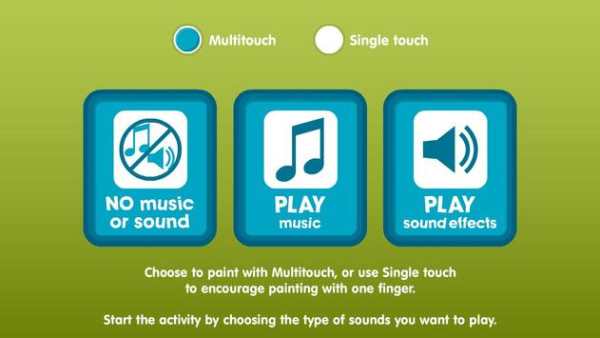
Finger Paint with Sounds offers a fun alternative to help children with special needs and others to practice their first interactions with a touch screen. Simply choose a colour and draw with music, fun sound effects or no sound at all.
Finger Paint with Sounds offers multi-touch and single-touch options. We suggest that single finger touch is better for some users with special needs as it reinforces finger pointing skills with a purpose rather than encouraging a random whole finger approach (may be difficult to un-learn). Using multi-touch gives a more obvious “cause and effect” activity for some.
Try turning off the sound and music to see if the child needs auditory feedback or if they can see and enjoy the visual feedback alone.
• Choose single-touch to encourage finger pointing skills.
• Choose multi-touch for maximum cause and effect.
• Bright feedback for children with visual impairments.
• Save your best work to “Gallery”.
• Choice of musical or sound-FX auditory feedback or none.
• Finger presses now create dabs of paint as soon as you touch the tablet's screen.
• Disabled the Splash screen from launching the website unless clicking directly on the web-link.


