DOWNLOAD IS NOT SUPPORTED IN WEB STORE!
Use the latest version of 9Apps to download APK&OBB file of games in one click!
DOWNLOAD 9APPS


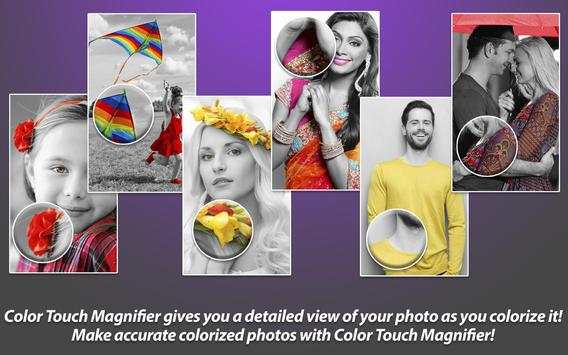

Colorize your photos with Touch using Photo Color Editor with Magnifying Glass Help on your photos.
Color Touch Magnify is easy to use:
1. Select a Photo from Gallery or Camera.
2. Your Photos are turned into Black and White Photos with tools like Zoom Tools, Colorizing tools.
3. Zoom with Two finger gestures in zoom mode (rotate, zoom in, zoom out).
4. Colorize your photos by touching with the help of Magnifying glass. Advanced editing tools like Undo, Redo, Touch Width are provided to make Colorizing photos easy.
5. Save and Share the photos to Photo Gallery.
Color your Photos selectively with Magnifying glass help on your photos.