

DOWNLOAD IS NOT SUPPORTED IN WEB STORE!
Use the latest version of 9Apps to download APK&OBB file of games in one click!
DOWNLOAD 9APPS

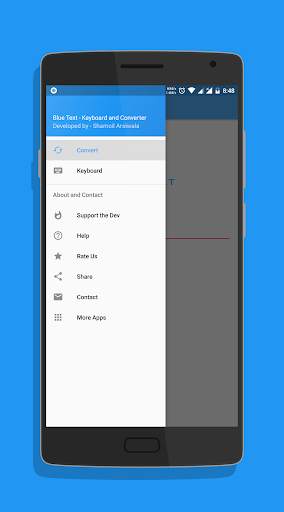
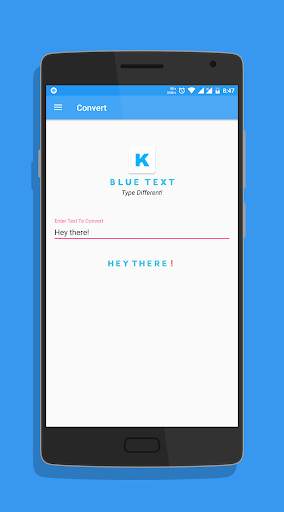
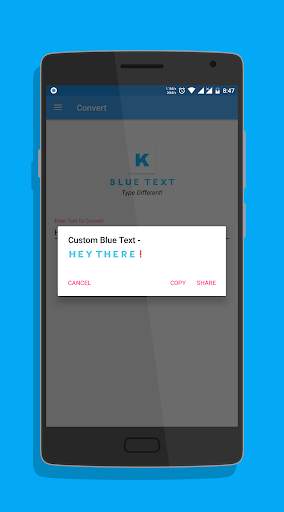
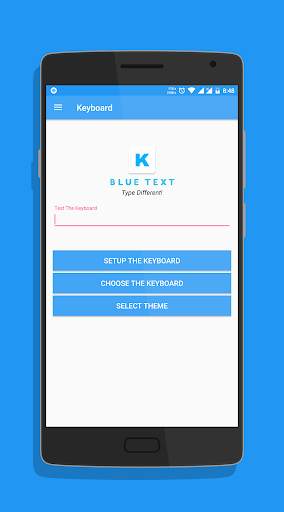
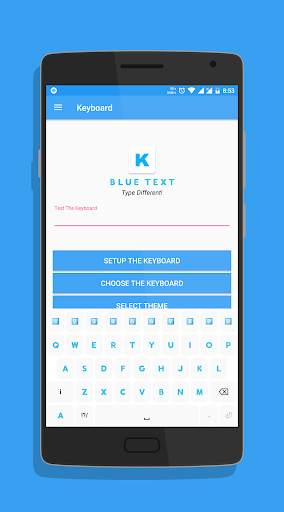
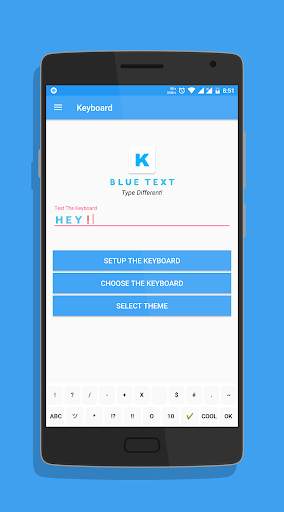
*TEXT WILL APPEAR BLACK ON KITKAT AND OLDER BASED ROMS*
To Enable the Keyboard,
1. Go to Setting
2. Select Language and Input
3. Click on Current Keyboard
4. Click on Choose Keyboard
5. Enable Emoji Letter Keyboard & click on Ok
6. Again click on Current Keyboard and this time your should see the Emoji Letter Keyboard.
Select it and start Typing!
- The Application has a beautiful Light theme & Dark Theme.
- Also send BLANK MESSAGES by selecting the blank key in symbols section.
If you have any doubts or suggestions, Leave them in the review section below
Thank you!


v2.10 -
- Fixed display problems on Nougat and above.
- Bug fixes.
- Reduced size.
- Updated Layout.
- Cleaned code for faster performance.



Facebook Lite
4.02.5MB

Candy Crush Saga
4.491.1MB

Dearmet: Video Chat, Live Talk
4.043.4MB

imo beta -video calls and chat
4.394.0MB

Talking Tom
3.963.0MB

Offline Music Mp3 Player- Muso
4.535.9MB

Temple Run 2
4.4122.1MB

Quikr – Search Jobs, Mobiles,
4.120.8MB

Mushroom Takeover
4.569.0MB

ShopClues
3.816.4MB