DOWNLOAD IS NOT SUPPORTED IN WEB STORE!
Use the latest version of 9Apps to download APK&OBB file of games in one click!
DOWNLOAD 9APPS
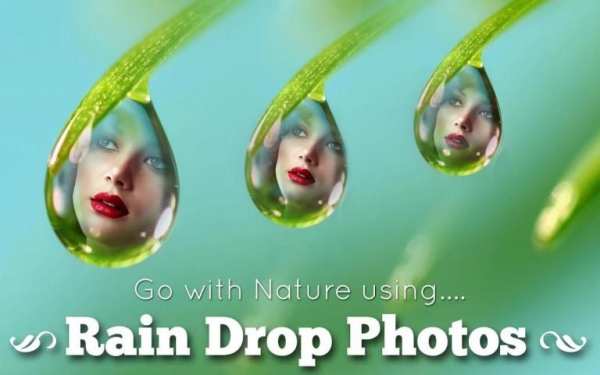
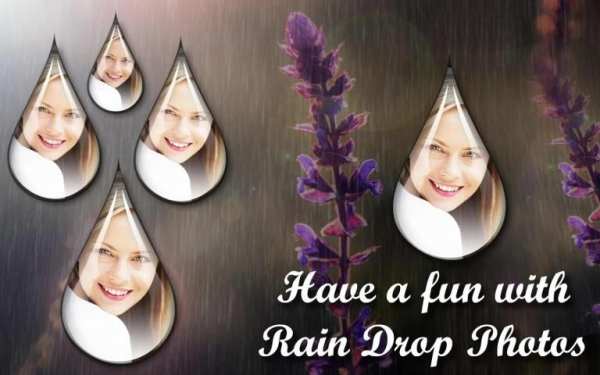
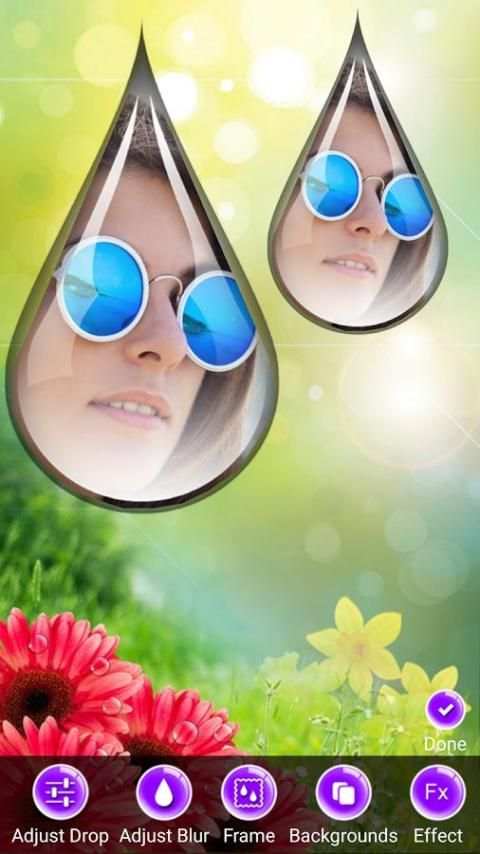
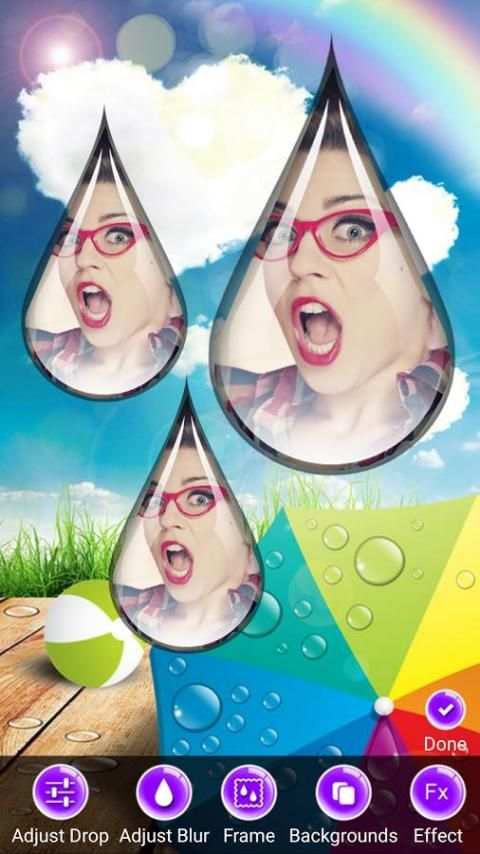
Rain Drops with your own Photos embedded in Rain Drops agains backgrounds suitable for Rains to create gorgeous Rain Drops photos.
Photo Rain Drops is easy to use:
1. Select a Photo that you want to be part of Rain Drops.
2. Adjust the Photo inside a Model Rain drop so that we can create gorgeous looking rain drops.
3. View the Default Rain drop Photos created.
4. Change the Background to a background of your liking. You can set Photo Color Effects to background to make them look pretty.
5. Change the Rain Drop Styles (Photo Frames) so that you can get look of Rain fall that you want.
6. Save and Share photo rain drops with friends and family.
Create the Rain Fall with Rain drops containing your photos.