









DOWNLOAD IS NOT SUPPORTED IN WEB STORE!
Use the latest version of 9Apps to download APK&OBB file of games in one click!
DOWNLOAD 9APPS
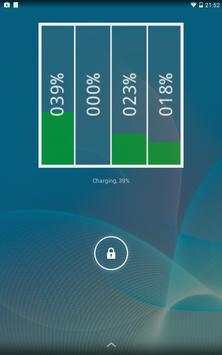
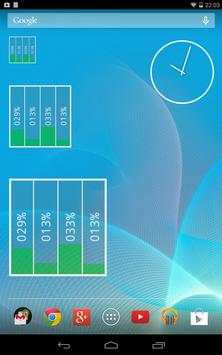
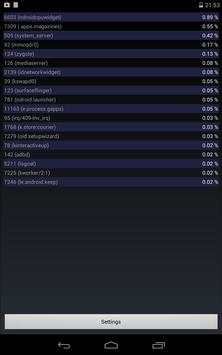
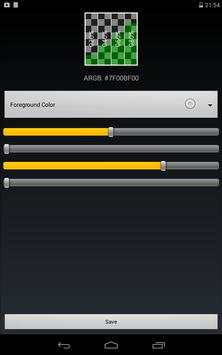
CPU Usage Widget monitors your CPU and displays a real-time visualization per core. Included is also an app to see a "top list" breakdown of processes sorted by CPU usage to find out what is consuming your resources, as well as an app to define the widget settings (colors, update interval).
Instructions:
1. Install the app
2. Select the widget (for example long-pressing in your list of widgets)
3. Place the widget accordingly on your home screen
4. The settings are opened; set up your colors and the update interval, then press save
5. The widget should now appear on your home screen
6. Long-press the widget to resize
7. Press the widget to see the process list
Please also check out Network Widget for Android:
http://play.google.com/store/apps/details?id=com.rtsw.androidnetworkwidget




Minor bug fixes


