












DOWNLOAD IS NOT SUPPORTED IN WEB STORE!
Use the latest version of 9Apps to download APK&OBB file of games in one click!
DOWNLOAD 9APPS

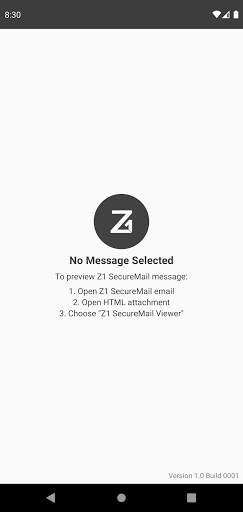
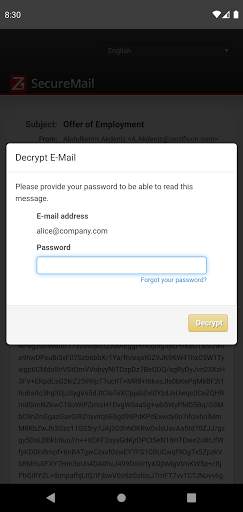
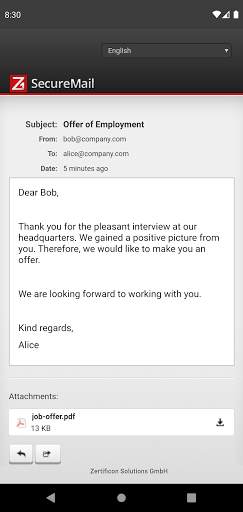
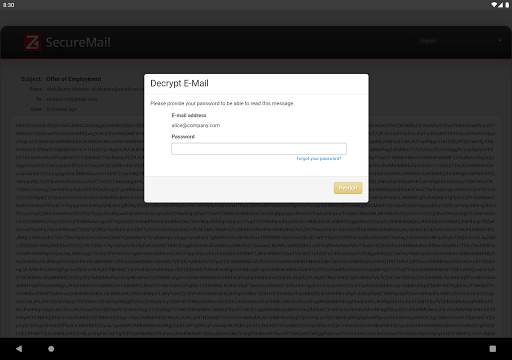
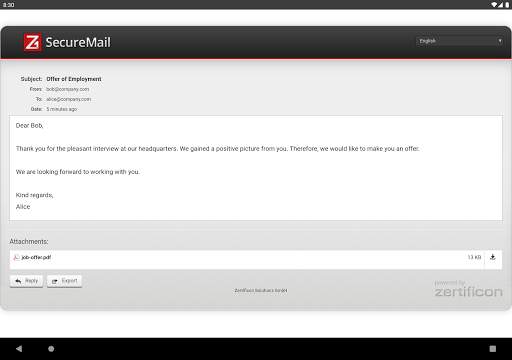
Z1 SecureMail messages are sent by enterprises with Zertificons Z1 SecureMail Gateway solution. Confidential emails are sent as encrypted HTML attachments.
How to open a Z1 SecureMail HTML attachment:
1. Click on the HTML attachment.
2. Open the attachment with the Z1 SecureMail Viewer App.
3. The app will start. Enter your password to decrypt the content of your HTML-message.
The sending of encrypted emails as
Z1 SecureMail HTML attachment is a very user-friendly solution. It brings cryptographic security without the hassle of complex PKI technology which would need keys and certificates.
Zertificons products enable businesses and organizations to easily communicate with any email address confidentially and in accordance with compliance regulations.


