








DOWNLOAD IS NOT SUPPORTED IN WEB STORE!
Use the latest version of 9Apps to download APK&OBB file of games in one click!
DOWNLOAD 9APPS
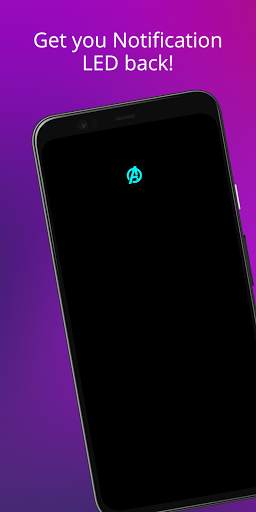
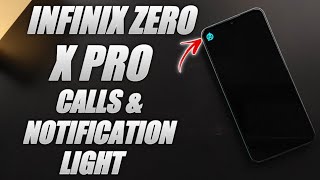
So I was annoyed not having an LED notification light on my phone and I tried to make one of my own.
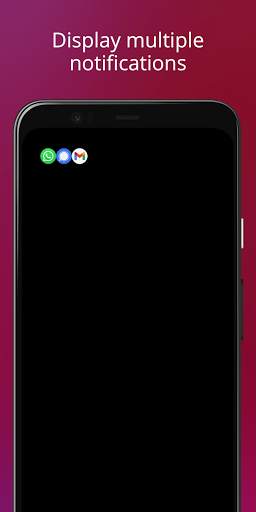
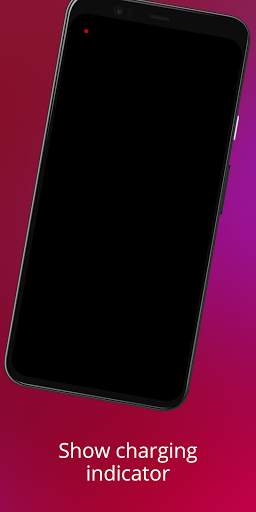
With phones having AMOLED display whenever a desired notification comes the app brings in a black screen with notification LED looking animation.
To use it:
1. Disable Ambient Display and any battery optimisation for the app.
2. Give notification access permission.
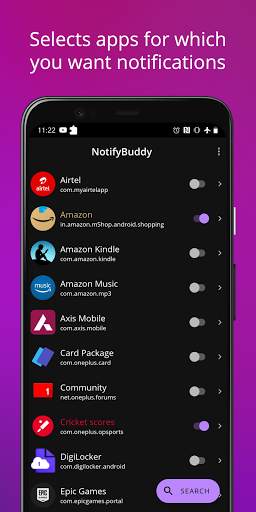
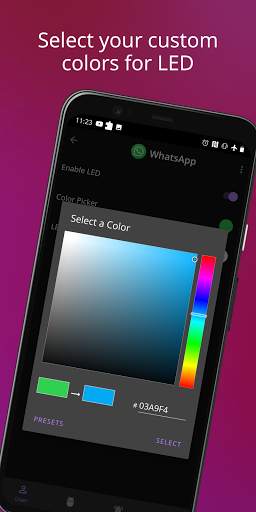
3 Select apps you want notifications for, by choosing a color
Note: On successfully selecting a color for an app the text in which the App name is written should change to that color
Thats it😇.
For MIUI 11 devices make sure that AutoStart is enabled in App Info. Also check "Show on lock screen" permission in other settings.
Settings image: https://drive.google.com/folderview?id=1yxrLd5u7kLSGBwviKhXYqM21YLC8Dhiv
Additional Features:
1. Change LED animation time.
2. Change LED colours.
3. Change LED position.
4. Notify for missed calls.
5. Change LED size (Premium required!)
6. Add Downtime
And many more...
Premium version can be bought within the app to unlock all features!
If having problem head to : https://forum.xda-developers.com/oneplus-6t/themes/app-amoled-notification-light-t3943715/post79810512#post79810512


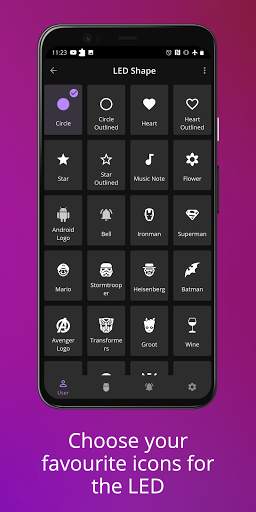
Added option to add custom LED shapes
Fixed Samsung Messages app not showing up in the list of apps
Minor bug fixes and improvements