DOWNLOAD IS NOT SUPPORTED IN WEB STORE!
Use the latest version of 9Apps to download APK&OBB file of games in one click!
DOWNLOAD 9APPS
Able to play videos, music, photos, etc in my smartphone with any devices (smartphone, smartTV, laptop, tablet, etc) at anywhere.
This application can only play contents but send screen as is such as HDMI, MHL, Miracast and Chromecast.
Mirroring Screen For Wifi Tv
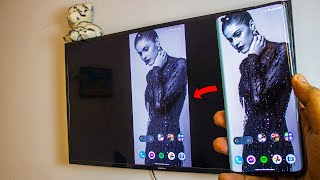
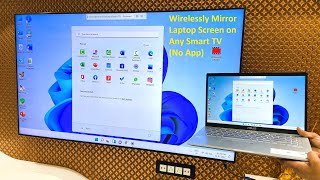
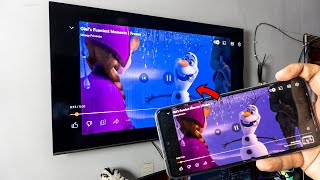
instructions to start Mirroring Android Devices to TV using Wi-Fi:
1) Download and run Screen Mirroring Tv App.
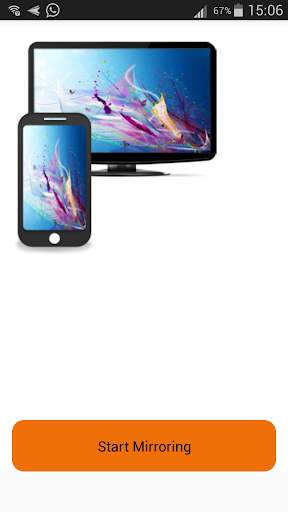
2) presse start mirroring and enable screen mirroring.
3) Make sure TV is connected to wifi network to the same as your phone.
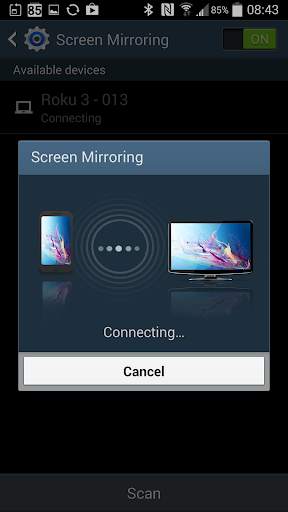
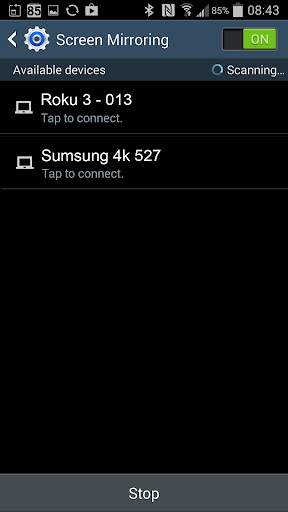
4) Scan for devices to connect to and then just selected to pair them up.
5) The Phone version must be android 4.2 or higher.
enjoy with Mirroring Screen For Wifi Tv.
note:
Older devices and those running operating systems older than Android 4.1.12 may not have the Screen Mirroring feature.
You will need to prepare your TV for screen mirroring before you can view your device's content