








DOWNLOAD IS NOT SUPPORTED IN WEB STORE!
Use the latest version of 9Apps to download APK&OBB file of games in one click!
DOWNLOAD 9APPS


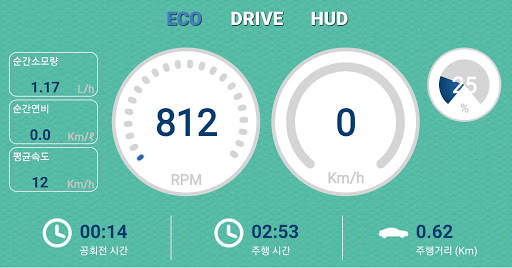
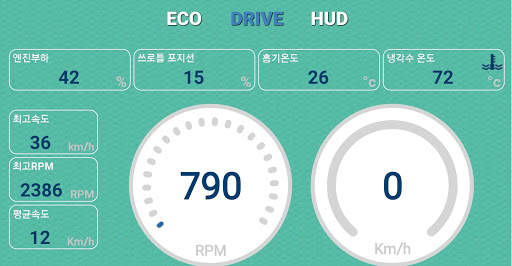
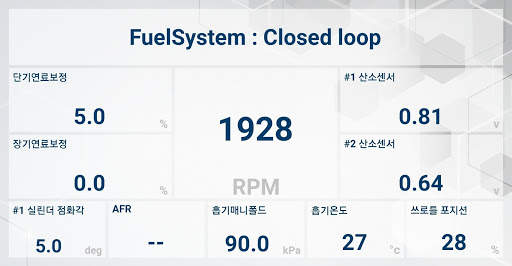
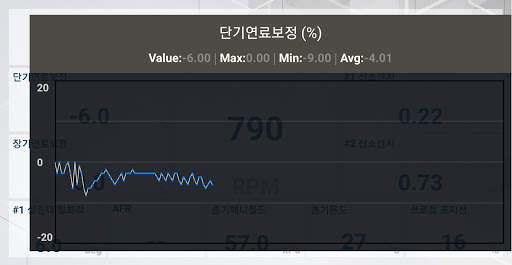
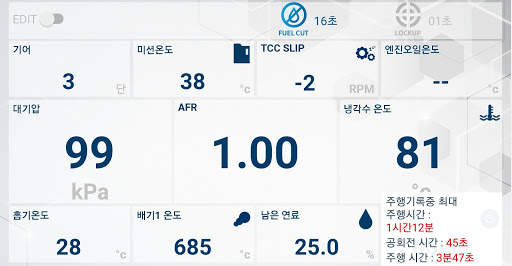
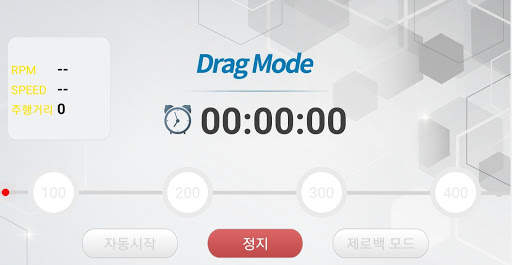

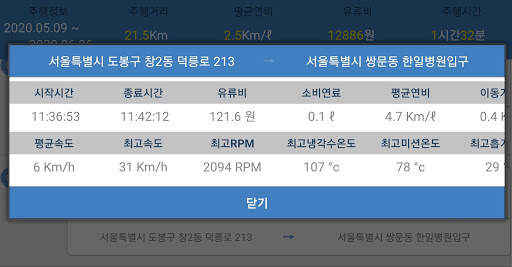
CHEVI D is a vehicle information monitoring application.
- Check the information of your car in real time through the vehicle's sensors at a glance.
- Start economical driving through fuel economy driving and recording.
- Check the driving habits through the vehicle operation record.
- You can check the output of your vehicle using the zero bag.
- You can check only necessary data through Custom Mode.
[How to use]
1. Connect Bluetooth and Obd in Settings.
2. In the Chevid App settings, select Bluetooth as Obd.
3. Chevid automatically starts to communicate with the Obd.
4. Set it up according to your vehicle.
[Android supported version]
- Available from 5.0 or later
[Support OBD]
-OBD II, ELM327
[Vehicles not supported]
- Vehicles that do not support OBD II
[Linking information]
Mission temperature, cooling water temperature, exhaust temperature, intake temperature,
Gear, bolt gauge, average speed, speed, RPM, mileage,
Engine load, standby time, driving time, engine operating time
Fuel Cut, Fuel Amount, Average Fuel Efficiency, Instantaneous Fuel Efficiency, Fuel Used, Fuel Cost, Instant Fuel
Short-term fuel correction, long-term fuel correction, #1 cylinder ignition angle, #1 oxygen sensor, #2 oxygen sensor, atmospheric pressure
DPF, engine oil, etc.
Depending on the vehicle, information may not be displayed.
[Required access rights]
- Location: Driving position
- Storage space: Driving record storage
[Developer contact information]
jryanstore@gmail.com
Android 10 version error correction!


