











DOWNLOAD IS NOT SUPPORTED IN WEB STORE!
Use the latest version of 9Apps to download APK&OBB file of games in one click!
DOWNLOAD 9APPS
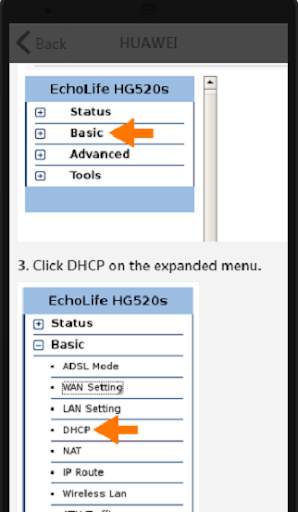
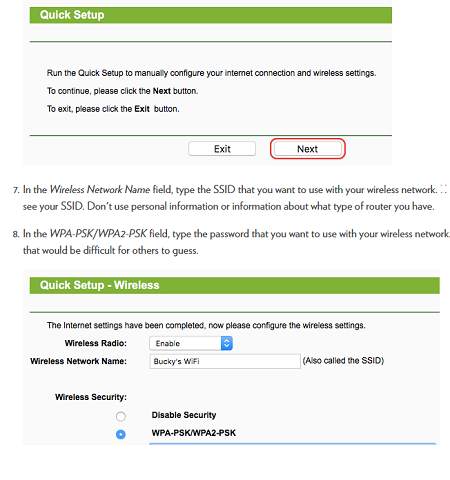
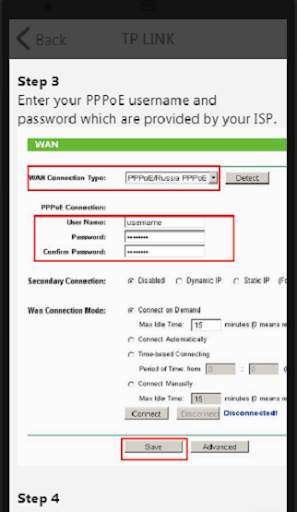
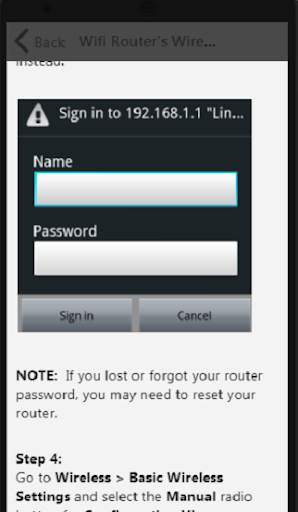
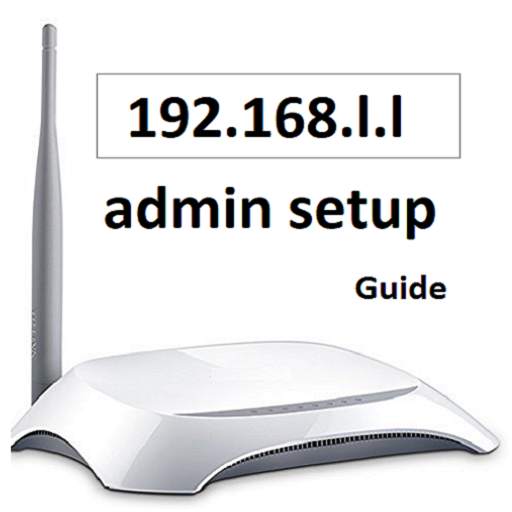
You can use the router configuration required to create the internet connection. You can login to the modem interface with your router IP address. You can learn the default username and password required for this in our application.
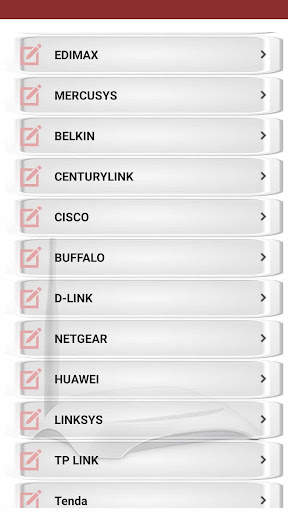
You can start the router configuration by downloading our application immediately. Tp link, netgear, belkin, asus, d link, linksys etc. are used in our application of the most widely used modem brands. It is for your benefit that you obtain a backup of your modem and register your information before configuration.
What's in the app content
* Information about 192.168.l.l configuration (router password show list - default username & passwords)
* How to do router configurations (tp link, netgear router, centurylink, belkin router, asus router, d link, huawei, mercusys, etisalat, tenda, linksys)
* How to do wifi router setting and router password change (For your security, you need to change the router password periodically.)


