









DOWNLOAD IS NOT SUPPORTED IN WEB STORE!
Use the latest version of 9Apps to download APK&OBB file of games in one click!
DOWNLOAD 9APPS
PU GFX Tool for PUBG helps you configure the game graphics by the best optimized
App features:
🔸 Change resolution
🔸Unlock HDR graphics on low end devices
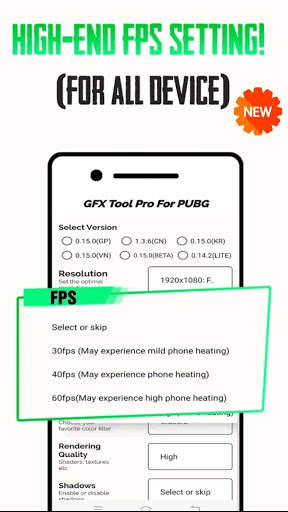
🔸 Unlock the extreme FPS levels
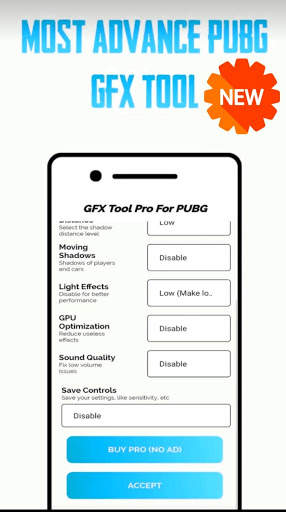
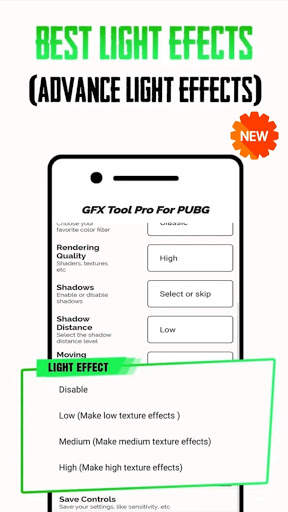
🔸 Change graphics style settings
🔸 Enable or disable shadow
🔸 Enable or disable Anti-aliasing or make it even better by X2, X4
🔸 Enable or disable GPU optimization
Remember your last selected version & settings for next uses!
* How To Use PU GfX Tool Pro :
- First Open GfX Tool Application
- Select Your Graphic And Resulations Options
- If you want to save That Setting you can save it
- Click on Apply And That's it


