









DOWNLOAD IS NOT SUPPORTED IN WEB STORE!
Use the latest version of 9Apps to download APK&OBB file of games in one click!
DOWNLOAD 9APPS
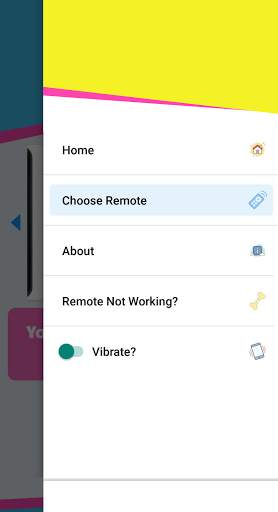
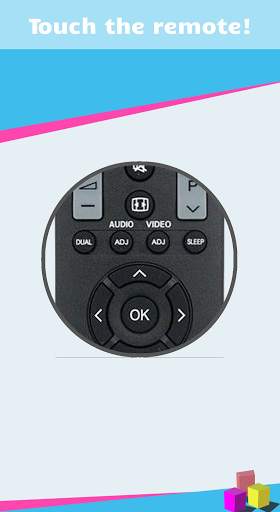
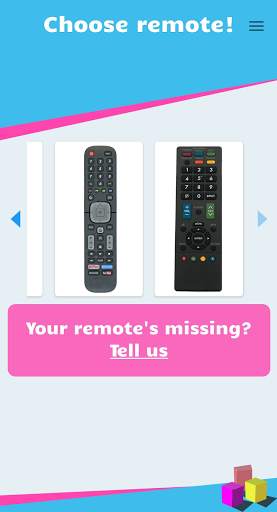
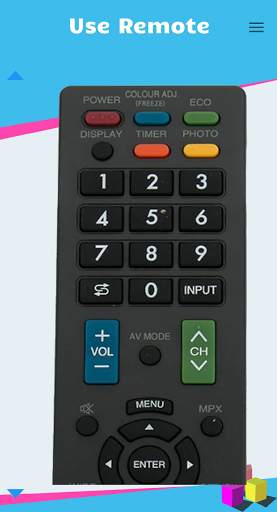
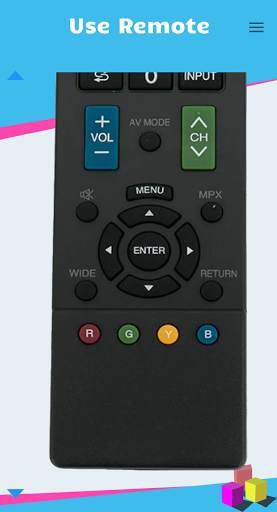
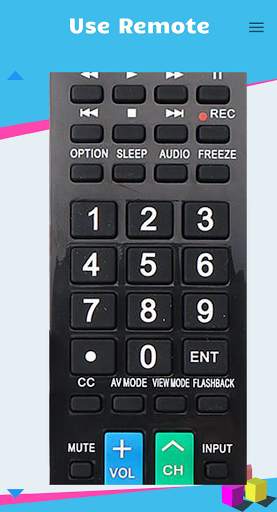
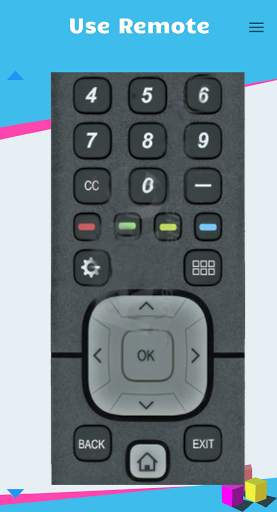
This app allows users to control their Sharp Smart TVs from a smartphone.
Please note that this is not the official Sharp Smart TV app, but can be controlled with this Remote Control app.
Our app has several remote models available, so you can select one that suits your device.
The app was designed to let you use your Sharp Smart TV device even if you lost your remote control! Please note that the app requires your phone to be equipped with an IR sensor.
In order for the app to work, you need to enable "IP Control" (or "Aquos Remote Control" depending on your TV model) on your Sharp TV.
You can try the following options:
Option 1:
* Go to - MENU > Initial Setup > Internet Setup > Press ENTER.
* Select "AQUOS Remote Control", and then press ENTER.
* Now "Change" will be highlighted, press ENTER and make sure to select "Enable".
Option 2:
* Go to - Menu > Setup > View Settings > Network Setup > IP Control Setup > select "Change".
* Select "Enable" to use IP Control.
If your model enables it, set a device name, make sure in the detailed settings that PORT is set to the value of 10002 and leave the username and password empty.
Confirm the settings by choosing "OK" and exit the menu.


Remote Control app for Sharp Smart TV. Includes:
- Different models of Sharp Smart TV devices
- Cool app design
- Comfortable to use
- No need for the real remote control. This app is your new remote control
- Your device must support infrared sensor
- Support in new smart tv models
- Opthin to purchase a lifetime free ads
- Added support for Roku tv devices
- Support locale languages
- New Touchpad mode
- Added connection guide


