








DOWNLOAD IS NOT SUPPORTED IN WEB STORE!
Use the latest version of 9Apps to download APK&OBB file of games in one click!
DOWNLOAD 9APPS
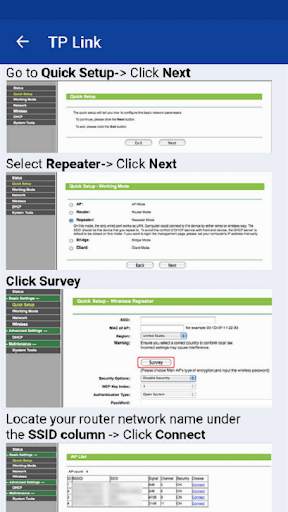
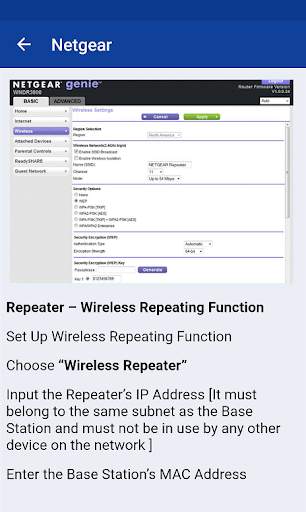
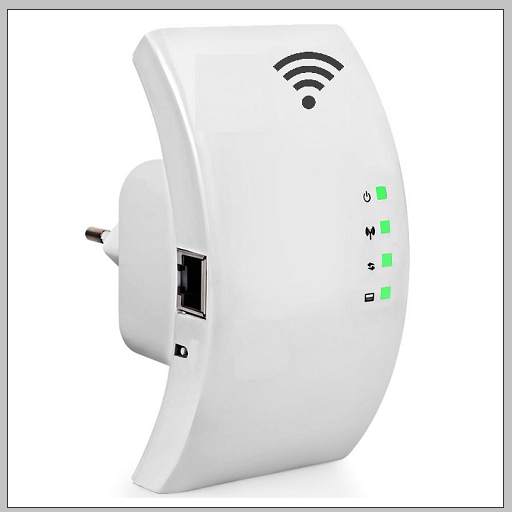
The wifi repeater allows the use of your wireless connection in larger areas by repeating the signal from your router. The location of the wifi repeater must be able to receive the signal from the router. The repeater, which receives the signal cleanly, transmits the signal to the wireless non-receiving areas of your home or office. Our mobile app explains "how to set up a wifi repeater" to help you. You can learn the repeater modes of the most used router brands in the world.
What's in the application content
Netgear repeater (First make sure your device receives the signal from the router. Then you can position it anywhere in your home or office)
TP Link wifi repeater (The default ip address required to access the admin interface is 192.168.0.254 tp link, and the username and password are "admin".)
D Link repeater mode on (You can start using your router by activating the wifi repeater mode. Do not forget to create a strong password for wireless connection.)
The wifi repeater brands in our mobile app content: wavlink, netgear, asus, digicom, tp link, mdealink, kogan, etisalat, iball, PLDT, Netcomm, Zyxel, Dlink, verizon, linksys, edimax, tenda, digisol, digitus


app optimized
permissions updated


