












DOWNLOAD IS NOT SUPPORTED IN WEB STORE!
Use the latest version of 9Apps to download APK&OBB file of games in one click!
DOWNLOAD 9APPS

IMPORTANT: it's temporary impossible to purchase this product due to problems on the Play Store side. Please reinstall the app when you need to extend the trial period.
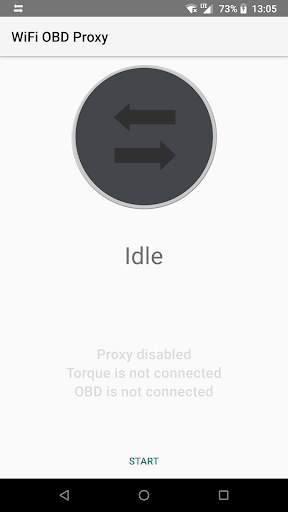
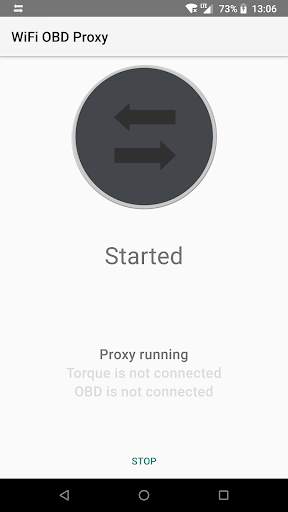
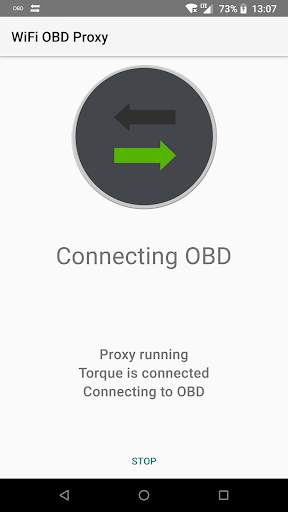
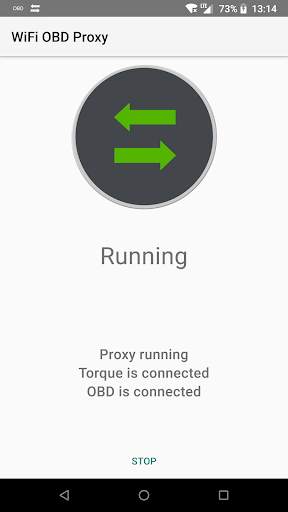
This tool (proxy) helps using the mobile data and OBD/ELM327 WiFi adapter at the same time. It's compatible with virtually any OBD scanner app but brings a special support for Torque Pro.
The tool usage scenario is based on built-in Android 8 feature of using mobile data when the WiFi network connection has no Internet. Depending on your phone firmware, the system may show you a pop-up when WiFi with no Internet detected: the rule of thumb here is that you should select to use MOBILE DATA and KEEP the WiFi network connected.
Setup instructions (once):
- open Torque (or your OBD scanner app) Settings, OBD2 Adapter Settings, Change the WiFi adapter IP address from "192.168.0.10" to "127.0.0.1".
Usage instructions:
- open app and press "Torque" button to start the tool and launch Torque Pro (alternatively, press "Start" if different OBD scanner app is used);
- when no longer needed, press "Stop" and exit the app with Back button (optional).
The application has a 7-day trial period, afterwards you're asked to purchase it for the price of a small coffee. You may reinstall the app to repeat the trial period.
Torque Pro launch button added


