









DOWNLOAD IS NOT SUPPORTED IN WEB STORE!
Use the latest version of 9Apps to download APK&OBB file of games in one click!
DOWNLOAD 9APPS
The ORIGINAL Edit Webpage App
⭐️Top 3 Features⭐️
⚡️Edit content of any website in 2-minutes
⚡️Change Images on any webpage
⚡️Edit webpage content like paragraphs, articles & headlines
✍️How to Use
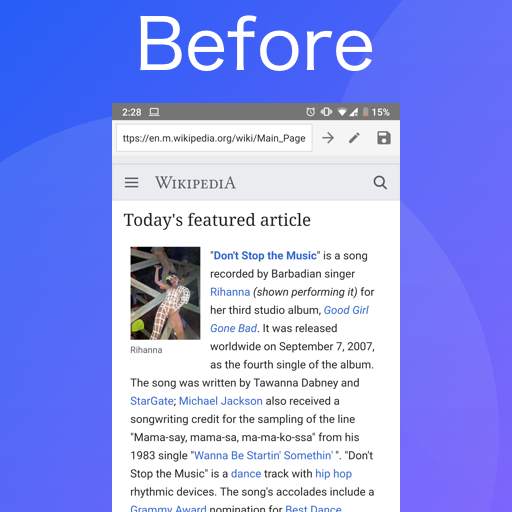
Step 1: Open the Website you want to edit content on.
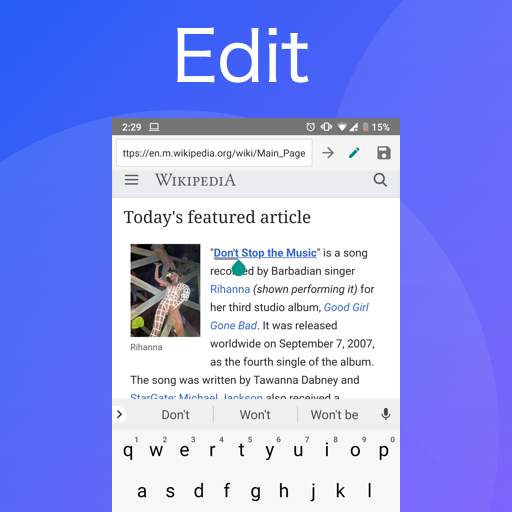
Step 2: Tap on the Pen Icon
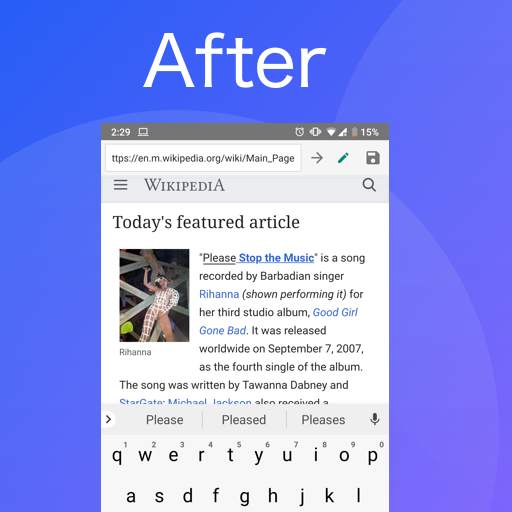
Step 3: Make edits on webpage and website
Step 4: Tap the save Icon and have fun!
⭐️*NEW* Edit Images⭐️
You can use the Edit Webpage App to Edit images on any website too.
How does it work?
Edit webpage app is a cool and smart way that allows you to change content of a webpage. The changes that you make by editing website page are only stored locally on your device therefore after refreshing the webpage the changes will disappear.
We take no responsibility of any harm caused or misunderstanding caused through the use of the app.
To turn the editing mode off simply tap again at the "Pen" button on the toolbar
If you liked Edit webpage please share the love with a review :)