










DOWNLOAD IS NOT SUPPORTED IN WEB STORE!
Use the latest version of 9Apps to download APK&OBB file of games in one click!
DOWNLOAD 9APPS

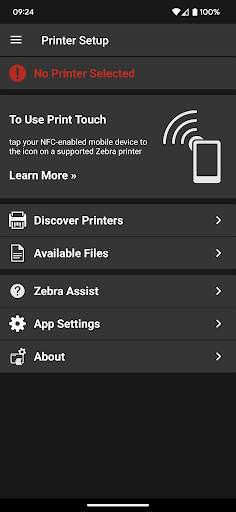
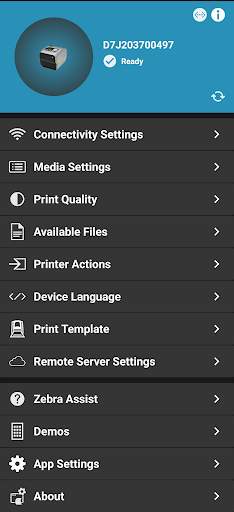
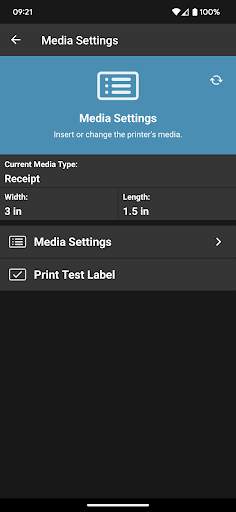
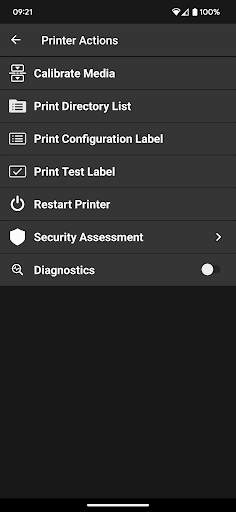
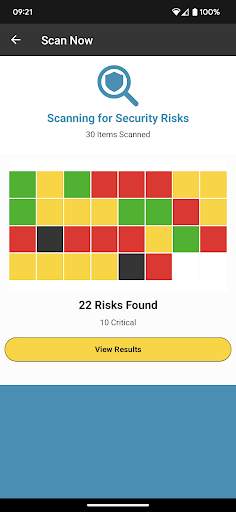
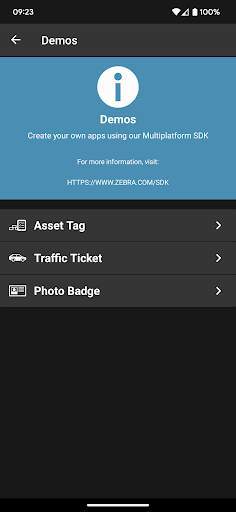
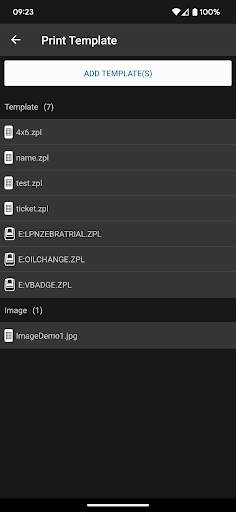
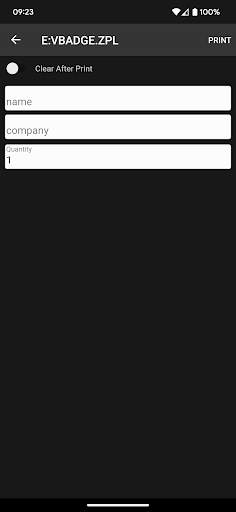
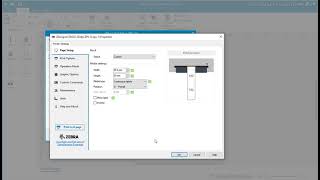
With Zebra’s Printer Setup Utility, configuring your Print DNA printers to optimize performance is easy – no specialized knowledge required.
To use, tap the printer you wish to configure. Your printer and device will instantly begin communicating via Bluetooth. Then follow the simple setup wizards that walk you through how to set specific printing parameters – such as calibration, media type, ribbon, printer language and print quality – to optimize performance. If your Android device does not support Tap and Pair via NFC, the app can discover your printer via Bluetooth and network, or connect to it via USB.
With the Security Assessment Wizard feature, assess your Zebra printer security posture, compare your settings against security best practices and make changes based on your conditions to increase protection.
Bluetooth Printers are now manageable, even in the field!
Normally, Bluetooth printers are not easily managed – particularly when they are used in the field by a mobile workforce. Zebra’s Printer Setup Utility makes Bluetooth printers manageable via the Cloud by allowing the app to retrieve files from your Cloud storage provider and then transfer these files to the printers for configuration and printer OS updates. This simplifies the management of Bluetooth printers, dramatically improving both printer ROI and the productivity of a mobile workforce.
Help is just a tap away - use the "Zebra Assist" feature to send your printer's configuration directly to Zebra's support team.
SUPPORTED PRINTERS:
The app supports Zebra printer models running Link-OS 5.0 and later and ZQ200 series, ZQ112, ZQ120, ZR118, ZR138 printer models that run the CPCL (Line Print) and ESC/POS command languages.
IMPORTANT: The ZQ200 series, ZQ112, ZQ120, ZR118, ZR138 printers require firmware version 88.01.04 or later to work with this version of the app. See
this support article
for instructions on where to get the firmware and how to upgrade your printer.
The app supports Bluetooth Classic, network and USB On-The-Go connectivity.
NOTE: Tap/Pair and USB On-The-Go can only be used on those Android devices that support NFC (for Tap/Pair) and USB OTG.
1. Added support for configuring WPA3 in printers that support Wi-Fi 6.
2. Added support for setting the Wi-Fi Country Code.
3. Added warning text on screens where settings can be saved to a file.
4. Corrected an issue where printers on a different subnet weren't found when using the “Manually Select Printer” option.
5. Bluetooth pairing improvements.


