











DOWNLOAD IS NOT SUPPORTED IN WEB STORE!
Use the latest version of 9Apps to download APK&OBB file of games in one click!
DOWNLOAD 9APPS
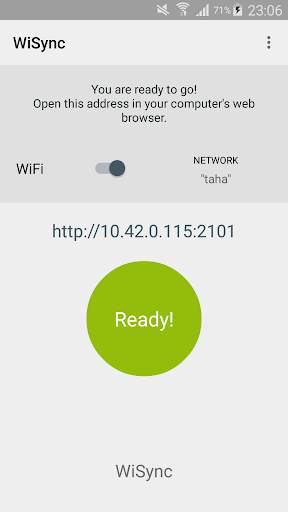
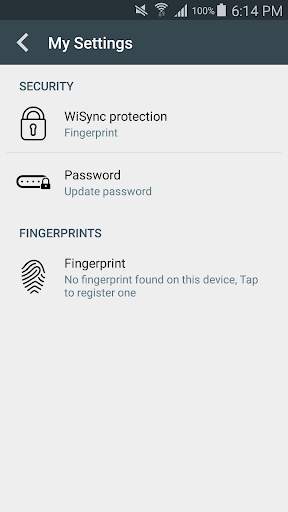
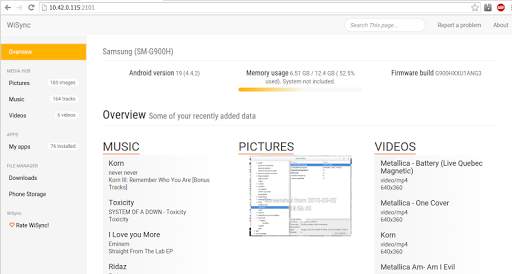
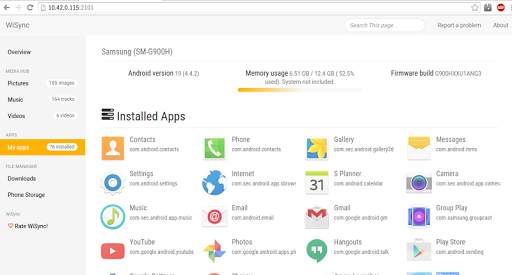
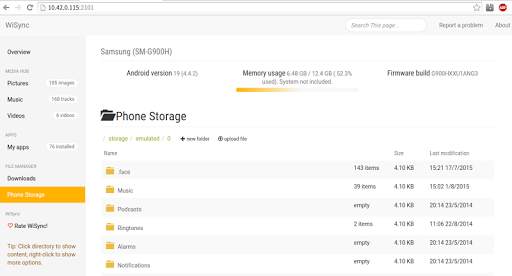
WiSync lets you access your device from your pc via Wi-FI.
Access your phone with these easy steps:
1- Connect both pc and device to the same Wi-Fi network.
2- Launch WiSiync.
3- From your pc, enter provided address in your web browser's address bar.
From your pc, using only a WiFi network and a web browser, you can:
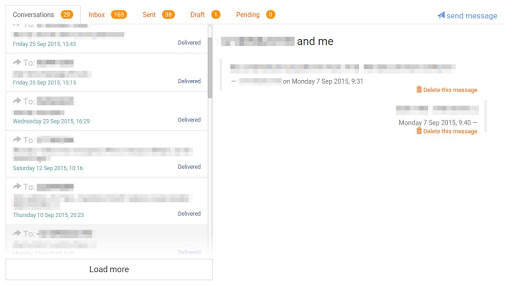
- Access and manage SMS inbox, sent, received and draft.
- Create, send messages directly from your web browser.
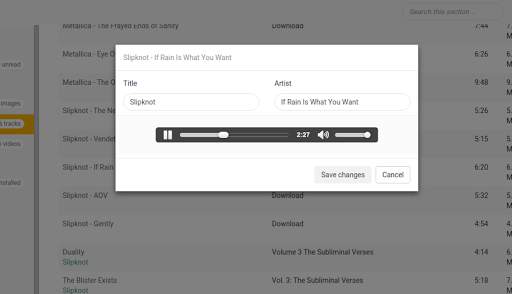
- Audio playback (Listen to music stored on device from on your pc).
- Video playback (Watch videos stored on device on your pc).
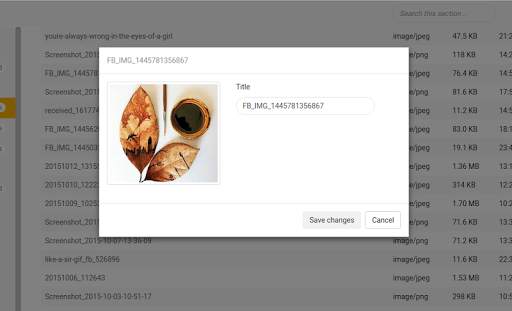
- Display, organize, preview media files (Music, videos and pictures).
- Display, organize directories and files located in your phone's local storage.
- Asynchronous High-speed upload/download of files from/to your device.
- Display installed apps.
- Search for items.
WiSync has a Background Execution mode.
SMS management temporarily not available for this version due to Google's new policy.
Optimization and bug fixes.


