DOWNLOAD IS NOT SUPPORTED IN WEB STORE!
Use the latest version of 9Apps to download APK&OBB file of games in one click!
DOWNLOAD 9APPS

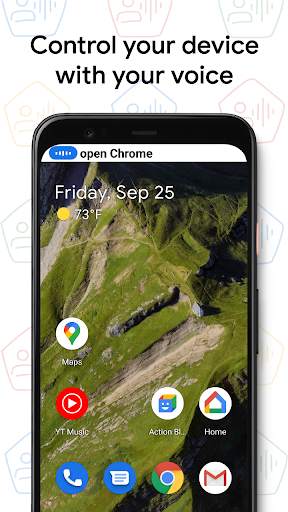
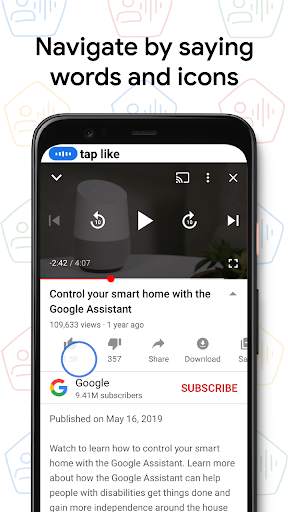
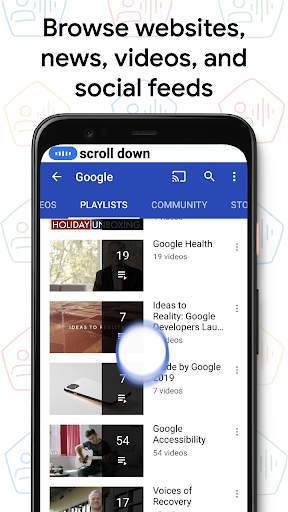
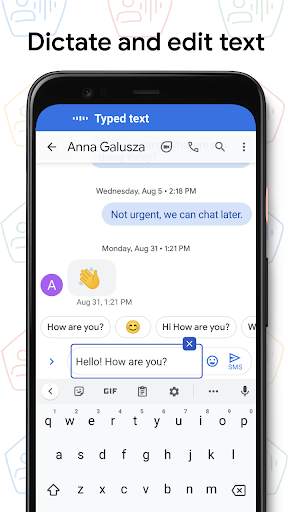
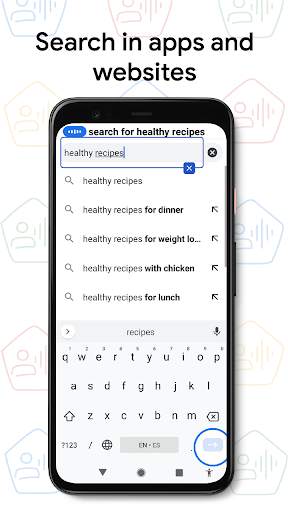
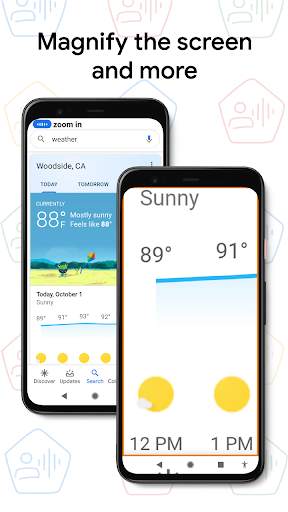
Voice Access helps anyone who has difficulty manipulating a touch screen (e.g. due to paralysis, tremor, or temporary injury) use their Android device by voice.
Voice Access provides many voice commands for:
- Basic navigation (e.g. "go back", "go home", "open Gmail")
- Controlling the current screen (e.g. "tap next", "scroll down")
- Text editing and dictation (e.g. "type hello", "replace coffee with tea")
You can also say "Help" any time to see a short list of commands.
Voice Access includes a tutorial which introduces the most common voice commands (starting Voice Access, tapping, scrolling, basic text editing, and getting help).
You can use the Google Assistant to start Voice Access by saying "Hey Google, Voice Access". To do this, you’ll need to enable "Hey Google" detection. You can also tap either the Voice Access notification or a blue Voice Access button and start talking.
To pause Voice Access temporarily, just say "stop listening". To disable Voice Access completely, go to Settings > Accessibility > Voice Access and turn off the switch.
For additional support, see
Voice Access help
.
This app uses the AccessibilityService API to help users with motor impairments. It uses the API to collect information about the controls on the screen and activate them based on the user’s spoken instructions.




- You can now refer to text using positional references.
- Icons now have more descriptive names.
- Assorted bug fixes and quality improvements.