









DOWNLOAD IS NOT SUPPORTED IN WEB STORE!
Use the latest version of 9Apps to download APK&OBB file of games in one click!
DOWNLOAD 9APPS
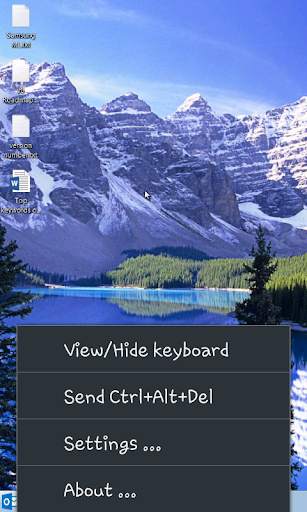
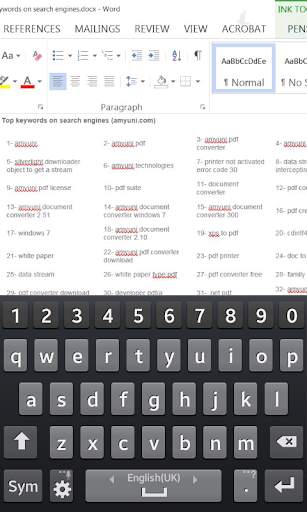
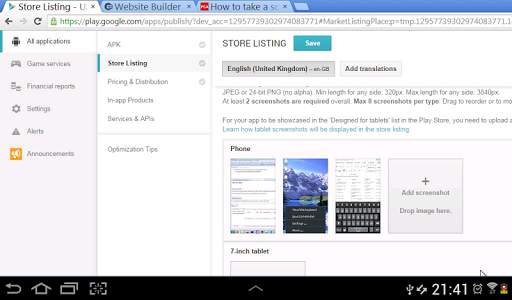
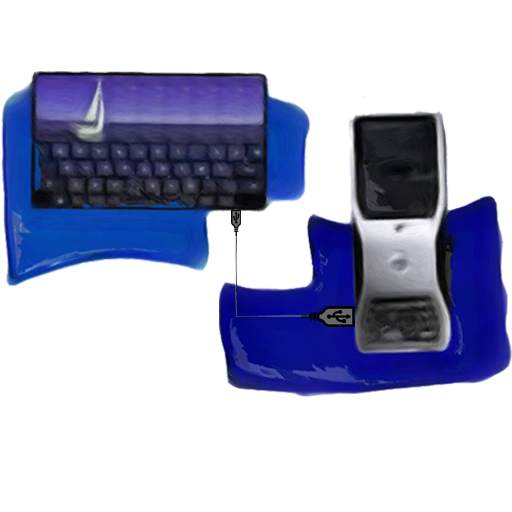
The USB Mobile Monitor allows you to connect your Android mobile phone or tablet to your PC with a simple USB Cable. All that is required is the download of the USB Mobile Monitor App on your device and the installation of the USB Mobile Monitor software on your PC. USB Mobile Monitor works for Desktops and Servers from Windows XP to Windows 8.1 and Server 2012.
App Features:
- See what is happening on your PC and fully control it without the need for a remote connection!
- No need to plug and unplug cables, a single USB cable plugs-in to the front of the PC. Saves you from back-pain and dirtying yourself in dusty places.
- It is light-weight, doesn't require a complex installation and doesn't take up much space in your PC, phone or tablet.
- No network, internet or Wifi connection is required. Works with PCs that do not support Remote Desktop such as Windows Home versions.



![How to Control Android Phone from a PC [via USB & WiFi] screenshot 5](https://i.ytimg.com/vi/2y35SPOaNWk/mqdefault.jpg)
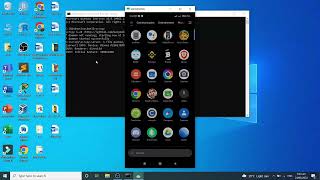
- For Windows 10 hosts, added an option to automatically attach an additional display when the device connects and remove the display when the device disconnects. The option can be controlled from the settings of USB Mobile Monitor.
- Some UI fixes


