
DOWNLOAD IS NOT SUPPORTED IN WEB STORE!
Use the latest version of 9Apps to download APK&OBB file of games in one click!
DOWNLOAD 9APPS
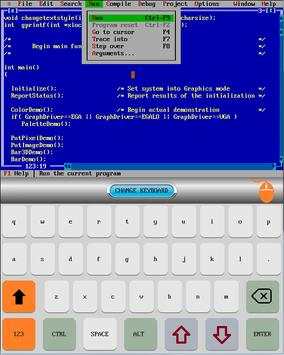
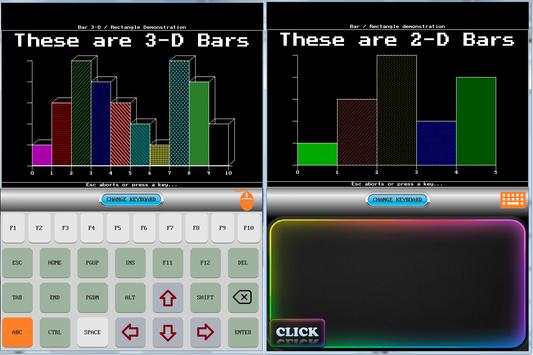
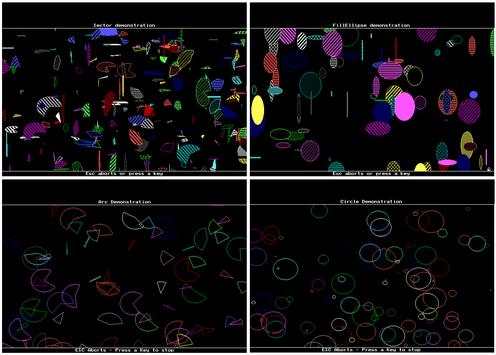
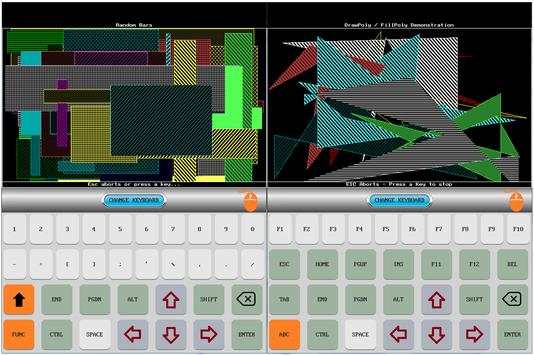
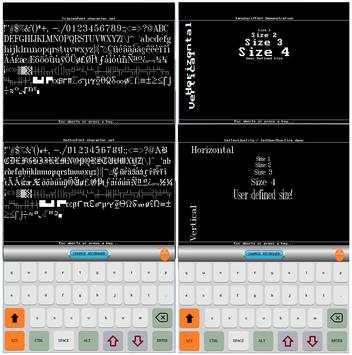
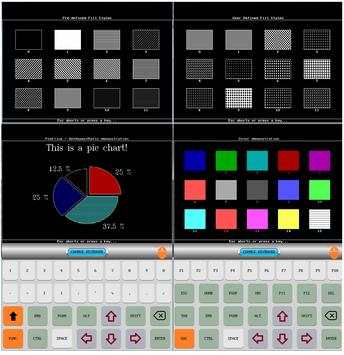
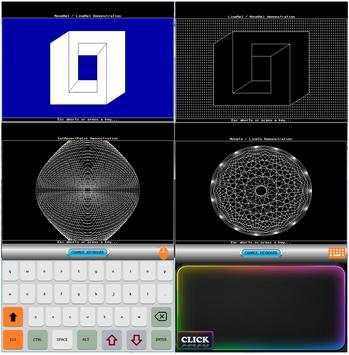
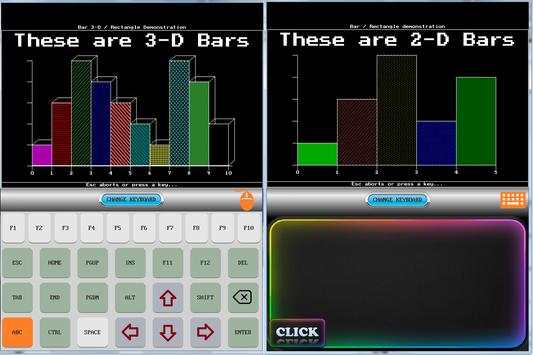
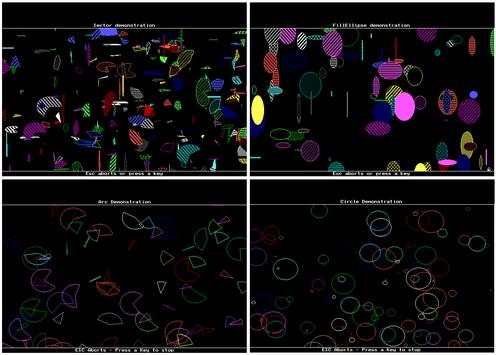
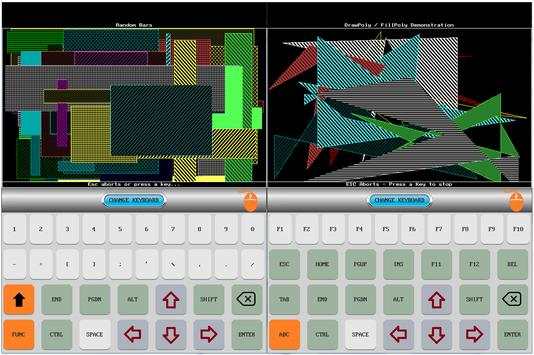
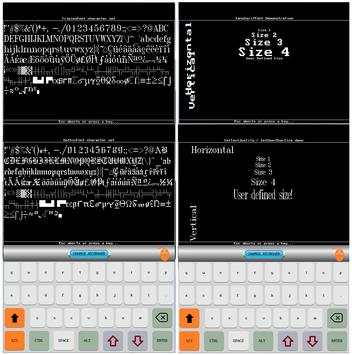
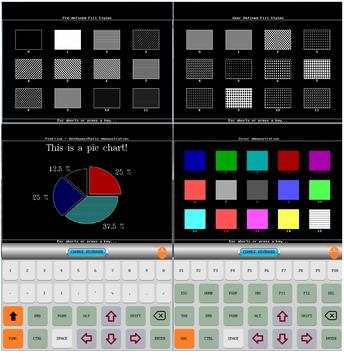
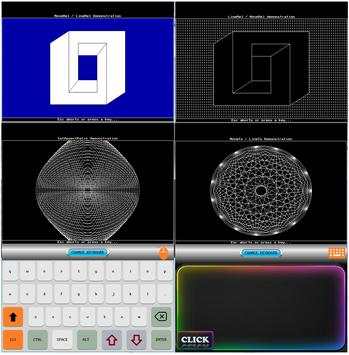
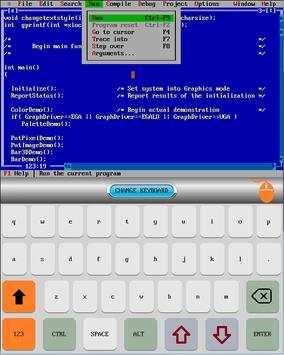
With this application, wherever you are, you can learn C and Object Oriented Programming. You will even be able to improve your level of knowledge.
You can develope and use your own applications.
You can practice with countless examples of C / C coding included in the application, and you can improve your learning speed.
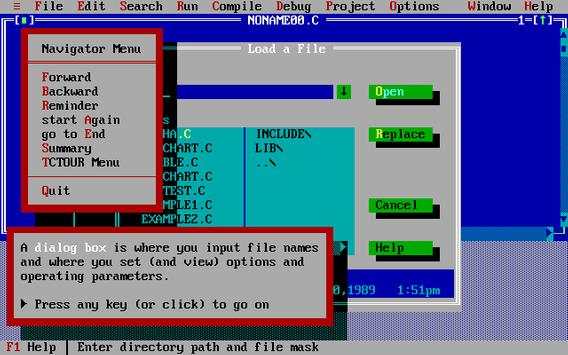
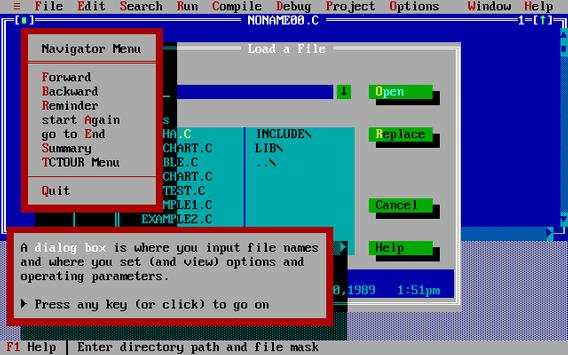
Since the application is a DOS application, it is not possible to use a mouse or a touch screen. Function buttons can be used instead. In this context, we suggest you try out the tutorial which is also included. To turn on this tutorial, simply exit Turbo C from the menu screen. In order to reactivate the Turbo C , just write "TC" and press "ENTER" when you see the dos prompt "C:"
Some button assignments:
F3
: Open File Dialog
F6
: Change window
Alt F3:
Close Active Window
Alt f
:
Open your top
Alt F9:
Compile and run

![How to download and install Turbo C++ for C and C++ programming on Windows 10/11 [ 2023 Update ] screenshot 2](https://i.ytimg.com/vi/xjSQ_2Ml2uw/mqdefault.jpg)


Tools menu disabled for landscape mode



Temple Run 2
4.4122.1MB

Quikr: Homes, Jobs, Cars Etc
4.120.8MB

imo beta -video calls and chat
4.394.0MB

Mushroom Takeover
4.569.0MB

ShopClues
3.816.4MB

Facebook Lite
4.02.5MB

Dearmet: Video Chat, Live Talk
4.043.4MB

Candy Crush Saga
4.491.1MB

Talking Tom Cat
3.963.0MB

Offline Music Mp3 Player- Muso
4.535.9MB