Tiny Keyboard icon

Tiny Keyboard

0.5 for Android
4.0 | 10,000+ Installs | Reviews

Raimondas Rimkus

Description of Tiny Keyboard

Keyboard size:
Permissions: 0
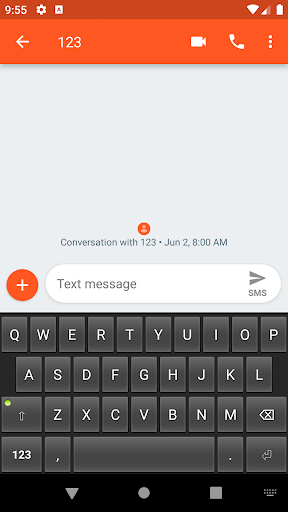
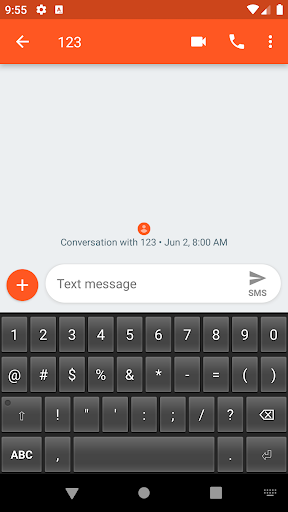
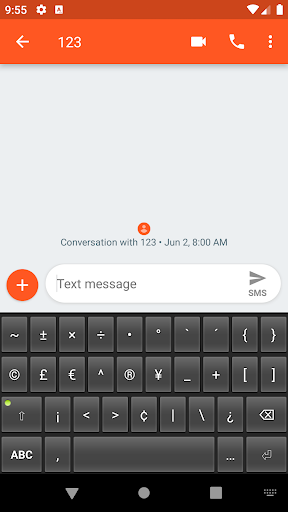
Features: it has keys
Supported layouts: en_US
Open Source license: Apache License Version 2
No launcher icon and settings are available.
To enable the keyboard:
* Go to: System Settings - Language and Input - Virtual Keyboard - Manage Keyboards (path may be different across Android versions and brands).
* Enable the Tiny Keyboard (you may get a default warning about tracking, don't worry, it can't track what you type due to the lack of Network permission)
* Switch to Tiny Keyboard from current Input Method (differs between keyboards, usually long-press space)

What's New with Tiny Keyboard 0.5

Fix enter key styling

Information

  • Category:
    Tools
  • Latest Version:
    0.5
  • Updated:
    2019-11-03
  • File size:
    21.7KB
  • Requirements:
    Android 4.0.3 or later
  • Developer:
    Raimondas Rimkus
  • ID:
    rkr.tinykeyboard.inputmethod
  • Available on:
Reviews
  • avatar
    Okay another great keyboard just like your Simple Keyboard but just a little more lesser than it already is. My review will be the same, it will be great if it has at least the most basic emojis.
    2020-06-20 02:24
  • avatar
    Good keyboard, light... But in my samsung J8 use full screen gestures (keyboard themes = dark) is so small, can u make bigger again?
    2020-06-13 03:24
  • avatar
    Umm, this app are only 25kb and working like a normal keyboard apps. But here I found a language key on keyboard and when I touch it, it's activate my BB keyboard app?
    2020-04-30 04:30
  • avatar
    Love it
    2020-04-26 06:18
  • avatar
    Nice compact small size keyboard but in landscape mode the input box fills the screen.
    2020-04-06 07:47
  • avatar
    How can i use this? Help please
    2020-03-23 01:34













