

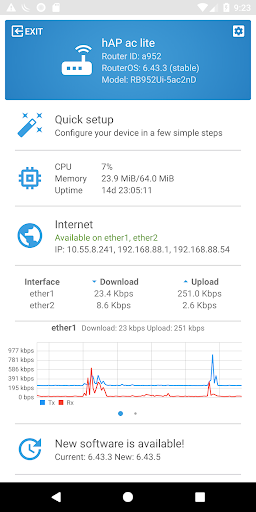
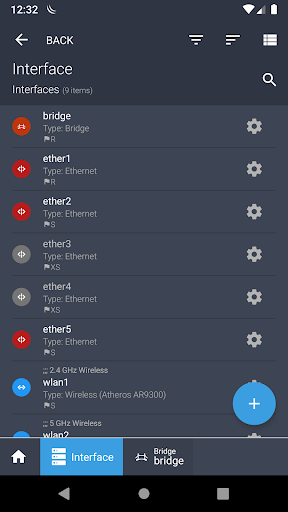
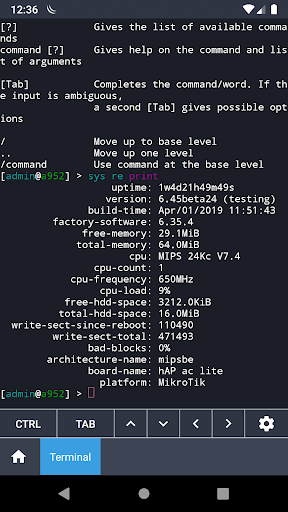
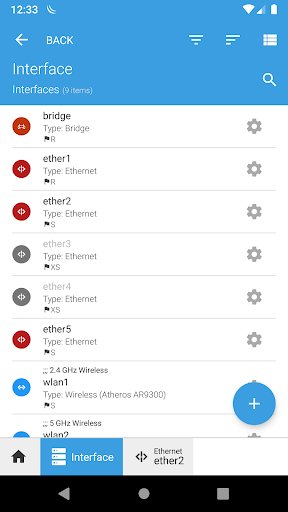
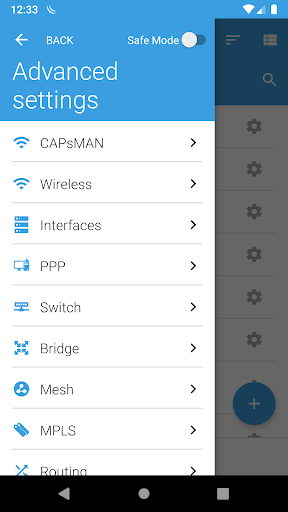
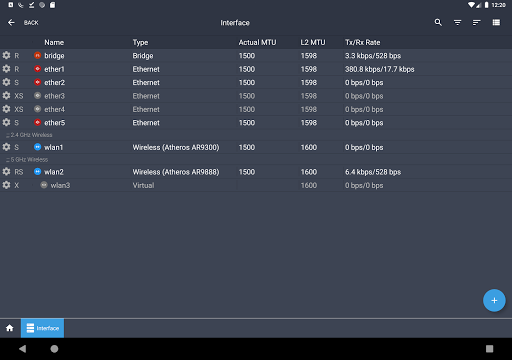
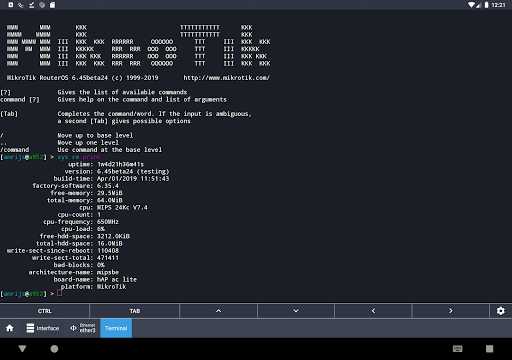
RouterOS provides all the core features for your network - routing, firewall, bandwidth management, wireless access point, backhaul link, hotspot gateway, VPN server and more.
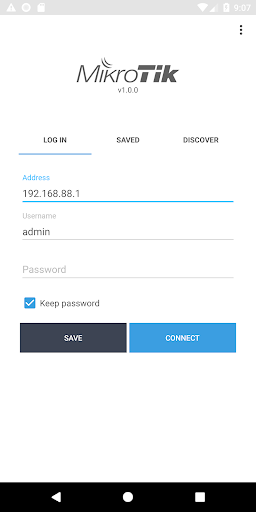
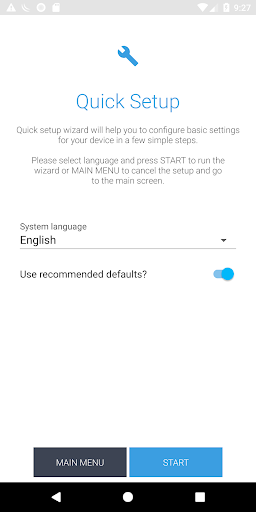
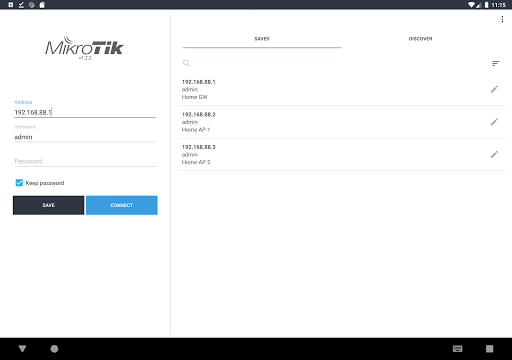
Use the MikroTik smartphone app to configure your router when a computer is not available.
Default username on new routers: admin. There is usually no default password (leave empty), or it is specified in the accompanied document.
Requirements: a MikroTik router running RouterOS v6 or newer.
Discussion forum: https://forum.mikrotik.com
v1.3.32
Added QR code support for WireGuard® peers
Added monochrome app icon
Some bug fixes
v1.3.31
Fixed file permissions for Android R
v1.3.30
New app icon
Fixed hotspot user count in main page
Added comment field to item edit page
Changed traffic byte units to MiB/GiB



![Mikrotik Mobile App & Connect Mikrotik With Android App [MK TricK Pro] screenshot 5](https://i.ytimg.com/vi/tJOp8FVZKoY/mqdefault.jpg)







9Apps 4.9














