

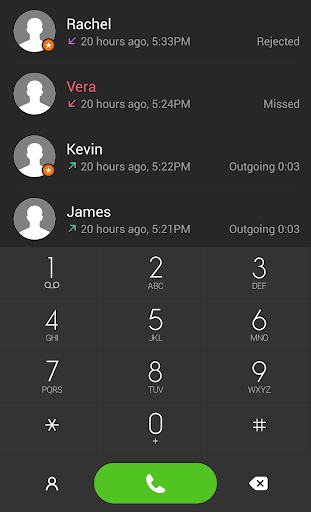
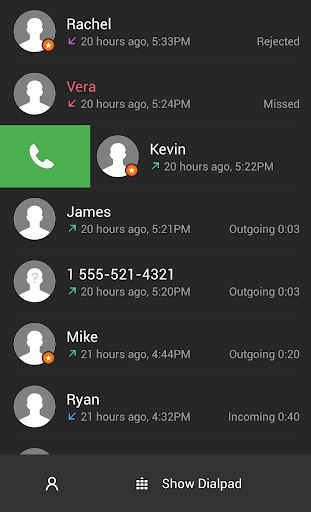
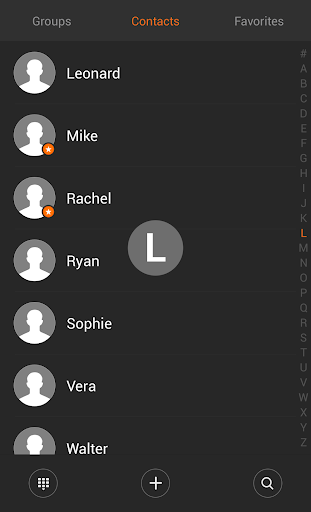
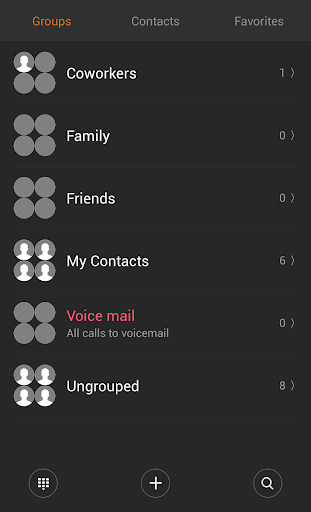
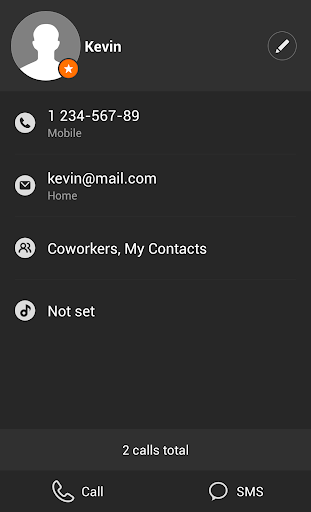
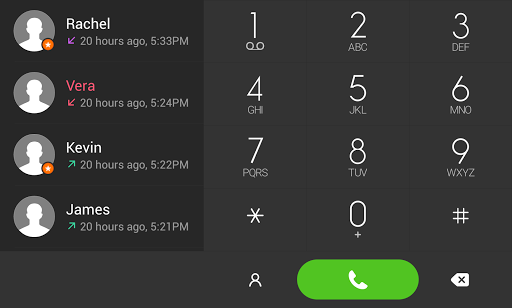
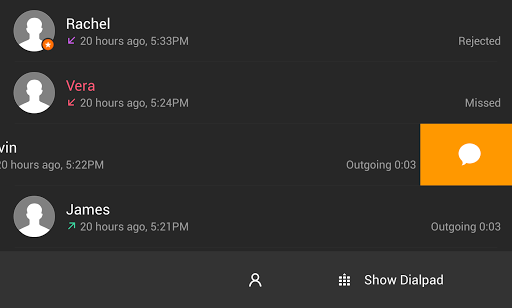
Minimalistic dark theme for exDialer with circular contacts photos and custom font.
This theme require installed ExDialer - Dialer & Contacts.
Install it from here: https://goo.gl/HHWlC
After installation click OPEN button in market to open exDialer.
Setting up exDialer preferences:
In exDialer Preferences
1. Press Theme — choose MIUI Dark. Go back to Preferences.
2. Press Appearance. Scroll to the bottom.
3. Set up Dialpad Size to: Width 1.00x, Height 1.00x or 0.90x for small screens.
4. Set up Dialpad Text Size to Normal.
5. Use Theme Font — ON
6. Display ABC — OFF
7. ABC at Right — OFF
Check light version: https://goo.gl/2iz36R
If something looks bad do not hesitate to email me.
com.modoohut.dialer.theme
Fix misalignment of the keypad for Quad HD displays.
Minor fixes.


![How to change Dialer in Asus zenfone max pro m1 without root [hd] screenshot 4](https://i.ytimg.com/vi/IYHUtBEIGno/mqdefault.jpg)


9Apps 4.9














