








DOWNLOAD IS NOT SUPPORTED IN WEB STORE!
Use the latest version of 9Apps to download APK&OBB file of games in one click!
DOWNLOAD 9APPS
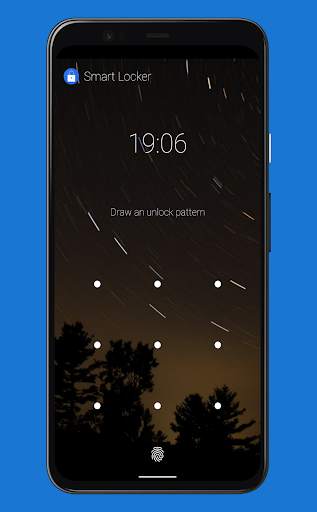
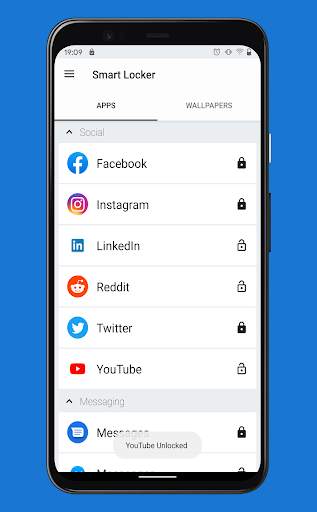
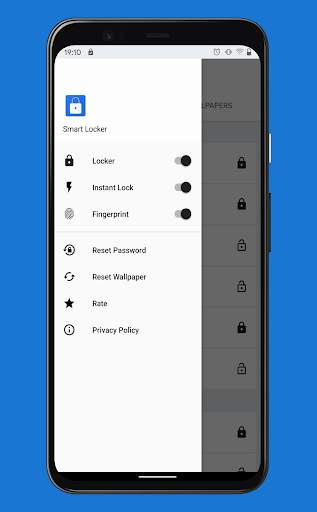
Smart Locker can help you protect your private data by locking other applications.
You can lock applications with a pin, password or a fingerprint, if the device you are installing on has fingerprint functionality.
Smart Locker can lock Facebook, Whatsapp, Messenger, Snapchat, Instagram, SMS, Contacts, Gmail, Settings and any app you choose. Prevent unauthorized access and guard privacy. Ensure security.
---FAQ---
1.How to activate?
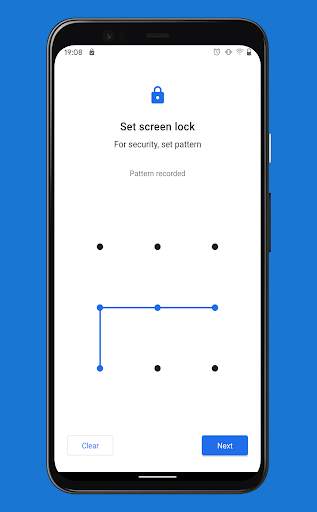
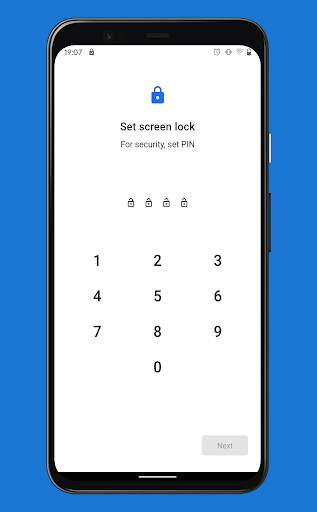
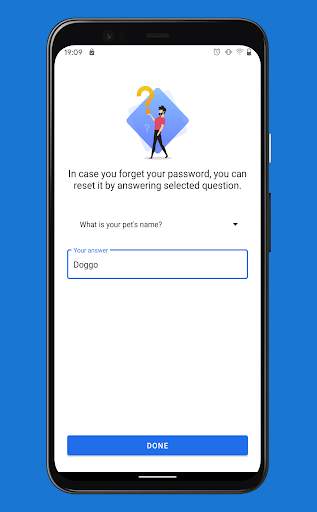
Open app -> Setup pattern/pin ->Enter recovery question and answer ->
Grant permission -> Select an app from the list.
2. How to change pin/pattern?
Open app -> Go to settings -> Click Reset Password.
3.How to stop uninstalling Smart Locker?
Select Settings app from the list.
4.How to recover if I forget my pattern/pin?
If pattern/pin is entered wrong 3 times, a recovery icon will appear in the top-right corner.
Enter provided answer and reset pattern/pin.
---Features---
• Lock your apps with pin, pattern, or fingerprint(device must support fingerprint).
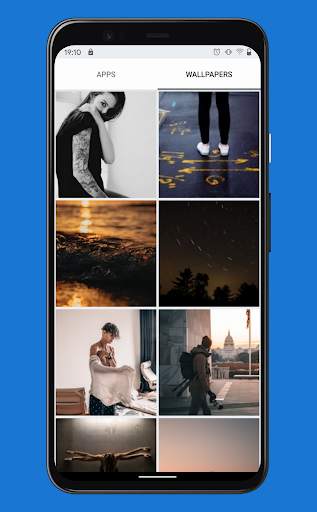
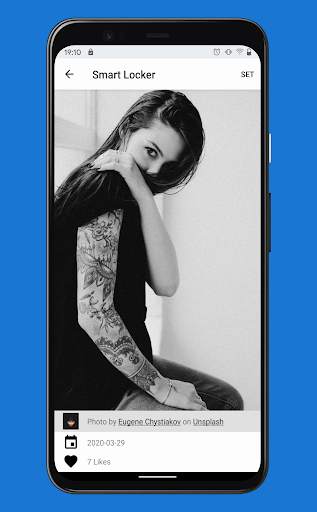
• Customize your lock screen with beautiful wallpapers.
• Set lock each time you start a locked app or until screen lock.




Bug fixes and product improvements