


DOWNLOAD IS NOT SUPPORTED IN WEB STORE!
Use the latest version of 9Apps to download APK&OBB file of games in one click!
DOWNLOAD 9APPS
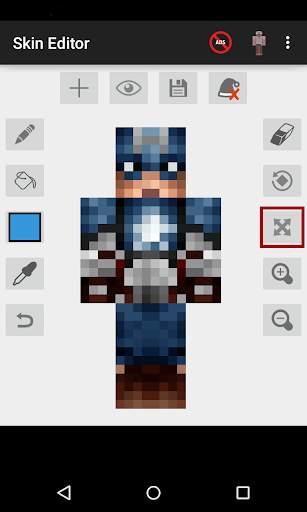
Skin Editor for Minecraft is a great tool for you to edit and apply Minecraft skins to all platforms.
You don't need BlockLauncher to use Skin Editor (Although you can still use it as an option)
These are Skin Editor for Minecraft features:
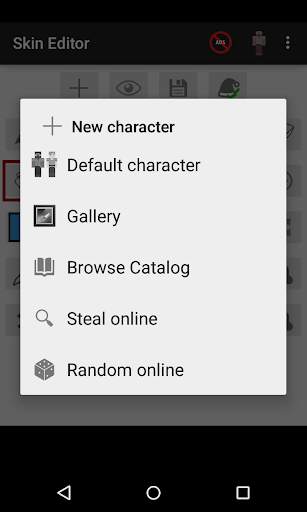
1. Create a new Minecraft skin
- Default skin (Steve, Alex, Blank skin)
- Steal player skins from the internet by typing names
- Random online skins
- Browse skins from catalog
- Import skins from your gallery
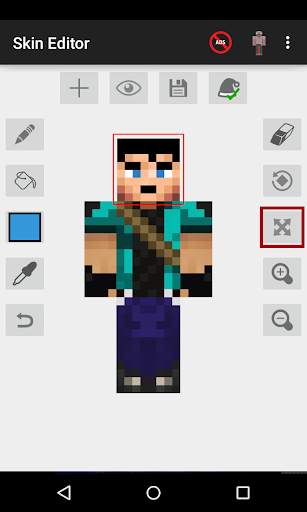
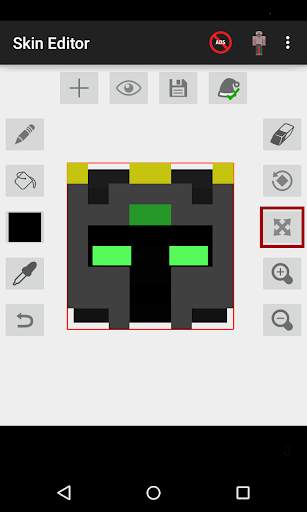
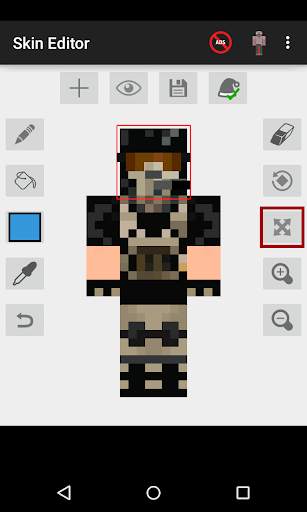
2. Edit Minecraft skins to fit your needs with these powerful tools
- Pencil
- Bucket (Fill tool)
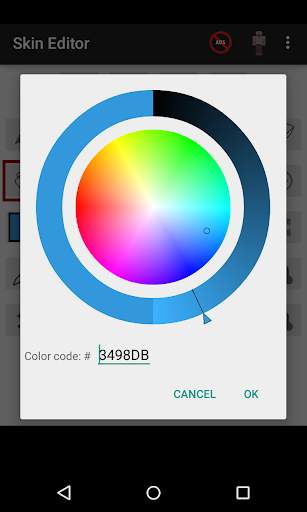
- Color wheel
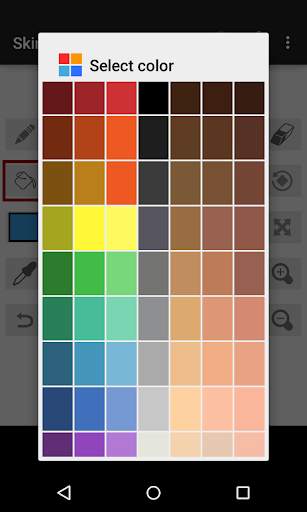
- Color palette
- Eye dropper
- Moving tools
- Zoom in/out tools
- Undo button
- 3D Hat feature
3. Rotating your character in 6 directions
- Front view
- Back view
- Left view
- Right view
- Top view
- Bottom view
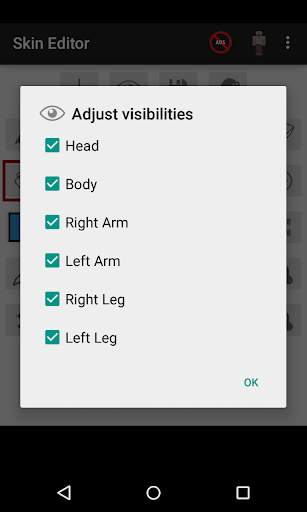
4. Adjust visibility of your character. Editing Minecraft skins had never been this easy.
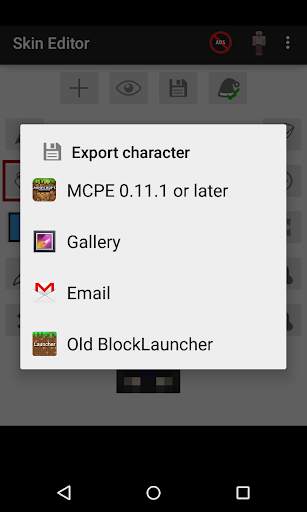
5. Export skins in 4 different ways
- Export directly to Minecraft Pocket Edition
- Export to BlockLauncher
- Export to your gallery
- Export to email
Follow me on Twitter @keeratipong. https://twitter.com/keeratipong
Skin Editor for Minecraft is not developed by Mojang. Minecraft is a trademark of Mojang AB. Please note that we are not affiliated with Mojang AB but we adhere to the terms set out by Mojang AB at https://www.minecraft.net/terms
- Fix bugs in color selector
- Add delays between ads when saving skins
- Other minor improvements



Quikr: Homes, Jobs, Cars Etc
4.120.8MB

Candy Crush Saga
4.491.1MB

imo beta -video calls and chat
4.394.0MB

Mushroom Takeover
4.569.0MB

ShopClues
3.816.4MB

Talking Tom Cat
3.963.0MB

Offline Music Mp3 Player- Muso
4.535.9MB

Facebook Lite
4.02.5MB

Temple Run 2
4.4122.1MB

Dearmet: Video Chat, Live Talk
4.043.4MB