

Sketch Photo Editor : Pencil Sketch Photo Maker
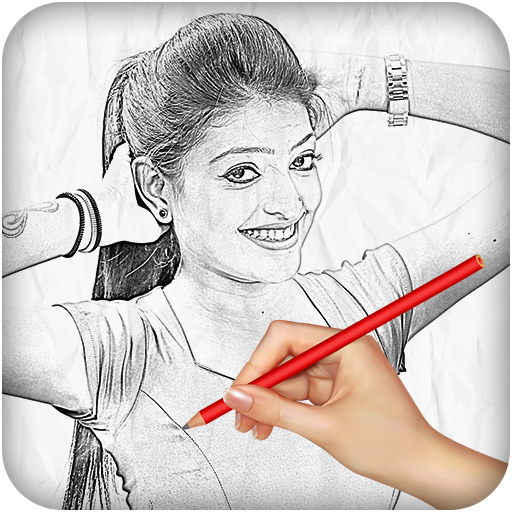
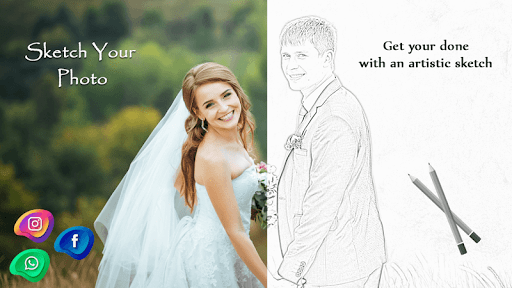
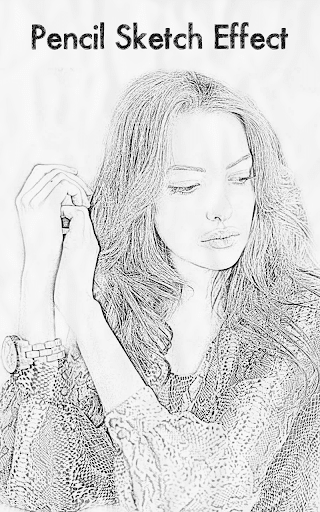
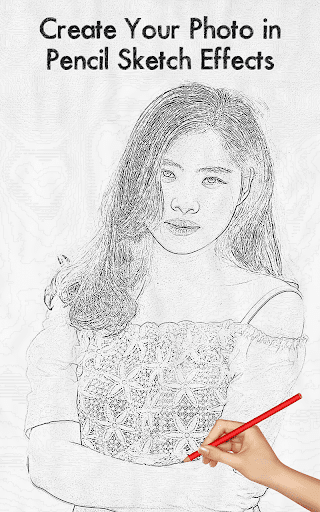
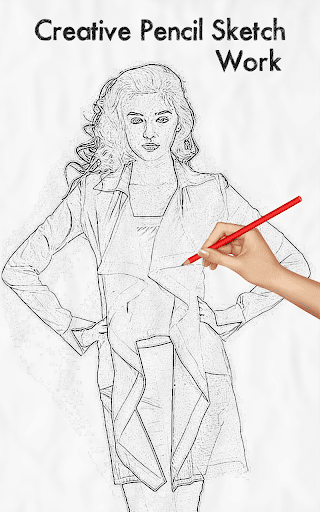
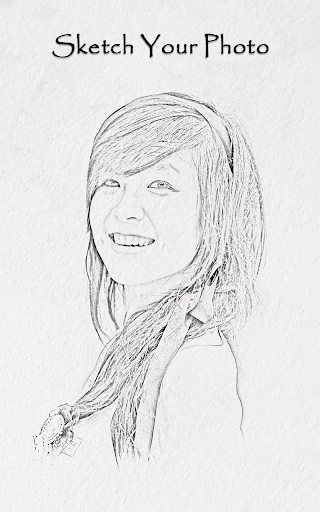
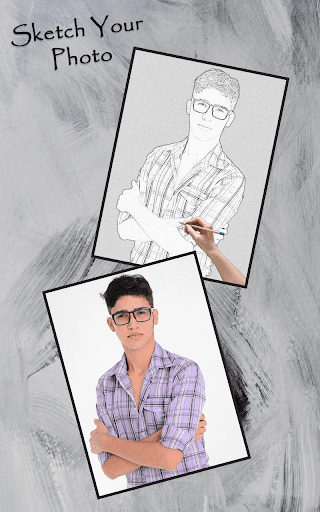
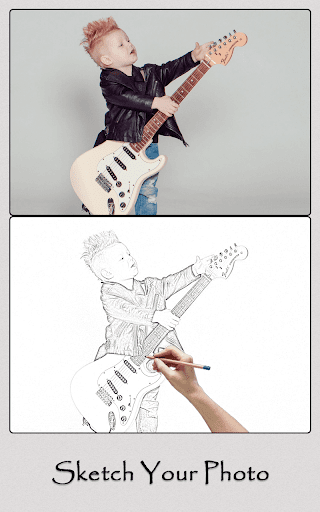
Sketch Photo Editor : Pencil Sketch Photo Maker App converts your pictures in to pencil sketch and see how you look in Sketch effects.
Cut Cut Photo Editor support many types of pencils like black and white, light pencil, crayon pencil, portrait pencil.
Users can also make colour sketch of their photos with Sketch MV Photo Editor. Also you can resize pencil size for sharp sketch.
Many amazing effects like oil sketch, water sketch, gouache effect, colour pencil, cartoon effects are inbuilt in Sketch Photo Editor.
Transform your image in to most adorable sketch by one click and fill like a real artist.
Key Features::-
• Unique designed interface
• Import image from gallery or take with camera
• Convert any image in to sketch
• Resize pencil sharpness
• Apply effects like colour sketch, water sketch, oil sketch,zig zag effects, black and white, crayon effects, wax sketch effect
• Add text, frames to your sketch
• Crop, rotate, flip and zoom for perfect sketch
• Free funny stickers and emojis to decorate your sketches
• Save and share is easy
How to Use?
1. Install and open Sketch Photo Editor
2. Import your image
3. Select pencil to apply sketch
4. Crop, resize, and rotate before applying effects
5. Apply effects on sketch photos.
6. Save and share on social network
Minor Bug Fix





9Apps 4.9














