










DOWNLOAD IS NOT SUPPORTED IN WEB STORE!
Use the latest version of 9Apps to download APK&OBB file of games in one click!
DOWNLOAD 9APPS

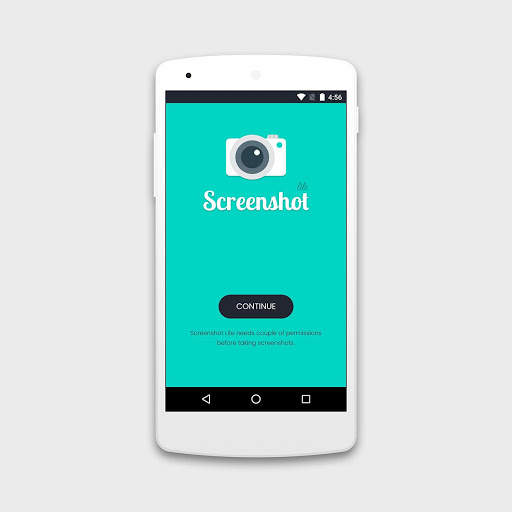
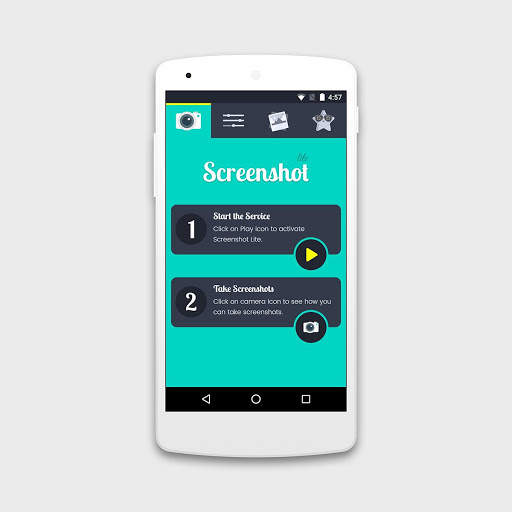
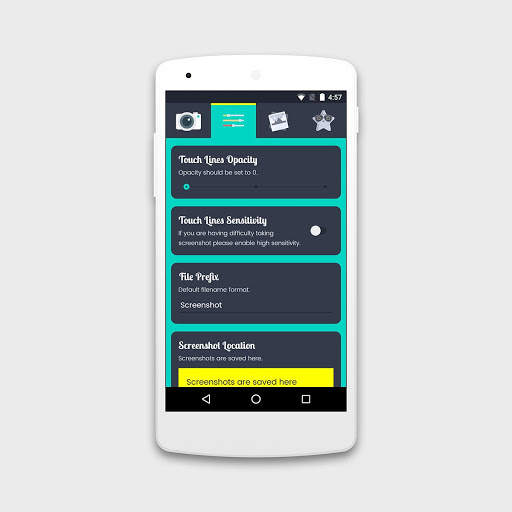
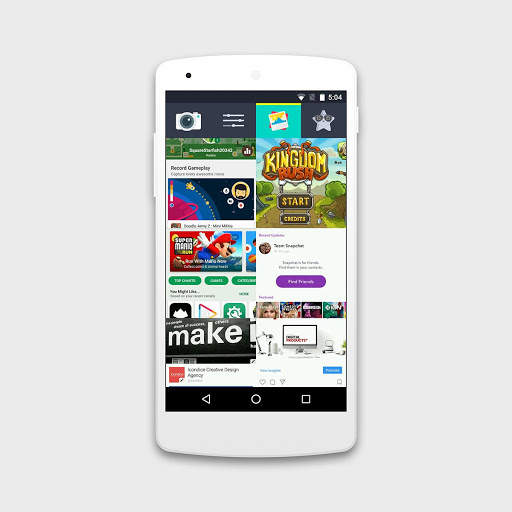
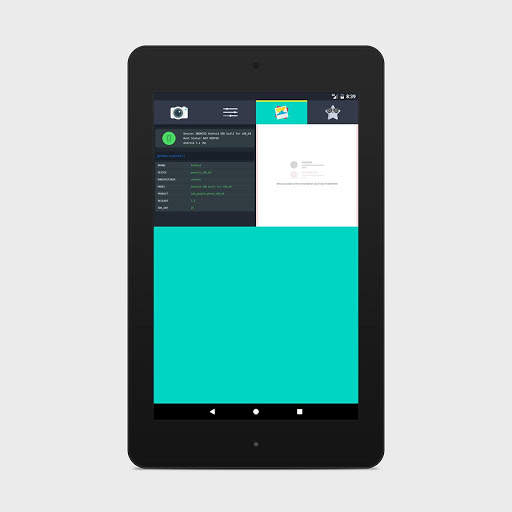
Forget the hardware buttons to take screenshots, Introducing one of the best screenshot application on PlayStore, Screenshot Lite.
How it works:
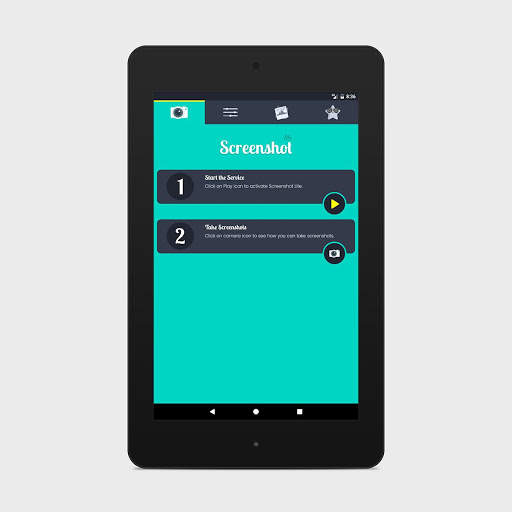
1. Allow Screenshot lite to access photos and draw over other apps.
2. Activate the service.
3. Tap & Hold (Long Press) on either side of the screen to capture screenshot.
Features:
- Just press & hold on the edge of the screen to take screenshot.
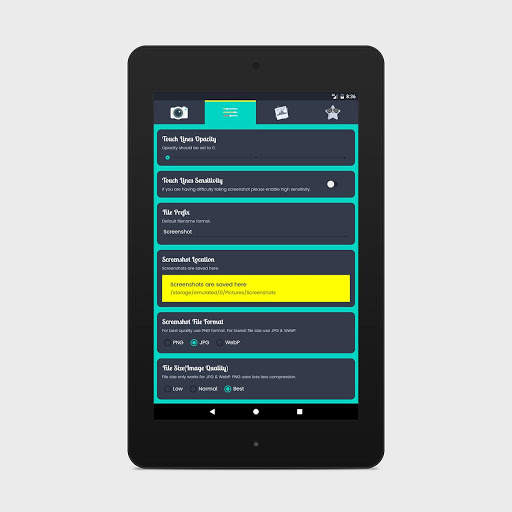
- Adjust touch sensitivity
- Option to choose Filename Prefix
- Option to choose custom location to save screenshots
- Supported file formats PNG, JPG, WebP with Image optimization options
- Various Notification options
- Gallery
- No need to press default hardware buttons
- No overlay icons or buttons to take screenshot.
Support:
-- If you have any query or suggestions you can write us on info@icondice.com. We will reply you back in 48 hours.
Like us on Facebook for more updates & free apps:
https://www.facebook.com/ScreenshotApp/


![Pastel Mood Light [10 HOURS] Satisfying Color Changing LED Lights screenshot 4](https://i.ytimg.com/vi/Reb7vI8bPHw/mqdefault.jpg)
![Light Relaxing Music - Calm Music, ambient, healing and reading music [mixtape #150] screenshot 5](https://i.ytimg.com/vi/JfTrNF2pBLQ/mqdefault.jpg)
Performance Improvements


