









DOWNLOAD IS NOT SUPPORTED IN WEB STORE!
Use the latest version of 9Apps to download APK&OBB file of games in one click!
DOWNLOAD 9APPS
With Screen Draw Screenshot
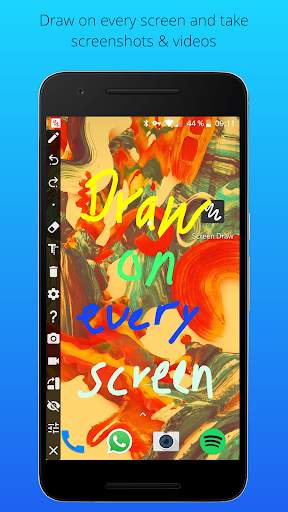
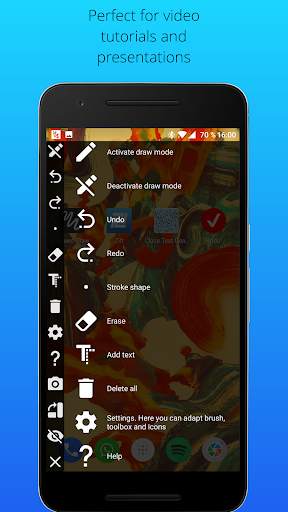
you can draw on every screen of your smartphone and take screenshots and videos. Quick accessible, always and everywhere! Screen Draw Screenshot is perfect for presentations, video tutorials or screenshots to highlight texts or images on the screen. The Screen Draw Screenshot toolbox is individual placeable per drag and drop. Addtional you can rotate the draw toolbox horizontal or vertical that you can place it at the best position on your screen or you just hide it in the notification bar.
Forget the inconvenient steps and key combinations to take and edit a screenshot. With Screen Draw Screenshot you can take screenshots and videos with just 1 click! Activate the draw mode, draw or mark something and click on the screenshot button. You can share your screenshot instantly!
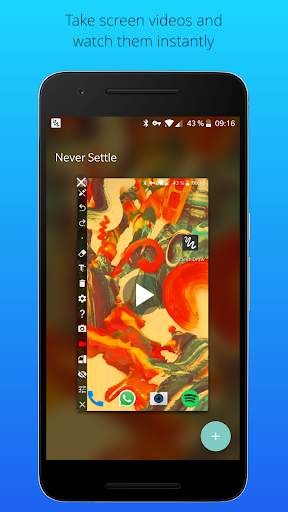
• Take screenshots and videos (Android Lollipop required)
• Export screenshots as PDF
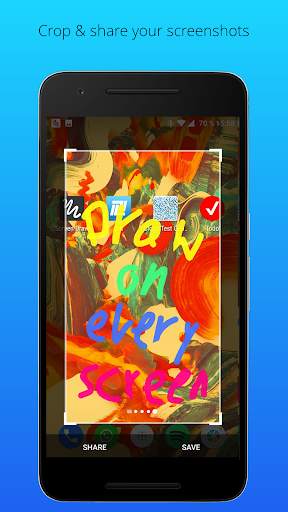
• Crop screenshots
• Draw everywhere
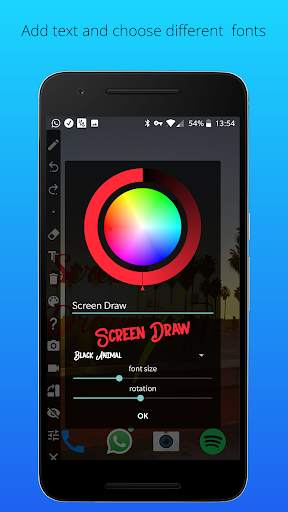
• Add text
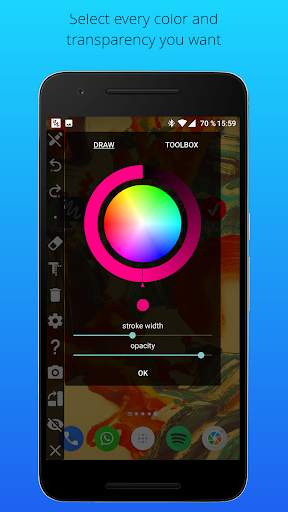
• Stroke color and width selectable
• Hide-mode
• Always accessible
• Individual placeable per drag and drop (horizontal and vertical)
• Undo/delete drawing function
• Accessible with one click
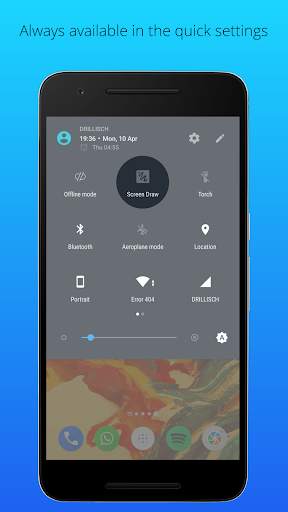
• Add screen draw icon to quick settings (Android 7 required)
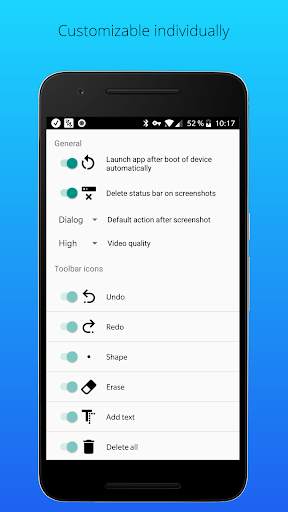
• Autostart on boot of device
• Delete status bar from screenshots
The functionality of the free version is limited after a certain time. After that, only the basic functions like drawing, undoing, and deleting are available.
Download Screen Draw Screenshot for free!
Screen Draw Screenshot pro Version: https://www.google.com/url?q=https://play.google.com/store/apps/details?id=com.kewitschka.screendraw
Note: The pro version has exactly the same functionality as the paid lite version.


● Fonts added
● Improvements
● Video function added
● Autostart after boot
● Delete status bar from screenshots automatically
● Default action after screenshot
● Bugfixes