



![Get Custom Lock Screen Shortcuts on Stock Lollipop [How-To] screenshot 5](https://i.ytimg.com/vi/ov-E0lY8YTk/mqdefault.jpg)










DOWNLOAD IS NOT SUPPORTED IN WEB STORE!
Use the latest version of 9Apps to download APK&OBB file of games in one click!
DOWNLOAD 9APPS
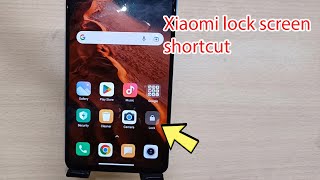
The widget allows you to switch off the screen of your device and put it into a sleep mode. Saves a power button resource, increases the usability of the device.
How to use:
1. Install app.
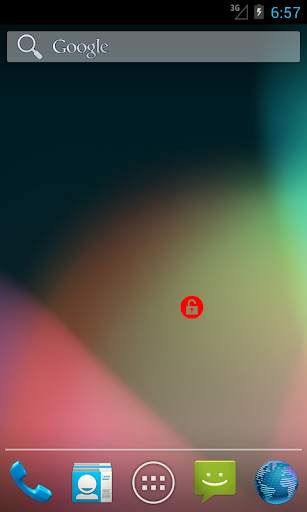
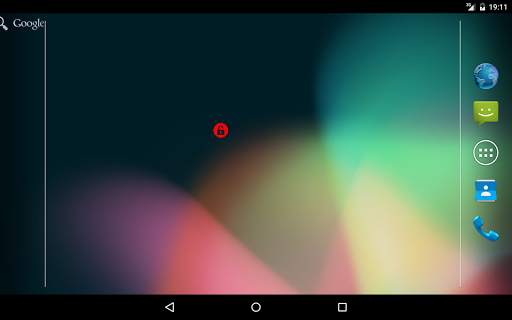
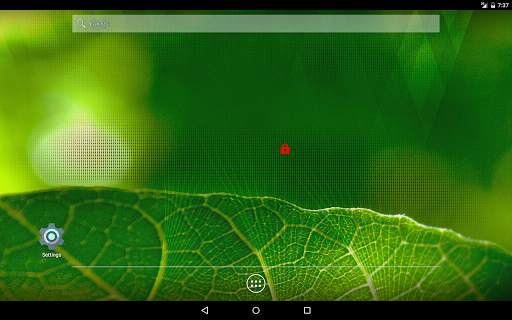
2. Add widget to your Home screen:
- long press (touch and hold your finger down) on any open spot on one of your Home screen pages. This will bring up a list of options;
- touch Widgets from the list of choices;
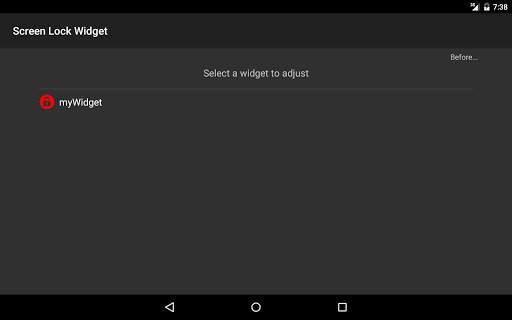
- scroll through your list of installed widgets and select the Screen Off widget;
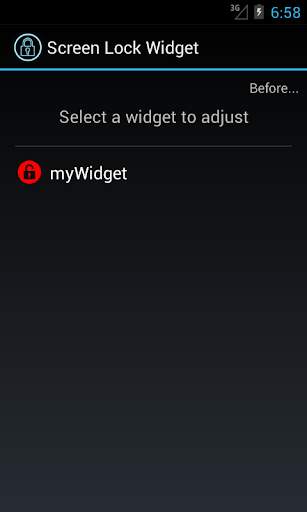
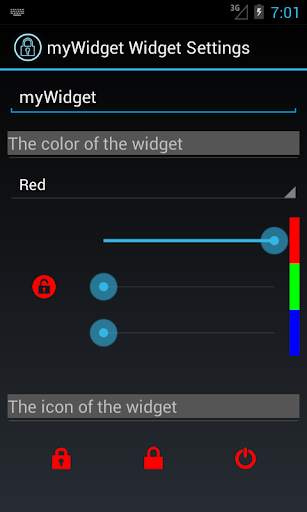
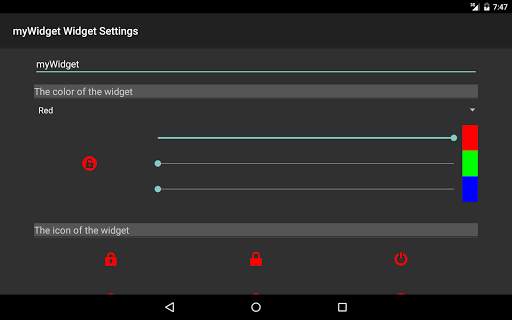
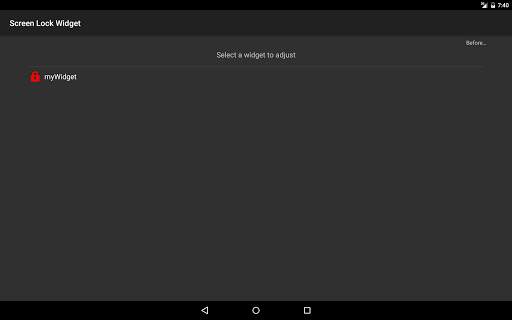
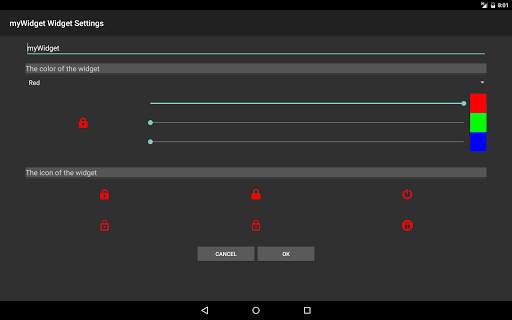
- adjust the widget settings.
3. Tap Screen Off widget to switch off the screen.
Functions:
- the ability to select the icon of the widget
- the ability to customize the color of the widget.
Features:
- lock device with one touch;
- small size of the application;
- individual settings for each widget;
- ease of use;
- absolutely free and without ads!
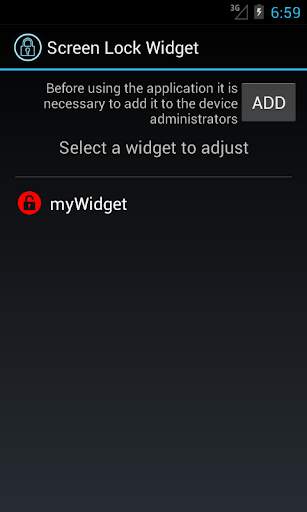
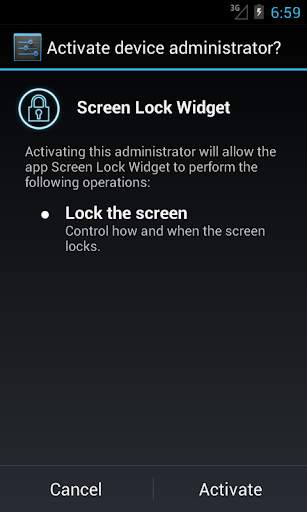
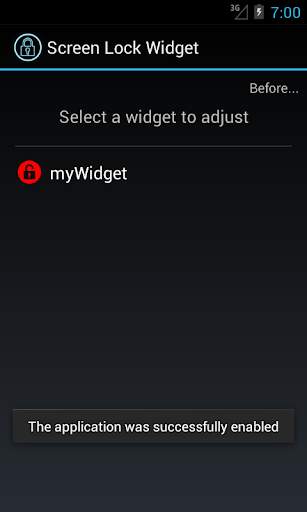
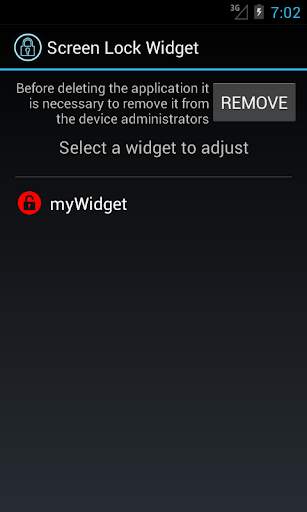
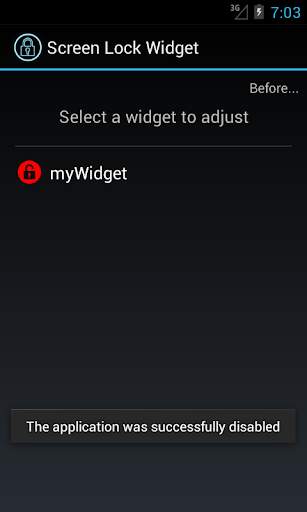
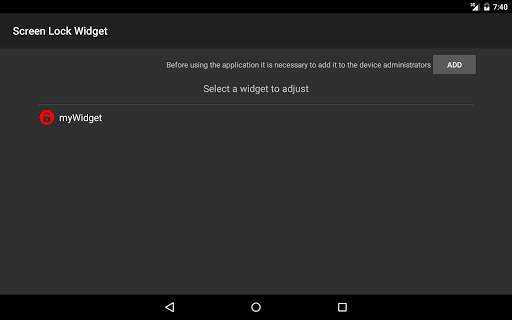
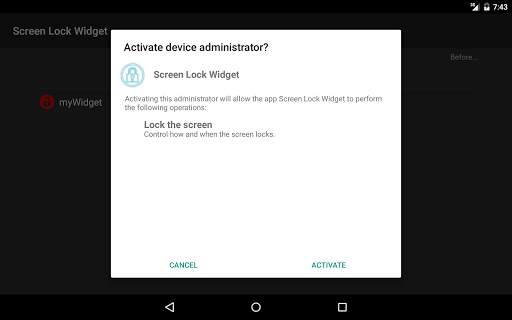
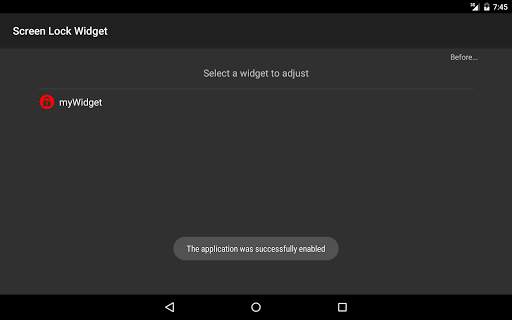
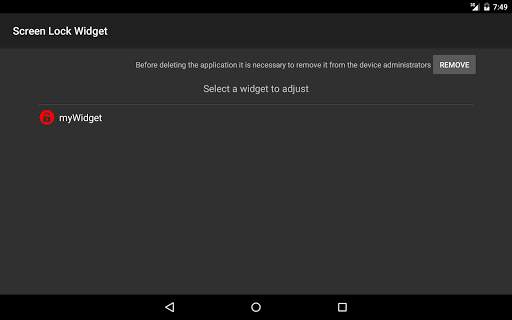
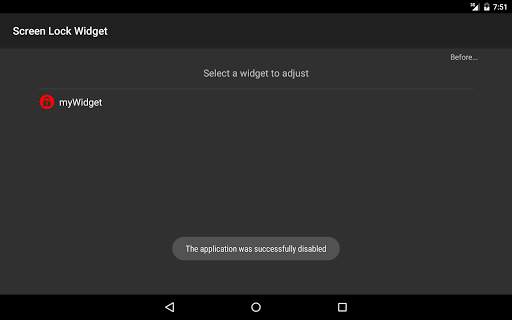
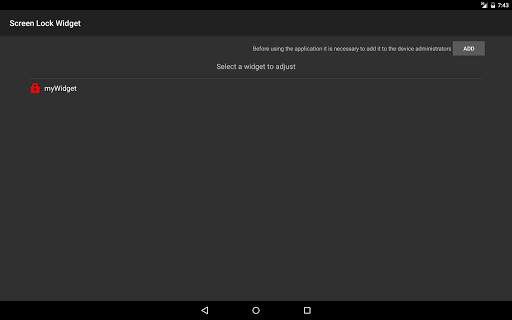
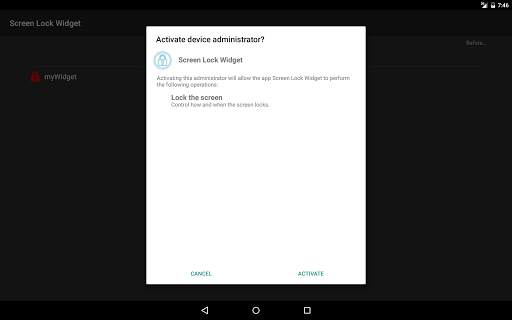
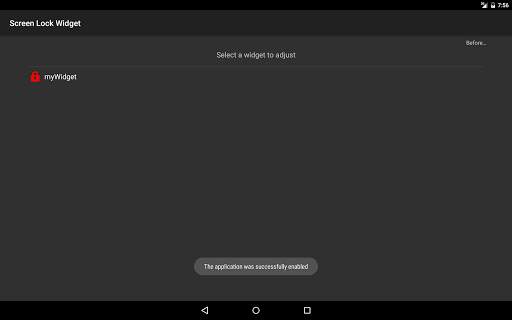
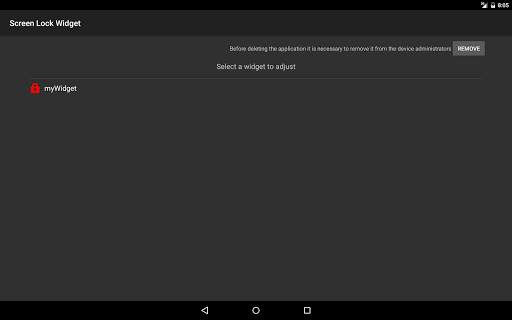
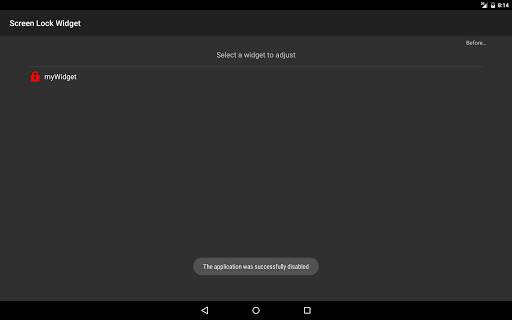
NOTE: Before using the application it will be necessary to add it to the device administrators. Before deleting the application, respectively, it will be necessary to remove it from the device administrators.
If this application doesn't work on your device, please send us the details, we will try to fix it.