













DOWNLOAD IS NOT SUPPORTED IN WEB STORE!
Use the latest version of 9Apps to download APK&OBB file of games in one click!
DOWNLOAD 9APPS
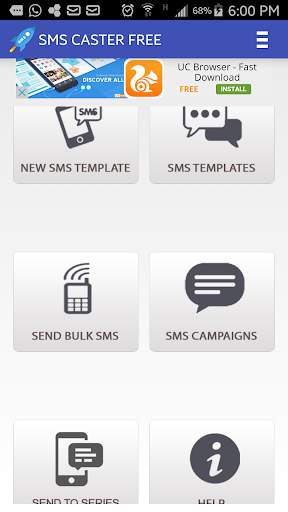
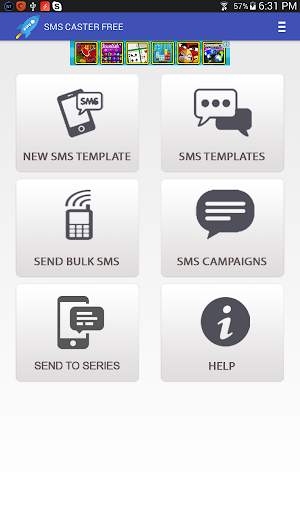
You can use Bulk SMS for following Purpose:
* Send Bulk SMS to MS. Excel File (CSV Format)
* Send Bulk SMS to Number Series
How to Use:
* Install the application.
* Register your profile by entering your details.
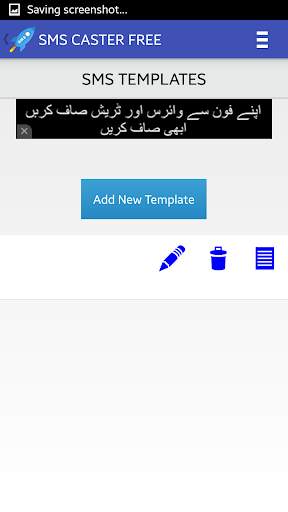
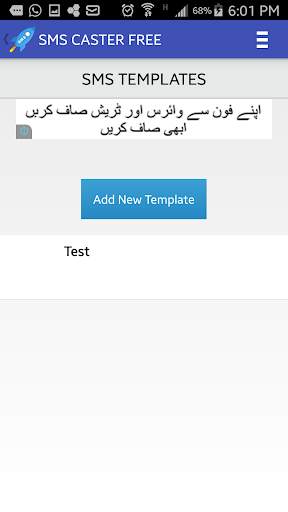
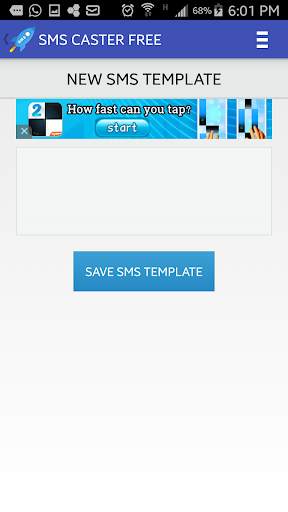
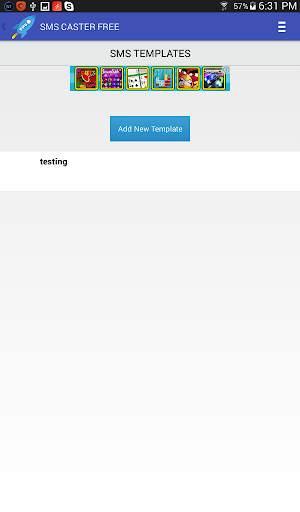
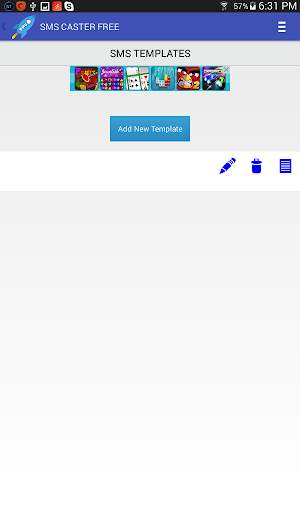
* Create a new SMS template through New SMS Template button. (We will be using this template in our campaign)
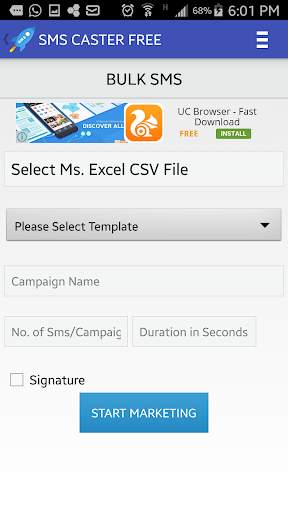
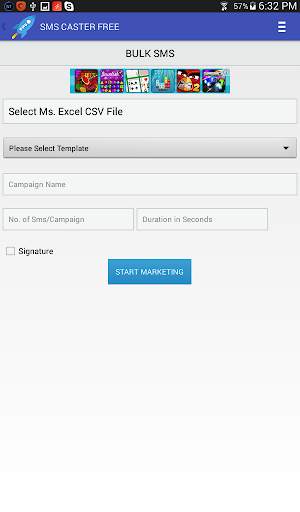
* Open Send Bulk SMS menu & select CSV file from your mobile storage.
* Select a Template.
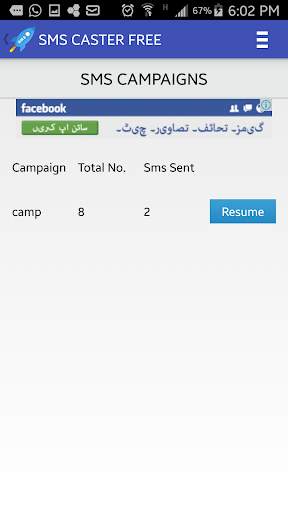
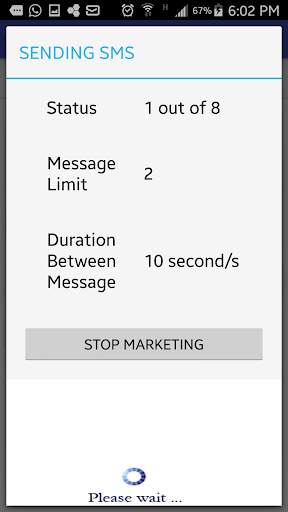
* No of SMS: Total no SMS per shot. After completing the shot the campaign will end & can be resumed any time.
* Duration in second: It is the delay between each sent SMS.
* Signature: Signature can be set from profile area on top menu.
* Each campaign can be paused & resumed.
Dual Sim Android smartphones NOT supported.
If you find any difficulty in using our application kindly contact us at info@blazeminds.com.


