












DOWNLOAD IS NOT SUPPORTED IN WEB STORE!
Use the latest version of 9Apps to download APK&OBB file of games in one click!
DOWNLOAD 9APPS

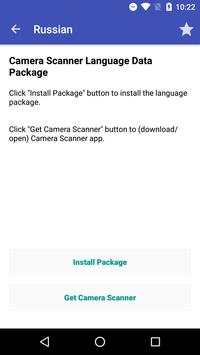
Russian OCR Data for Camera Scanner
Q&A:
1.How to use the OCR data package?
Install the specific language package and open it. Then press “Install Package” button to install the data (if you haven’t installed the Camera Scanner app, you need to install it first). Open the Camera Scanner app and press OCR button on one picture to recognize text from the picture!
2.How to remove the OCR data from your phone:
Open the Camera Scanner app. Then goto “settings/OCR Language Data Manage”
screen.
Delete the specific data.
If you have any problems , please give us a feedback:
Camera Scanner : https://play.google.com/store/apps/details?id=com.camerascanner.pdfconverter
E-mail:
zayajisrn@gmail.com
Facebook:
https://www.facebook.com/scannerprofree
Twitter:
https://twitter.com/scannerprofree
Tumblr:
http://scannerprofree.tumblr.com
Website:
http://www.scanner-pro.com


