
DOWNLOAD IS NOT SUPPORTED IN WEB STORE!
Use the latest version of 9Apps to download APK&OBB file of games in one click!
DOWNLOAD 9APPS

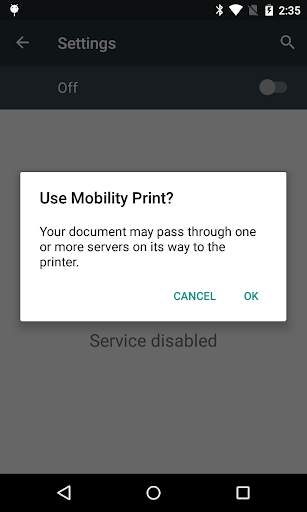
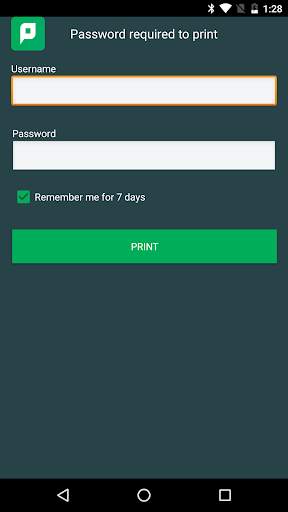
Note: You need to connect to your organization's wifi network that has access to your Mobility Print server to print from your Android device. Cloud Print is only available on Windows, Mac, and Chromebook devices and only if your admin configured it.
Print from your own Android phone or tablet easier than ever before.
* Install on any Android device connected to your workplace wi-fi and print to printers with the PaperCut Mobility Print icon.
* Send print jobs right from the apps you use – check out documentation specific to the app to find out about printing from it
For the Administrator:
PaperCut Mobility Print is a simplified printing solution for BYOD and mobile devices that allows users to print from any Android, iOS, Windows, Mac or Chromebook device. It's perfect for businesses supporting a mobile workforce, or schools/colleges/classroom with 1:1 laptop programs with the latest updates automatically pushed.
In order for Mobility Print to function, you also need to install a Mobility Print server.
For more information, visit the following website:
https://www.papercut.com/products/free-software/mobility-print/