


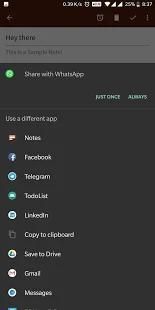


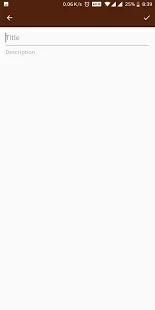
As we all know, 20,000+ users downloaded Notes latest version on 9Apps for free every week! It is simply to learn how to use it. This hot app was released on 2018-08-12. You can see more apps release recently on 9Apps.
*Open Source*
This is an open source Notes application that is written in Kotlin.
• Use "OK Google" voice command "Take a Note" or "Add to Note" to Quickly Add Notes
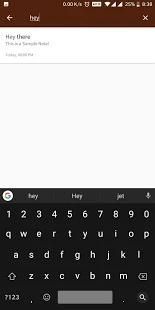
• Search through your saved Notes
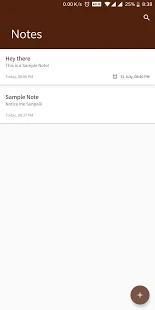
• View, Modify or Delete Notes that you have Created
• Saving Something Important! We have an option to Set a Reminder
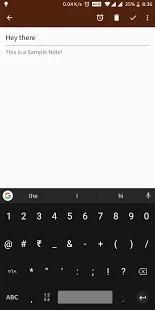
• Don't worry about Saving, Once you add A note Auto-Saving is Enabled by Default
• Multilingual Interface
* This app uses Internet for Crash Reporting via Crashlytics and Logs various events to help us improve application*
*We are still developing this application please refrain yourself from depending completely on Notes. It's always better not to keep all your eggs in the same basket! *
*Want Notes to support your language, fill out this Google Form
https://goo.gl/forms/7hiewKaHS5Rq7Vp73*
*You can also Contribute in Translating Text into your language on GitHub*
You can find the repository on GitHub here https://github.com/1AboveAll/Notes
* New Languages Support Added - French (Global), Portuguese and Indonesian
* Crash Fixed
* Events Updated






9Apps 4.9














