DOWNLOAD IS NOT SUPPORTED IN WEB STORE!
Use the latest version of 9Apps to download APK&OBB file of games in one click!
DOWNLOAD 9APPS
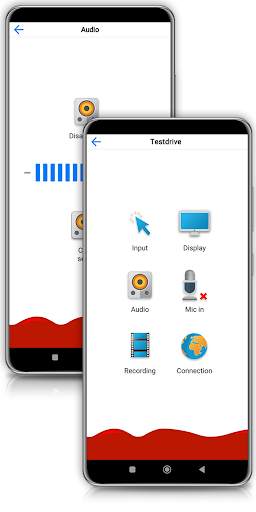
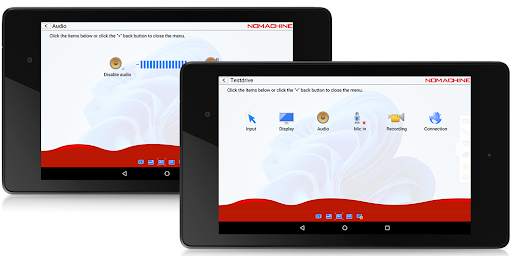
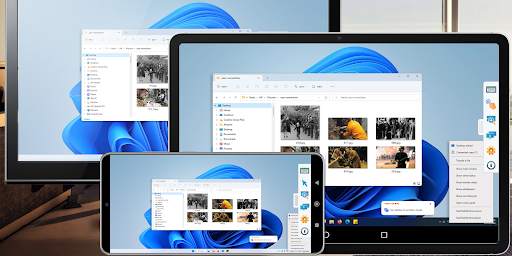
Connect from your device to any NoMachine-enabled PC or Mac at the speed of light. NoMachine is the fastest remote desktop software you have ever tried. In just a few clicks you can reach any computer in the world and start working on it as if it was right in front of you.
The perfect travel companion, you can use it to:
- Enjoy all videos, including HD movies, TV shows, and music files that are playable only on your computer
- Play graphic intensive games
- Remotely administrate unattended computers and give on-the-go support to colleagues and friends
- Control your computers remotely as if you were sitting in front of them
- Work with all your files, desktop applications and other programs all running on your computer elsewhere
Features:
- Access all computers behind firewalls
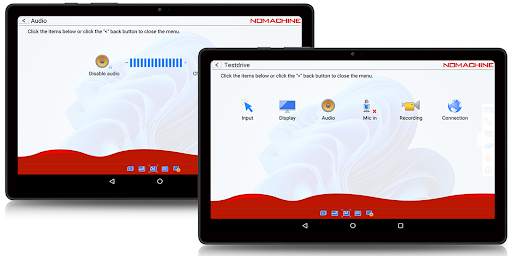
- High-resolution video and audio streaming
- Transfer files in both directions
- Record any activity on the remote desktop
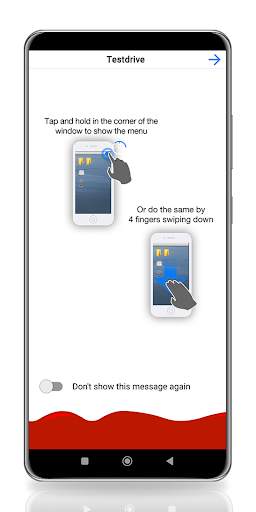
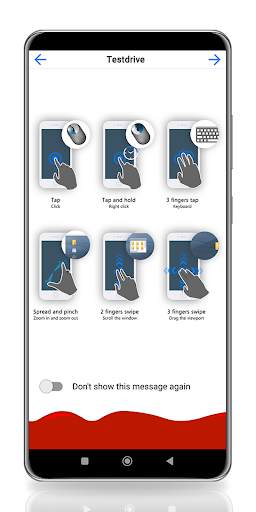
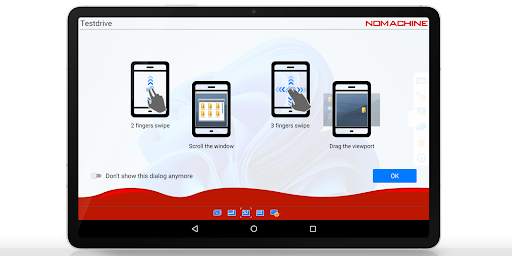
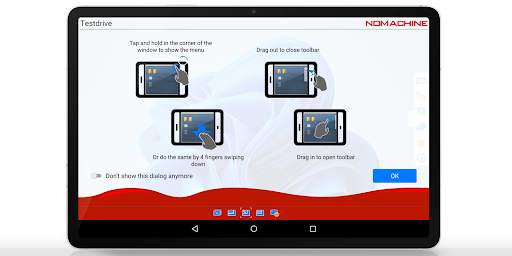
- Intuitive touch and control gestures
Quick guide
1) Install this app.
2) Download NoMachine from our website and install it on the computer you want to access.
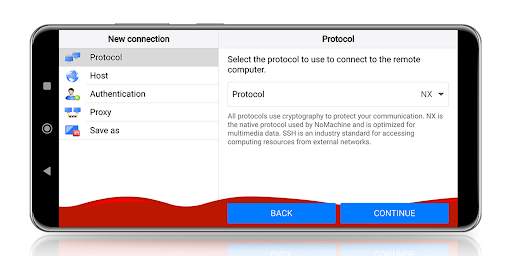
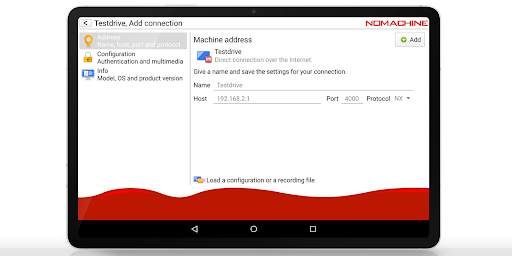
3) In the NoMachine for Android GUI enter the IP of your computer.
4) You must already have an account on the remote computer. Enter the credentials for your user account when prompted.
5) For more detailed instructions check the tutorial here: https://www.nomachine.com/getting-started-with-nomachine-for-android





Increased target SDK version to meet Play Store policy requirements.



Facebook Lite
4.02.5MB

Candy Crush Saga
4.491.1MB

Offline Music Mp3 Player- Muso
4.535.9MB

Quikr: Homes, Jobs, Cars Etc
4.120.8MB

Talking Tom Cat
3.963.0MB

Mushroom Takeover
4.569.0MB

Temple Run 2
4.4122.1MB

imo beta -video calls and chat
4.394.0MB

Dearmet: Video Chat, Live Talk
4.043.4MB

ShopClues
3.816.4MB