DOWNLOAD IS NOT SUPPORTED IN WEB STORE!
Use the latest version of 9Apps to download APK&OBB file of games in one click!
DOWNLOAD 9APPS
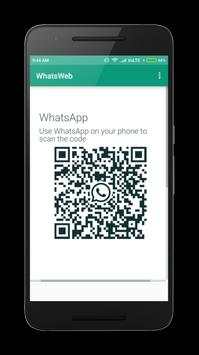
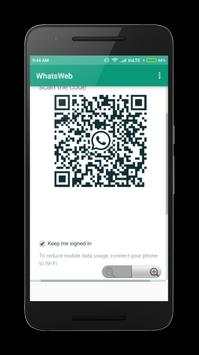
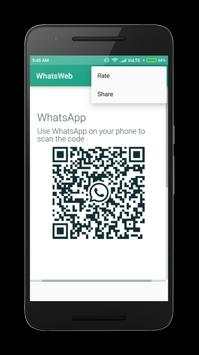
WhatsWeb - a Web for WhatsApp dual WhatsApp account on multiple devices. Multiple whatAapp account in one phone. It is entirely up to you!
Just scan the QR code displayed on whatsweb app from the device you want to open/sync and now you can access the same whatsapp account on both devices!
HOW TO USE
1. Install and Open WhatsWeb on mobile you want to sync/clone your whatsapp to
2. Open whatsapp on your main phone (the account you want to clone)
- On Android: Scroll to the Chats screen -> Menu -> whatsapp Web.
3. After clicking "whatsapp web", you should see a camera QR scanning screen.
4. Now scan the QR code displayed on whatsweb
5. Done! Sync complete! Now you can access the same whatsapp account on both devices!
PS: This app is an independent one and is not affiliated with any other company including WhatsApp inc.
Disclaimer: This app is only for personal use.
Don’t forget to give us a 5-Star (★★★★★) rating if you like us.