
![Get a Microsoft-Inspired Start Menu on Your Android [How-To] screenshot 1](https://i.ytimg.com/vi/C4C6xMQ5jvs/mqdefault.jpg)











DOWNLOAD IS NOT SUPPORTED IN WEB STORE!
Use the latest version of 9Apps to download APK&OBB file of games in one click!
DOWNLOAD 9APPS

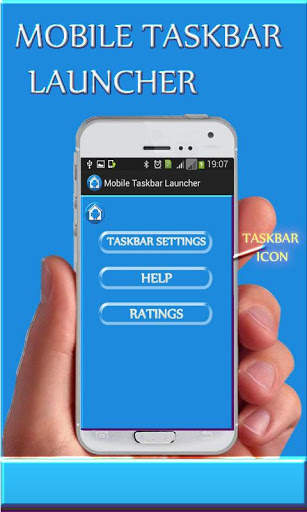
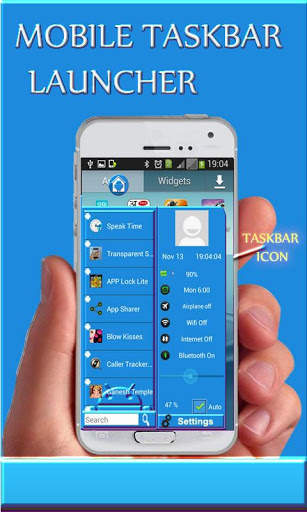
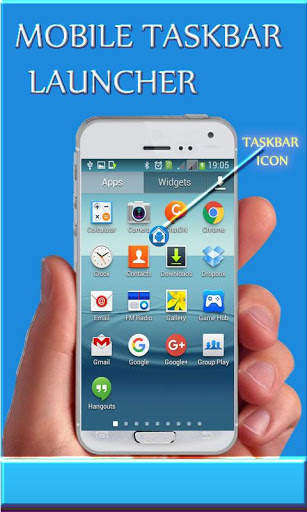
Mobile TaskBar allows you to run or open
any application ,settings
at any time without interrupting running task/apps.
Main Features
* Quick task switcher/app switcher without interrupting current task
* Creates Beautiful Task-bar on the bottom edge.
* Provides multitasking on mobile apps.
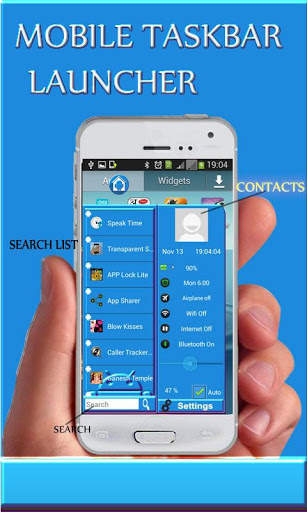
* Apps search by using this task-bar to open applications.
Tools Settings
✓ Enable/disable Network Settings
✓ Enable/disable Wifi Settings
✓ Enable/disable Bluetooth Settings
✓ Airplane Settings
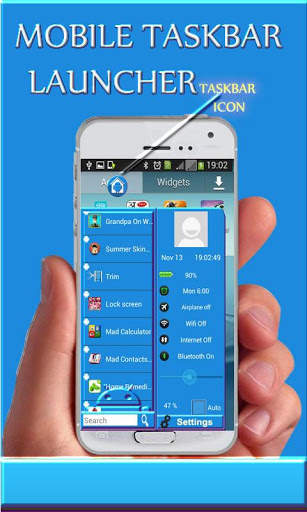
✓ Screen Brightness Settings and also display brightness percentage.
✓ Display Battery Status
✓ Quick to open system Settings from any running task
✓ Quick to open Alarm Settings and display next alarm timing and day information.
✓ Browse contact from click on user image button.
This task bar launcher is powerful floating task switcher.
How to use it?
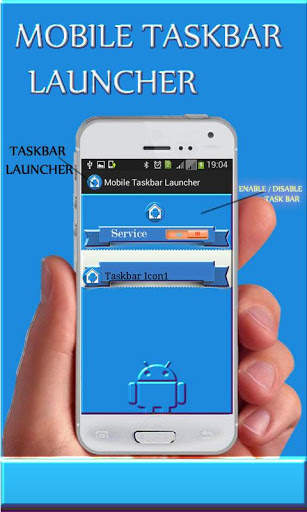
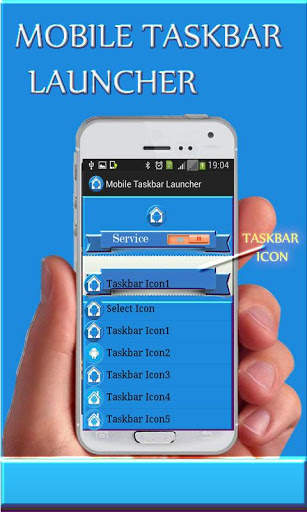
☆ Enable task bar Taskbar on/off from settings screen.
☆ After enable floating Task-bar icon will appears on screen.
☆ Click task-bar icon to "Start" Taskbar
Launcher.
☆ Change Task-bar
start button/icon location by moving on screen.
( Click an hold for a while, then move around
the screen to change its location. )


