












DOWNLOAD IS NOT SUPPORTED IN WEB STORE!
Use the latest version of 9Apps to download APK&OBB file of games in one click!
DOWNLOAD 9APPS
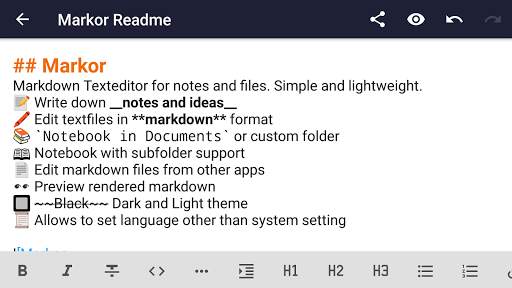
📝 Create notes and manage your to-do list using simple markup formats
🌲 Work completely offline - whenever, wherever
👌 Compatible with any other plaintext software on any platform -- edit with notepad or vim, filter with grep, convert to PDF or create a zip archive
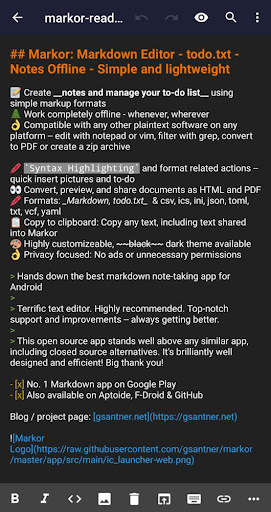
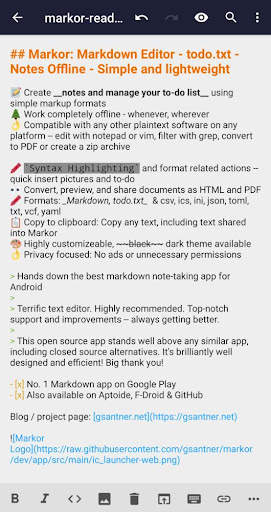
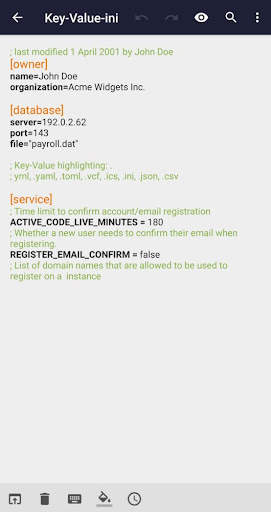
🖍 Syntax Highlighting and format related actions -- quick insert pictures and to-do
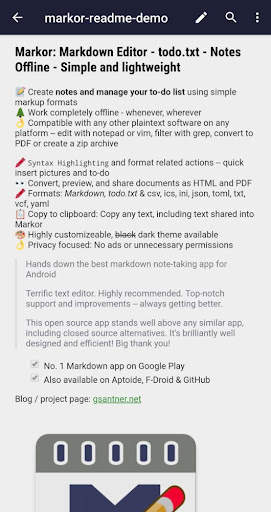
👀 Convert, preview, and share documents as HTML and PDF
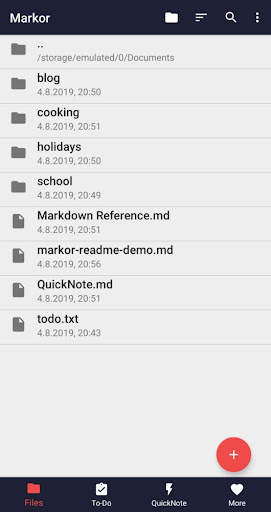
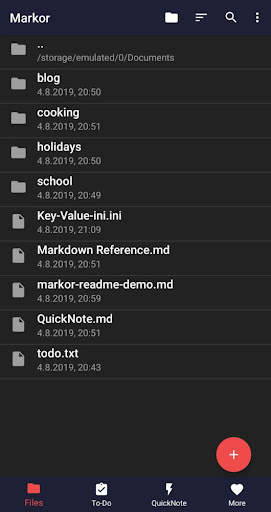
📚 Notebook: Store all documents on a common filesystem folder
📓 QuickNote: Fast accessible for keeping notes
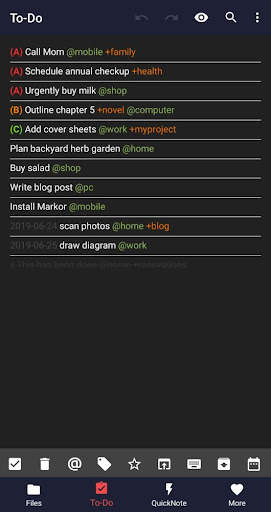
☑️ To-Do: Write down your to-do
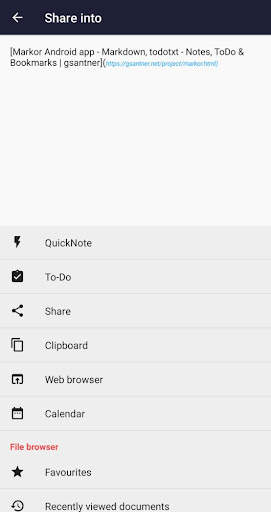
🔖 LinkBox: Share pages to read later into bookmark list
🖍 Markup formats: Markdown and todo.txt
📋 Copy to clipboard: Copy any text, including text shared into Markor
💡 Notebook is the root folder of documents and can be changed to any location on filesystem. LinkBox, QuickNote and ToDo are textfiles
🎨 Highly customizeable, dark theme available
💾 Auto-Save with options for undo/redo
👌 No ads or unnecessary permissions
🌎 Language selection -- use other language than on the system
💡 Unlike other office suites or to-do apps, Markor has one streamlined text editor with no other editing UI. Markor shows how powerful and expressive simple text can be. View, edit, manipulate and convert plaintext!
🔃 Markor works with sync apps, but they have to do syncing respectively. Sync clients known to work in combination include BitTorrent Sync, Dropbox, FolderSync, OwnCloud, NextCloud, Seafile, Syncthing, Syncopoli
💡 Freely text edit, Dropbox paper, Liquid text
Support the project:
Report ideas and issues
|
Join discussion on Matrix
|
Translate
|
More information about contributions
|
Android Contribution Guide