Makeblock icon

Makeblock

3.9.4 for Android
3.8 | 500,000+ Installs | Reviews

Makeblock-official

⚠️ You need 9Apps App to install .XAPK File. How to install XAPK?

Description of Makeblock

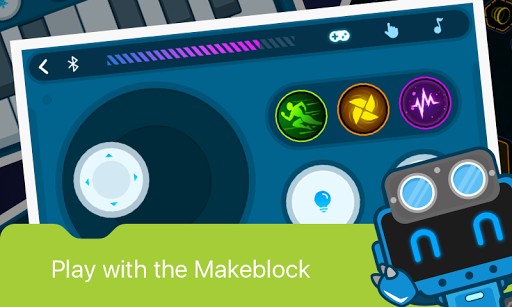
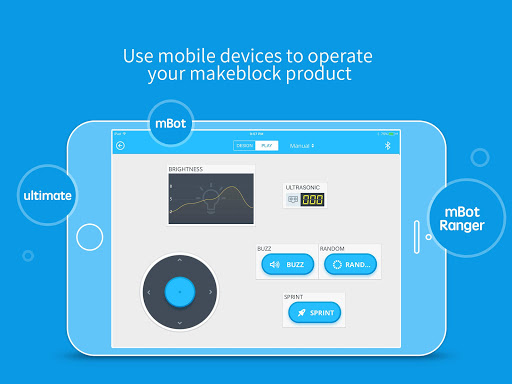
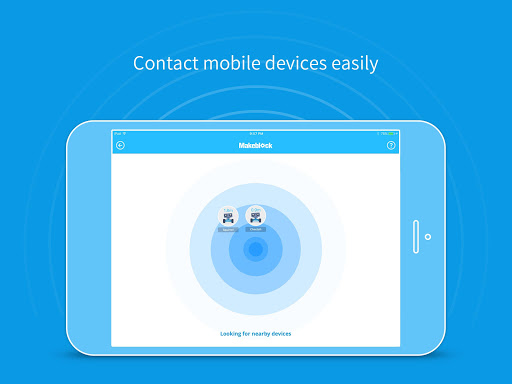
Makeblock APP is a robot control software in smart devices. Everyone can directly control Makeblock robots using official controller in the software, or creates and programs a specific controller to achieve richer robotic functionality.
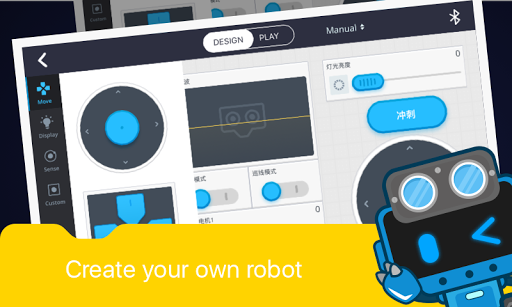
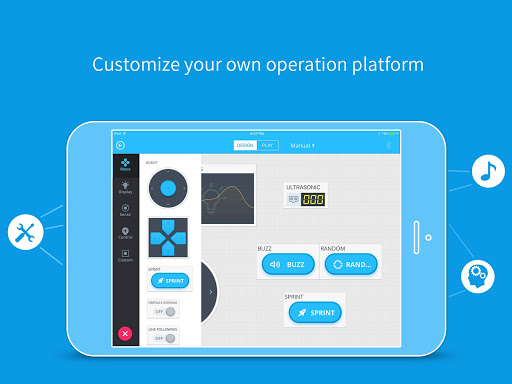
Makeblock APP gives the user a way to grow. You can use the controller function to control directly, you can also drag the control to create a different multi-function console; advanced users can even programmatically through the control to achieve more complex functions.
Features:
-Brand New UI Design, User-Friendly Interface.
-Stronger Controllability, Simpler Way to Learn STEM:STEM education becomes easy & fun as you can also master robot freely to sing, dance or light.
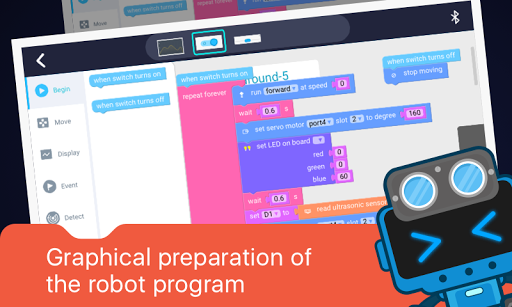
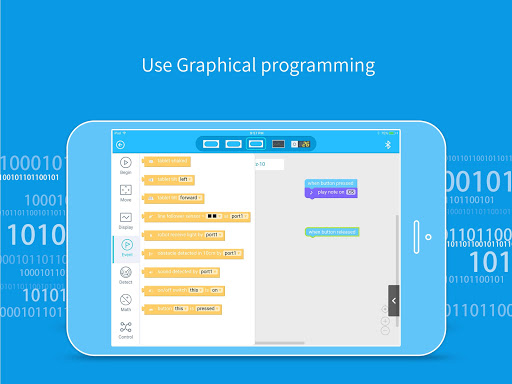
-Create Customized Robot Controller with Graphical Programming: Realize your imagination and control your robot by simply dragging, dropping and programming the command blocks.
-Supporting Makeblock Robots: mBot、mBot Ranger、Airblock、Starter、Ultimate、Ultimate2.0 .
-Multi-Language User Interface :Chinese, Traditional Chinese, English, Japanese, French, German, Spanish, Russian, Croatian, Polish, Romanian.
Support:
-You can visit the official website: www.makeblock.com for more information
-Support email: support@makeblock.cc
-Support forum: us.makeblock.com

What's New with Makeblock 3.9.4

-Bug fixs

Information

  • Category:
    Education
  • Latest Version:
    3.9.4
  • Updated:
    2023-09-13
  • File size:
    137.0MB
  • Requirements:
    Android 5.0 or later
  • Developer:
    Makeblock-official
  • ID:
    cc.makeblock.makeblock
  • Available on:
Reviews
  • avatar
    Very helpful and makes coding fun
    2020-07-29 01:07
  • avatar
    Really good app and if it was a rating of the robot i will choose 100 out of 100
    2020-07-20 02:11
  • avatar
    This is AWESOME 👏👏👏 it even looks like m.o.b.a and i like it wait no I LOVE IT :-)
    2020-03-08 02:02
  • avatar
    Great for animation not clipy but circles to move stick man are a little small
    2020-01-16 05:08
  • avatar
    When I click the Code section from my Note 8, I receive the message, "Item not found." Also, the app has the option to upgrade firmware, but when I try it, I receive the message I should use the PC version. The PC version, in contrast, works great. You will want to use a PC with built in Bluetooth or a dongle. The software is designed so that the robot must be very close to the device for pairing to ensure you don't pair with another nearby robot by accident.
    2019-12-08 07:11
  • avatar
    Why? Because it does not connect to my phone is it only for IOS??
    2019-12-07 04:58