








DOWNLOAD IS NOT SUPPORTED IN WEB STORE!
Use the latest version of 9Apps to download APK&OBB file of games in one click!
DOWNLOAD 9APPS
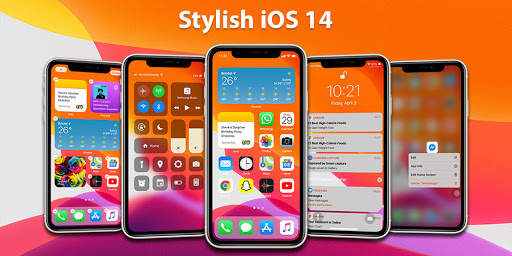
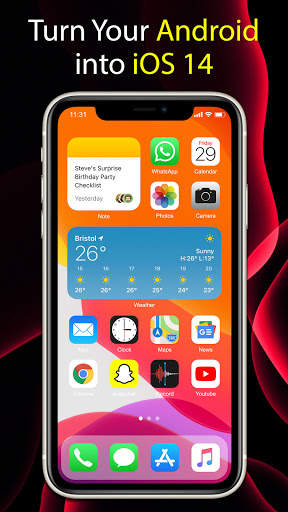
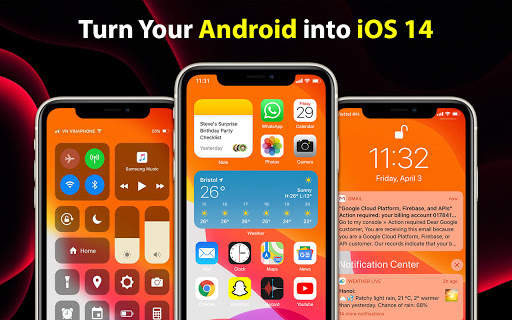
The iOS 14 Launcher is intuitive, it's simple and the design is so tasteful that it sucks you in
Who will get value from this iOS 14 Launcher?
1. All those who love iPhone, love apple but don't have money to buy it, ios14 will turn your android phone like a real iPhone.
2. Everyone who loves iOS operating system, beautiful and easy to use, wants to use the latest operating system experience iOS14
iOS 14 Launcher Feature:
* All in One - Integrate all features in one application:
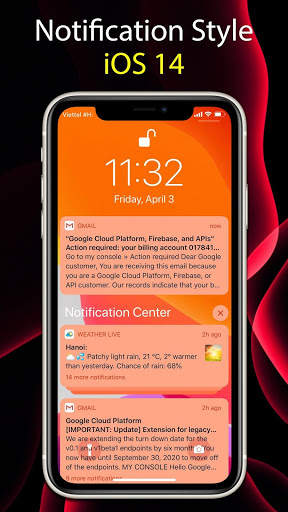
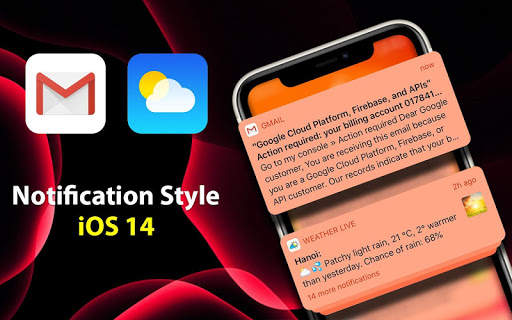
- Notification Center shows your notifications history, allowing you to scroll back and see what you've missed. There are two ways to see your alerts from the Notification Center:
* From the Lock screen, swipe up from the middle of the screen.
* From any other screen, swipe down from the center of the top of your screen.
* With Notifications in iOS14, it’s even easier to view and manage multiple notifications at once—helping you reduce interruptions throughout the day
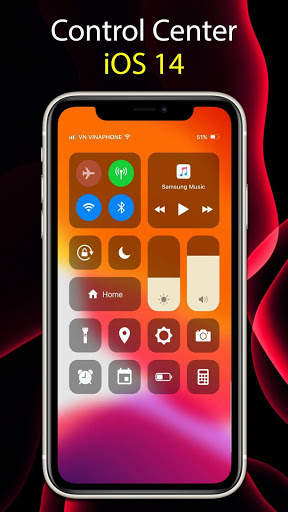
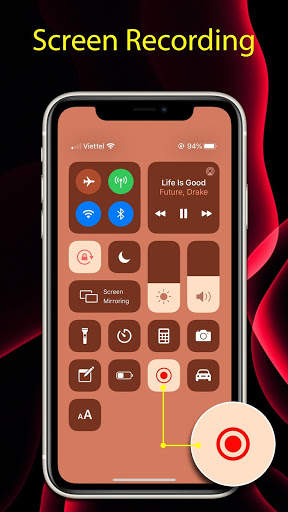
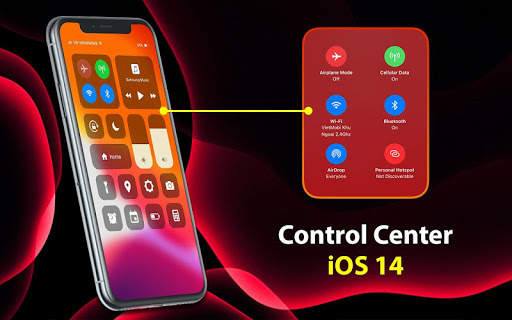
- Control Center: you can quickly take a picture, turn on lights, wifi, Airplane Mode, You can even customize Control Center so you have instant access to the things you do most.
* Open Control Center: Swipe up from the bottom edge of any screen.
* Close Control Center: Tap the top of the screen or press the Home button
* Use: Brightness: Drag the brightness control up or down to adjust the brightness of your display.
Calculator:* Use the standard calculator to quickly calculate numbers...
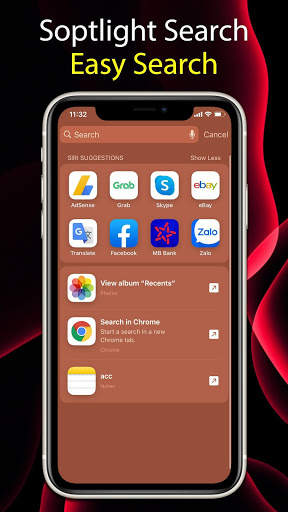
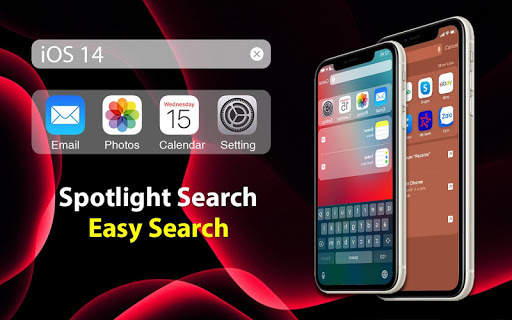
- Spotlight Search: Search helps you quickly find anything on your device and on the web:
*Swipe down from the middle of the Home screen.
*Tap the Search field, then enter what you're looking for. As you type, Search updates results in real time.
*To see more results, tap Show More or search directly in an app by tapping Search in App.
*Tap a search result to open it.
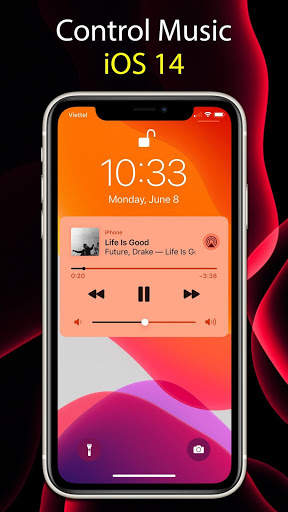
- The Lock screen: which shows the current time and date and your most recent notifications, appears when you turn on or wake iPhone. From the Lock screen, you can see notifications, open Camera and Control Center, get information from your favorite apps at a glance, and more.
USER EXPERIENCE
This example really comes down to preference, but in my opinion, iOS products offer a much more crisp and engaging user experience. iOS 14 Launcher has strict guidelines when it comes to UI/UX standards and it really sets them apart from the competition.
iOS Launcher used to bring a better user experience because it runs on a closed ecosystem This have created a smoother user experience in the past, and users could focus on actual ergonomics.
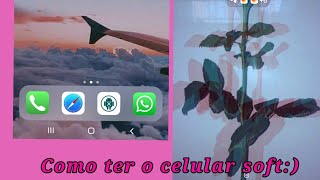


![𖦹⸃ personalizando meu celular [Launcher iOS14] ୧ screenshot 4](https://i.ytimg.com/vi/dUzQZFLKdfU/mqdefault.jpg)

Big Update Animations:
- Fix Bugs & Optimize
- Update new permisstion storage
- Add toturial setting launcher
- Animations when swiping control center
- Animations when swiping notification, lock screen
- Animations when returning to the Home screen
- Animations when swiping search screen
- Animations when swiping menu slide
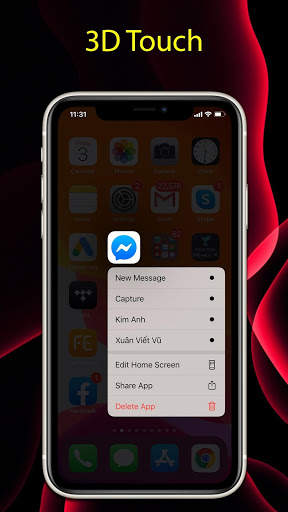
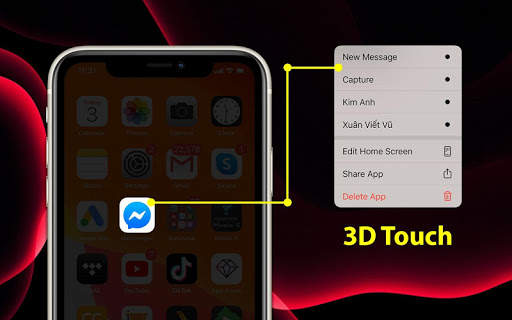
- Animations when 3D Touch is pressed
- Optimized blur more beautiful wallpapers