
DOWNLOAD IS NOT SUPPORTED IN WEB STORE!
Use the latest version of 9Apps to download APK&OBB file of games in one click!
DOWNLOAD 9APPS

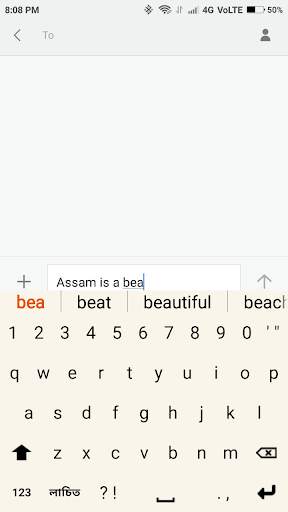
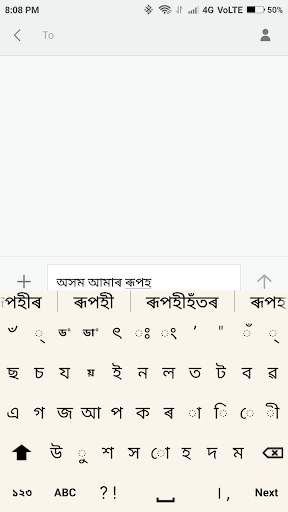
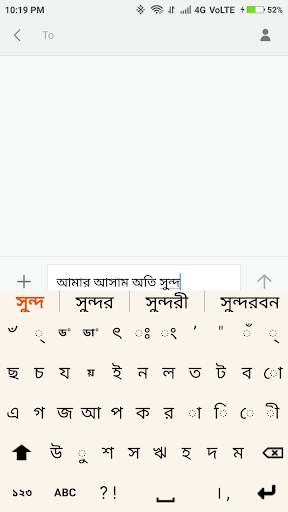
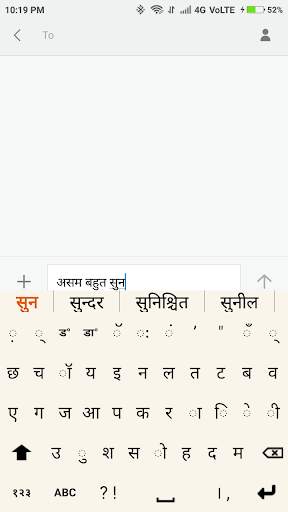
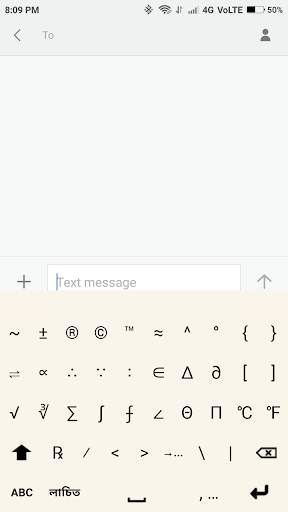
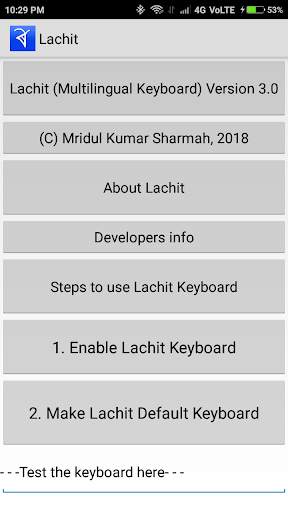
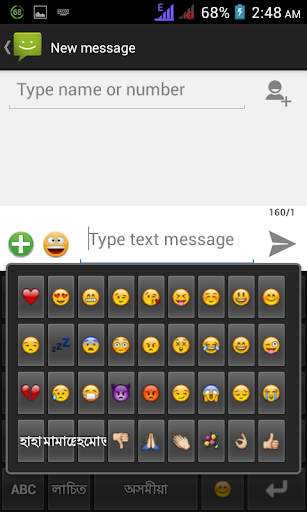
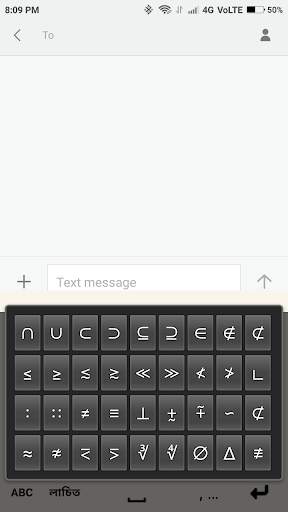
With this keyboard a user can switch between the QWERTY and the Indian keyboards without any effort. The layouts are so designed that users can find the most frequently used characters in one place. The preview of shift keys helps to easily find out the letters.
Few salient features of this keyboard are-
a) Easy switching of languages, b)Auto suggestion of words in English, Assamese, Bangla and Hindi languages , c) Automatic saving of words which are not in dictionary, d) Commonly used punctuation marks are in the main keyboards, e) Double tapping of the spacebar inserts a period and a space in both the languages., f)Efficient single handed typing , g) A collection of most commonly used emojis, h)Works in almost all versions of Android etc.
To activate the keyboard after installation, please follow the below mentioned steps:
1. Open the app.
2. Click on Enable Lachit Keyboard.
3. Select Lachit or Lachit Bangla or Lachit Hindi as per requirement.
4. Come back the previous screen.
5. Click on Make Lachit Default Keyboard.
6. Start typing.
Dash included (press and hold hyphen), Keypad background color made lighter.