








DOWNLOAD IS NOT SUPPORTED IN WEB STORE!
Use the latest version of 9Apps to download APK&OBB file of games in one click!
DOWNLOAD 9APPS
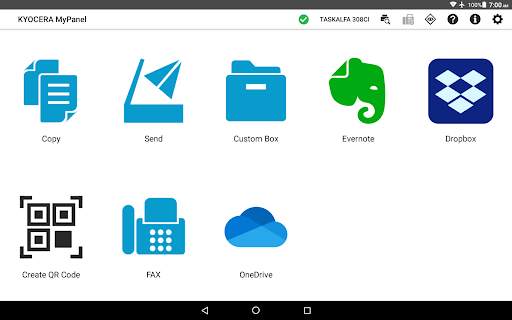
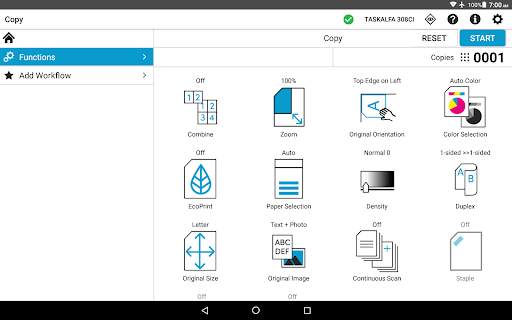
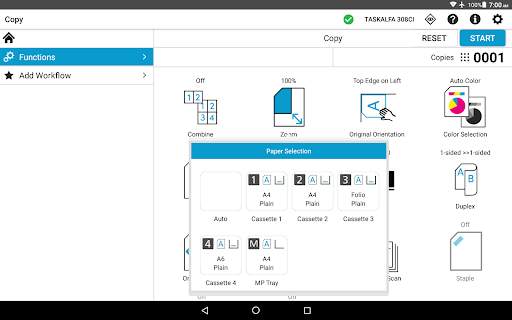
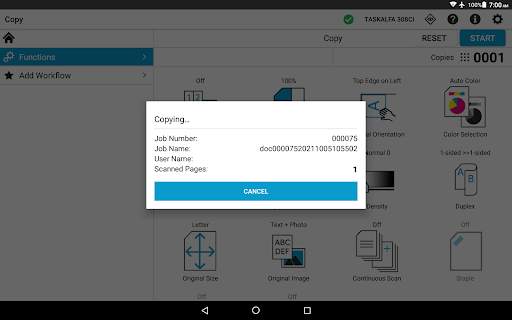
With the KYOCERA MyPanel app, you can use your Android device to access print and imaging features for supported KYOCERA printing devices and MFPs. When connected, you can do the following:
• Copy a document placed in the document feeder or on the platen of the printing device
• Scan and send a document to an email address, shared folder, or other designated location, such as Dropbox, Evernote, or OneDrive
• Scan and fax a document to a fax number and a sub address box
• Store, send, and print files stored in a custom box on the printing device
• Save your Copy, Send, or Print Box settings as a workflow for future use
• Preview and print files stored in Evernote or Dropbox
• Select staple and punch positions for some new models
• Generate and print a QR code for connecting to your supported devices
• Set authentication features for managed devices
• Enable fax notifications
• Enable the use of the TalkBack feature
• Delete favorite devices and recently used devices
• View frequently asked questions from the app’s Product Support button
• Use Browse Folder Path button to find a shared folder
• Retrieve a shared folder from the device address book
The app can be installed on tablets and phones running Android version 6.0 or later.
To view a list of supported KYOCERA models, follow the link below:
http://www.kyoceradocumentsolutions.com/support/mypanel/index.html#modellist
Use KYOCERA MFPs via your mobile device


