










DOWNLOAD IS NOT SUPPORTED IN WEB STORE!
Use the latest version of 9Apps to download APK&OBB file of games in one click!
DOWNLOAD 9APPS
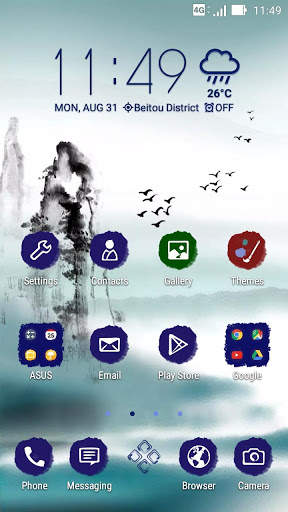
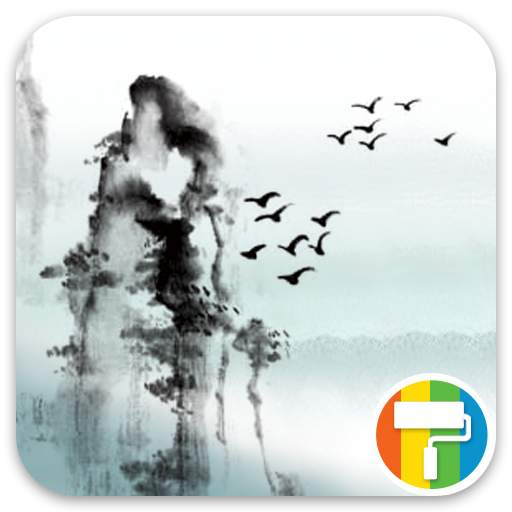
Call out your inner artist with this simple Ink theme.
If you love a minimalist yet stylish theme, apply the Ink theme on your device and transform your apps into memorable ink blots.
If you like this theme, you can also browse and download other available
ASUS Themes on Google Play.
Special feature:
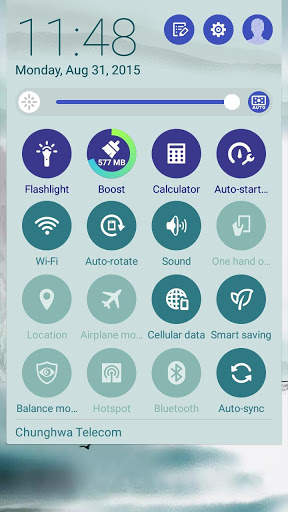
ZenFone 2 models can enjoy a theme-inspired skin on their Quick settings panel and Lock screen.
How to apply
1. Launch Themes then locate
Ink.
2. Tap
Free > Install.
3. Go back to
Themes
, locate
Ink
, then tap
Apply.
Tip
To change the wallpaper and keep the Ink icon pack: Open ASUS Launcher on your device, tap
Wallpapers
, then choose where you’d like to apply the new wallpaper.
Want to get featured?
Send us a link to your online portfolio, or drop us an email attaching your best design image files, so we can review your creations and feature you on our upcoming ASUS Theme packs.
Submissions can be sent via https://designer.zenui.com/and we’ll try to get back to you as soon as we can.
Thank you and hope to hear from you soon!