








DOWNLOAD IS NOT SUPPORTED IN WEB STORE!
Use the latest version of 9Apps to download APK&OBB file of games in one click!
DOWNLOAD 9APPS

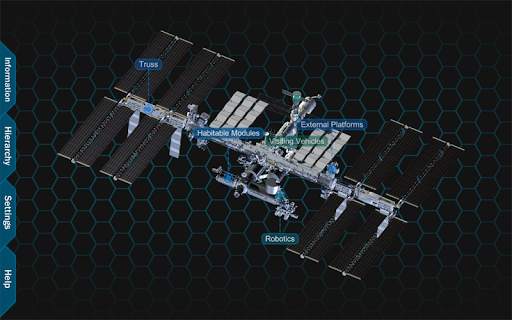
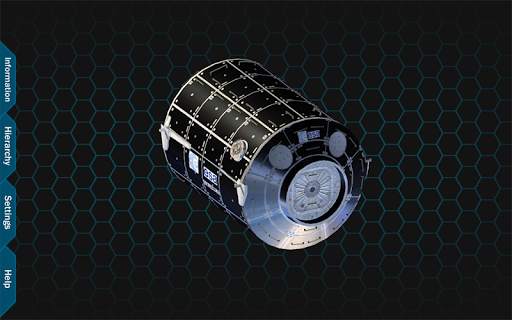
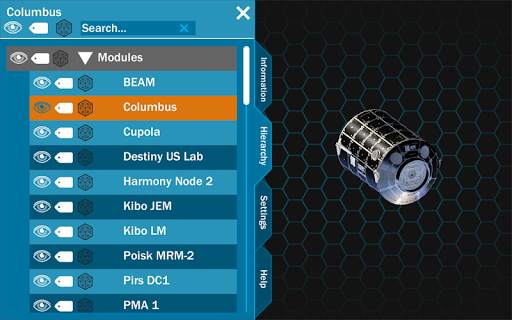
The ISS explorer is an interactive tool for exploring the parts and pieces of the International Space Station (ISS). The application allows the user to view a 3D model of the ISS, rotate it, zoom into it, and select different parts and pieces.
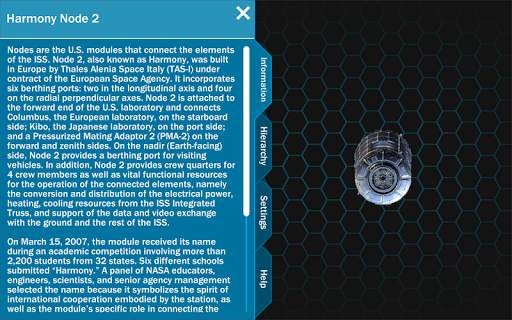
When the application starts, you can see a view of the entire ISS with category labels. Tabs are available on the left hand side of the screen which allow you access to information, the hierarchy, settings and application information. From this point, you can zoom into the station, revealing more labels of visible parts. The station can also be rotated to view from different angles. If a part is selected, the part is isolated so that you can focus on the specific piece. The information tab shows information about the currently isolated part.
Inside the hierarchy tab, you can turn parts on or off, turn labels for parts on or off, turn parts transparent, or select a part to focus on. The parts are organized in a hierarchy to allow for systems to be described and displayed. This includes things such as truss, modules, and external platforms.
The Information tab shows information about the current isolated part, system, or the full ISS if the entire station is shown.


• Added iROSA
• Added MLM
• Added Bishop


