









DOWNLOAD IS NOT SUPPORTED IN WEB STORE!
Use the latest version of 9Apps to download APK&OBB file of games in one click!
DOWNLOAD 9APPS
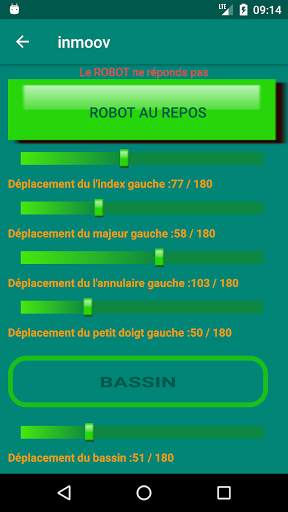
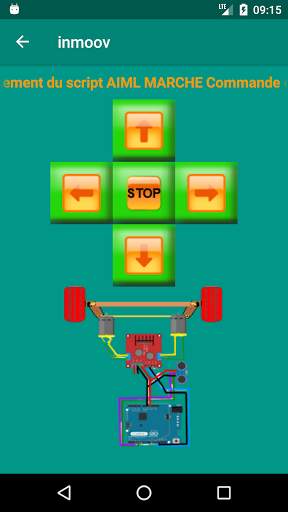
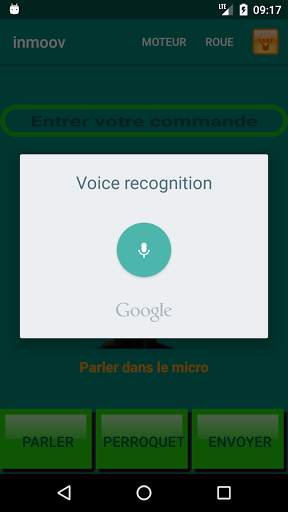
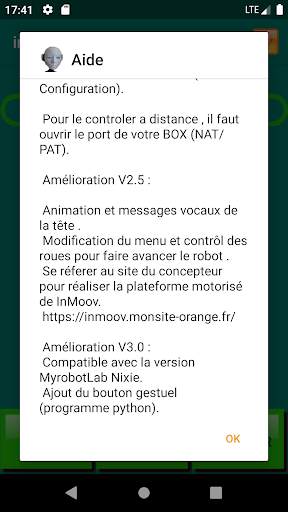
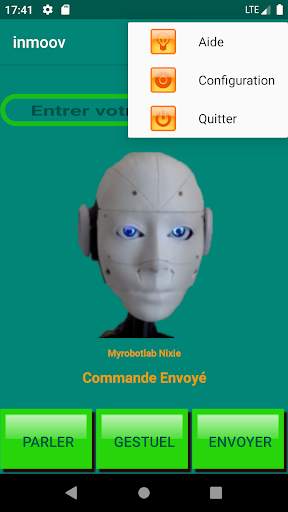
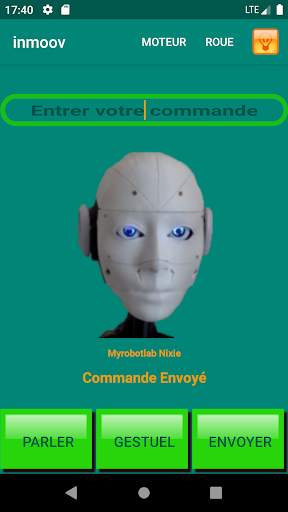
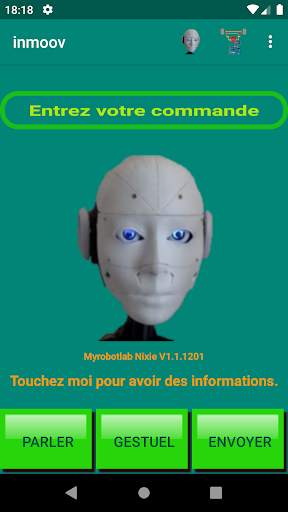
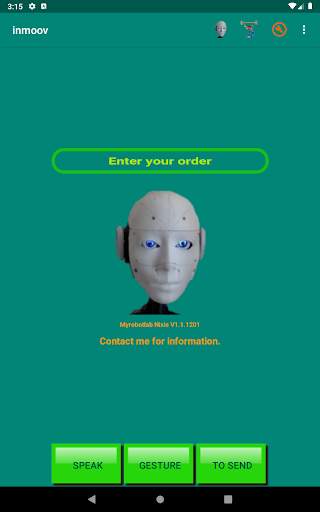
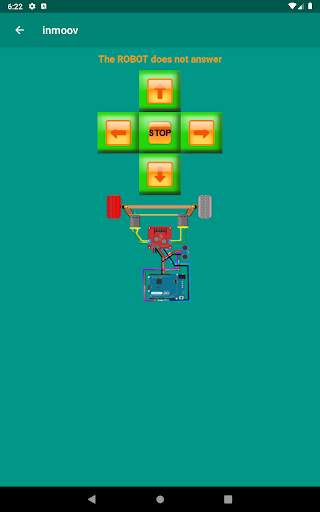
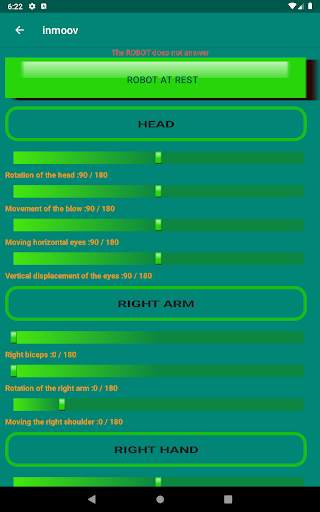
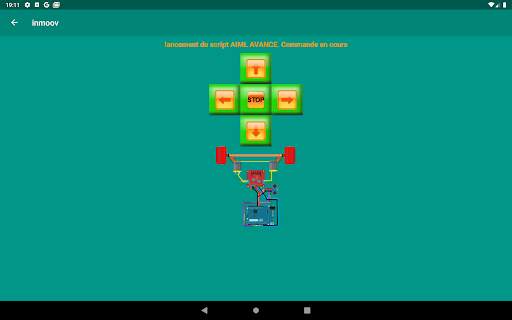
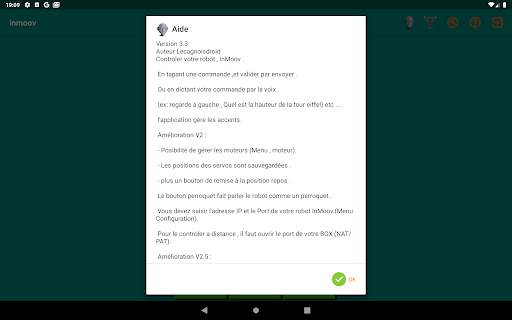
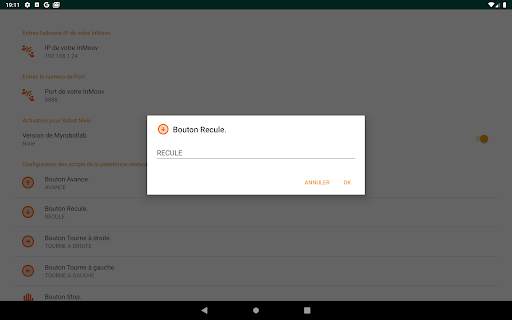
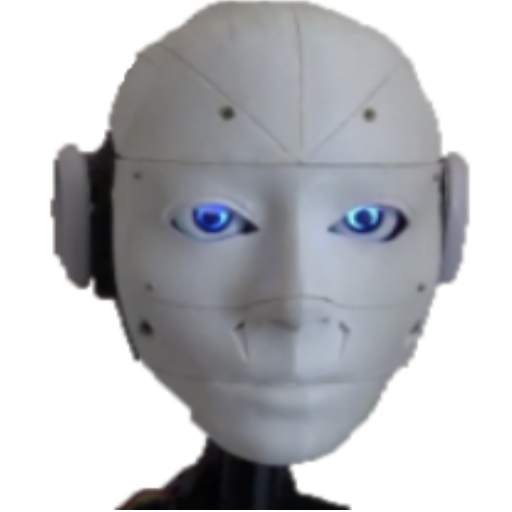
The application allows you to control your InMoov robot via your Android phone.
(see InMoov project by Gael Langevin http://inmoov.fr/)
You can give orders to your robot in two ways:
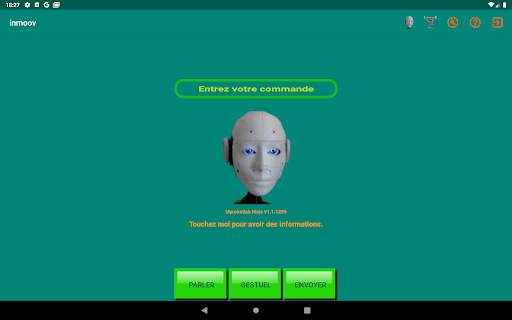
- By typing the commands on the keyboard and validate with the send key
- Or by voice by tapping the Talk key.
The syntax of the commands must respect the commands of the InMoov robots.
The robot must be configured in ChatBOT mode.
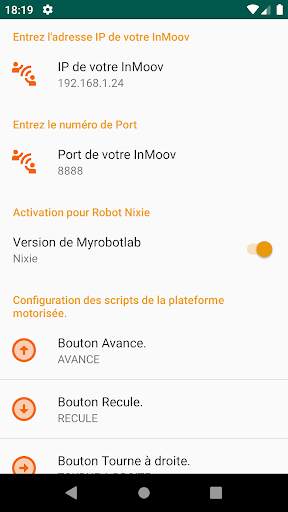
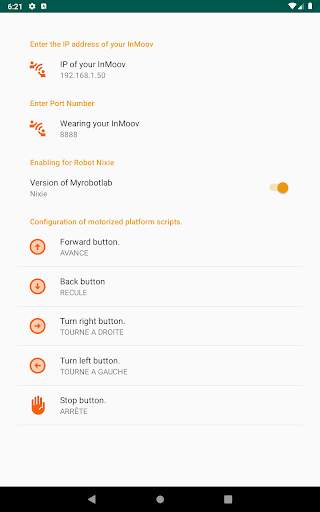
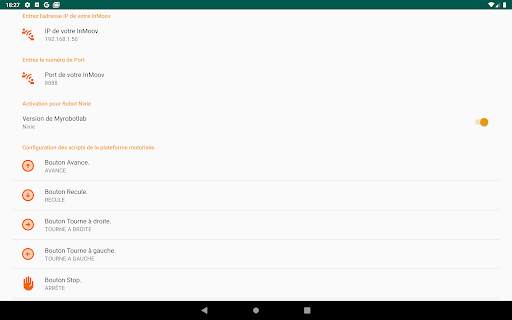
You must set the IP address of your robot and its communication port.
By default 8888.
(Under Windows type ipconfig to know the ip address)
And put your phone in Wifi on your Box (your LAN)
You can use the application remotely, it will open the port and the IP address in your Box (See the NAT / PAT).
All voice commands work, you can of course use your own python and aiml scripts to control your robot.
V3.0 improvement:
Compatible with MyrobotLab Nixie version.
Added gesture button (python program).
V33 Changes compatible Nixie 1.1.1299 and above.


