DOWNLOAD IS NOT SUPPORTED IN WEB STORE!
Use the latest version of 9Apps to download APK&OBB file of games in one click!
DOWNLOAD 9APPS



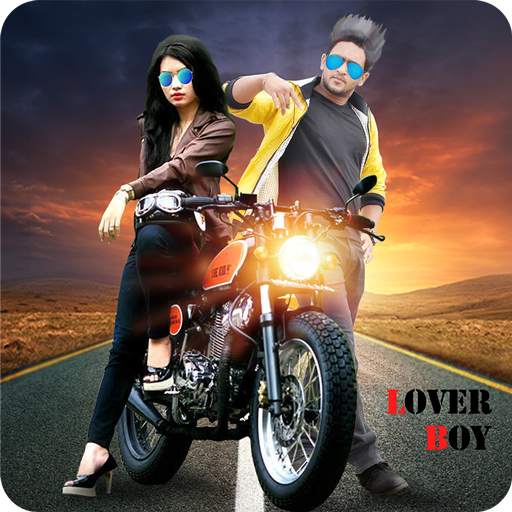
> You are looking for the best photo background editor for your girlfriend. So, try this new girlfriend photo editor app and get best photo collection and you can impress your girlfriend.
> Girlfriend photo editor app provides background for world's best natural photos and famous places. You can try this best editor, best photo background, different emoji faces, beautiful text editor in different bubbles etc.
> Following steps for changing the girlfriend's photo background changer:
1. Select your photo from the camera or gallery for background change. You can choose multiple photo for editing.
2. Cut your photo using eraser. If you wish to be smaller or larger eraser size accordingly.
3. If you want to take many photos in one photo and erase their background then you can use it.
4. Cursor changed for cutting the image, it must be nearer or far away from the image.
5. After cutting the image, choose your background for your photo.
6. Different effects of the photo applied on image.
7. You have three options for different effects on image, opacity, brightness and contrast for photo background change.
8. Set your image properly on different background.
9. Set different emoji upon beautiful photo editor.
10. You can set text with beautiful bubbles also.
11. At last save your image and share with your friends and family.
> Girlfriend photo editor app completely free to download.