










DOWNLOAD IS NOT SUPPORTED IN WEB STORE!
Use the latest version of 9Apps to download APK&OBB file of games in one click!
DOWNLOAD 9APPS
Simplified HR solution through mobile.
Below are the steps which you can use to make use of Excelity ESS Mobile App :-
Step1 - Please create User ID and password via Mobile Registration page. “Mobile Registration” link is available on the ESS Portal. Existing ESS portal pin cannot be used as mobile user id, mobile registration is must.
Step2 - Once registration done successfully same ID can be used to login in Mobile App.
Special Notes:-
If “Mobile Registration” menu not enabled on your portal then please check with your HR/Payroll Admin because to release the mobile app to respective client it goes through approval process and there may be chances the moment you are trying to access you might not be having menu enabled by your Admin at particular given time.
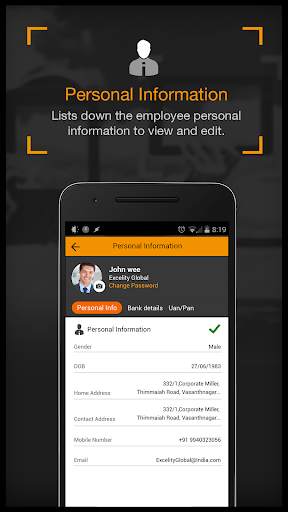
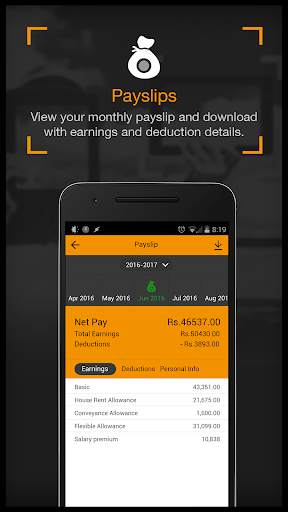
If you are able to Login but not able to see any Menu like Payroll, Personal information, etc., then please check with your HR/Payroll admin to get in touch with Excelity Payroll contact to give access permission for the menu as well which they can access through Mobile app.
Please note that web login and Mobile login are two different set of credential so if you will try to login in Mobile app with your ESS web app credential(Pin and Password) it won’t be working for mobile that means to make use of mobile app you will have to create another UserID(i.e MobileId) using Mobile registration page.