








DOWNLOAD IS NOT SUPPORTED IN WEB STORE!
Use the latest version of 9Apps to download APK&OBB file of games in one click!
DOWNLOAD 9APPS
Direct Print - Print safe, easy and simple on the printer connected to your PC.
Note: Require the Prinsify Print Server to be installed on the computer!
https://prinsify.pp.ua
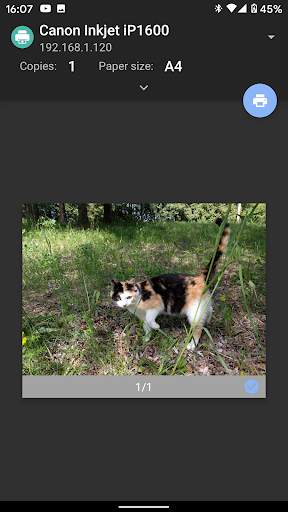
The Direct Print Service lets you print securely from any application on your mobile device that supports native Android printing.
How to print
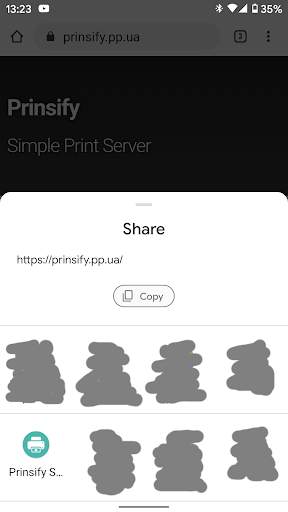
For printing images, web pages, and text just use Share to Direct Print service!
Print from apps:
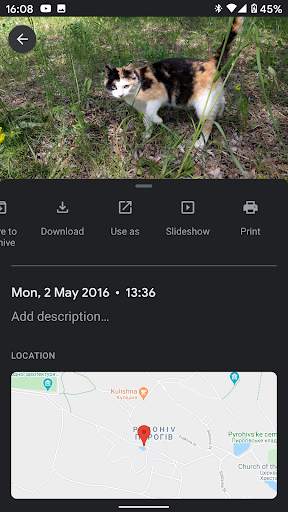
How to print depends on the app you're printing from. Often, you can tap Menu or More, and then tap Print. Not all apps work with printing. In apps that can't print, you can take a photo of the app's screen and then print the photo
With Direct Print Service for Android you can:
- Direct Print from any compatible Android device to any connected to computer printer
- Find and register new printers on the local network
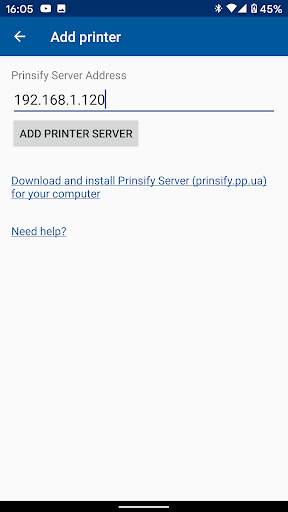
- Manual add printer servers with public address over the Internet
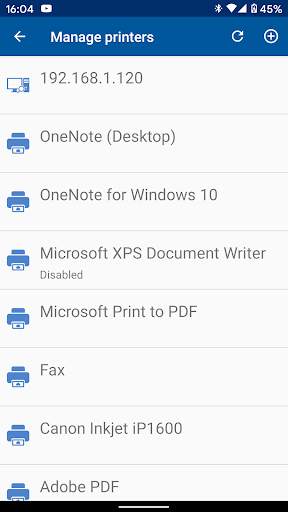
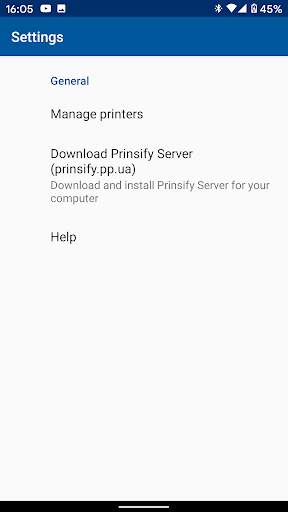
- Manage printers and servers
- Windows print server support
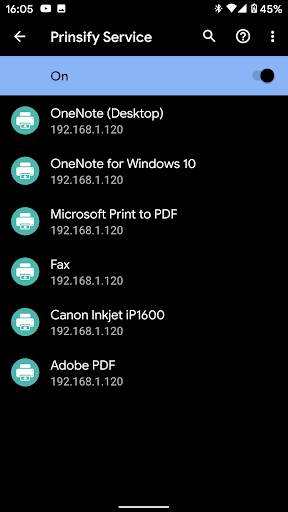
This app just provides a Print Service to Android. This means that once it's installed, you have to enable it from your 'Print' section of the settings app of you device. Once the service is enabled, the printer servers are automatically discovered. You can print anything you want from any app, as long as the print service is enabled.
Printing to ANY printers has never been easier.